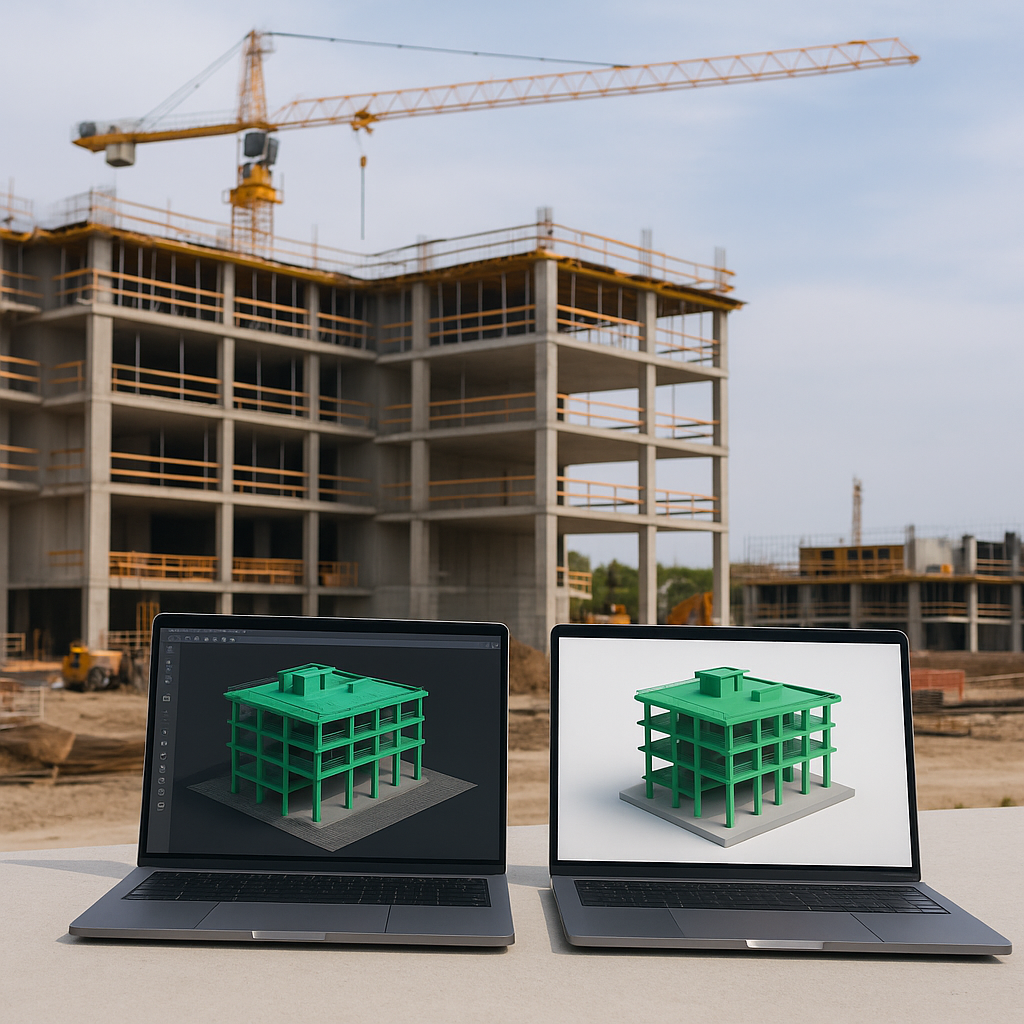
Why Contractors Should Care About NVIDIA AI Blueprints
3D object modeling is a pain for contractors. Let’s be honest—manually creating accurate 3D models for equipment, layouts, or site plans eats up time and blows up budgets. Worse, errors sneak in. A missing object in your model can snowball into costly rework on-site. That’s where NVIDIA’s AI Blueprint technology comes in. It’s not just hype. It’s a practical tool that can save contractors hours while improving precision.
The Problem with Traditional 3D Modeling
Think about your current process. Maybe you’re using SketchUp, AutoCAD, or another design tool. To create a 3D model, you start with a blank slate. Add one object at a time—walls, pipes, HVAC ducts, equipment. Each piece requires manual input. And if you’re outsourcing, the back-and-forth on revisions can take weeks.
Examples of Traditional Modeling Pain Points
-
Time-Consuming Workflows:
- A single 3D model for a mid-sized project could take 40-60 hours of dedicated work, assuming no changes are required. For large-scale projects, this timeline expands exponentially.
-
Human Error in Design:
- Missed objects in the design phase often lead to costly on-site rework. For example, a contractor who forgets to model a key HVAC duct may later find themselves incurring a $10,000 change order to accommodate it.
-
Communication Breakdowns:
- Outsourcing designs or collaborating with architects often leads to misaligned expectations. A report by Autodesk in 2021 found that 30% of construction project costs come from rework driven by poor communication.
The Financial Impact
Here’s the kicker: if your 3D model doesn’t align with your project’s Bill of Quantities (BOQ), you’re blind to potential cost overruns. A 2022 McKinsey report found that 35% of construction project delays stem from design errors or scope mismatches. That’s time you can’t bill for.
How NVIDIA AI Blueprints Work
NVIDIA’s AI Blueprint tech flips the script. Instead of manually drawing objects, you feed the AI parameters—dimensions, material specs, or even a rough sketch. The AI generates 3D objects automatically. Need a 10x10 meter concrete slab with embedded rebar? Done in seconds.
Key Features of NVIDIA AI Blueprints:
-
Parameter-Based Modeling: Input parameters like dimensions, materials, or layouts, and the AI generates objects automatically.
-
Integration with Existing Tools: NVIDIA AI Blueprints integrate seamlessly with design software like AutoCAD, Revit, and Rhino, meaning you don’t need to overhaul your existing tech stack.
-
Dynamic Updates: As project variables change, the AI can automatically adjust 3D models to reflect updated BOQs, materials, or site conditions.
Case Study: AI in Action
According to EstimateNext, pairing AI with tools like takeoff software eliminates hours of tedious work. Imagine syncing your BOQ with your 3D model in real time. Spot gaps before they cost you.
For example, a contractor working on a $5 million commercial office building used NVIDIA’s AI to model 3D layouts for HVAC systems. Instead of taking two weeks, the modeling process was completed in 48 hours. The AI also flagged a discrepancy between the original BOQ and the proposed design, saving the firm $15,000 in rework costs.
Real-World Example: Equipment Utilization
Let’s tie this to something practical—equipment management. JobNext, a SaaS ERP platform, tracks equipment lifecycle from procurement to disposal. But here’s the challenge: visualizing utilization.
The Problem
Say you’ve got a fleet of excavators. You know their usage rates, but how do you plan site layouts to maximize efficiency?
The AI Solution
NVIDIA’s AI can generate a 3D site plan, placing equipment based on optimal spacing and accessibility. For example:
- Scenario A: Without AI, equipment placement is based on gut instinct, leading to inefficiencies like long travel distances for machinery.
- Scenario B: With AI, the system analyzes site dimensions, soil conditions, and project timelines to recommend the most efficient layout.
Integration with JobNext
JobNext ties this back to your project budget, so you’re not overspending on underutilized machinery. In one case, a contractor reduced idle equipment time by 25% after implementing AI-powered layout planning.
The ROI Is Clear
Contractors who adopt AI-driven modeling tools are seeing real returns. According to NVIDIA’s own case studies, time spent on 3D modeling drops by 60-80%. For a mid-size contractor handling 10 concurrent projects, that’s weeks saved annually.
Quantifying the Savings:
| Metric | Traditional Modeling | AI-Driven Modeling |
|---|---|---|
| Time to Model (Avg.) | 40-60 hours | 10-12 hours |
| Error Rate | 10-15% | 2-3% |
| Cost of Rework/Project | $5,000-$20,000 | <$2,000 |
But it’s not just time. Precision matters. When your 3D models align with your BOQ, errors shrink. That’s fewer disputes with clients and fewer surprises on-site.
Where JobNext Fits In
Here’s the bottom line: NVIDIA’s AI tech is great, but it’s not a standalone solution. You need a platform to connect the dots between design, procurement, and execution. That’s where JobNext shines. It’s built to integrate AI insights into your workflows. From syncing BOQs to tracking equipment utilization, it ensures that your AI tools don’t operate in a vacuum.
How JobNext Enhances AI Tools:
- Sync BOQs with 3D models in real-time.
- Automate reporting for budget tracking.
- Visualize project progress using AI-generated layouts.
Frequently Asked Questions
Q: Can NVIDIA AI Blueprints work with existing design tools?
A: Yes, NVIDIA’s AI integrates with tools like AutoCAD, Revit, and SketchUp. This allows contractors to streamline workflows without replacing their existing software.
Q: How does JobNext connect to NVIDIA’s AI?
A: JobNext syncs with your BOQ and project data, ensuring that AI-generated models align with budgets and resource plans.
Q: What industries benefit most from this tech?
A: While it’s useful for all contractors, trades like MEP, HVAC, and general contracting see the biggest gains due to the complexity of their designs.
Q: Is this tech expensive to adopt?
A: While there’s an upfront cost, the savings in time and error reduction typically outweigh the investment. Many contractors report ROI within the first six months of adoption.
Q: What’s the main limitation of AI-generated 3D modeling?
A: AI struggles with undefined scopes or highly custom designs. For these, manual adjustments are still required. However, the AI can significantly reduce the workload.
Call to Action
If you’re ready to stop wasting time on outdated 3D modeling workflows, JobNext can help. Get started free →
Learn more at EstimateNext


