Why Your Quantity Takeoff Workflow Feels Broken
If you're anything like most contractors, your takeoff process probably involves a mix of Excel sheets, handwritten notes, and CAD drawings. Maybe you even have a PDF template you created years ago. But here’s the hard truth: these fragmented workflows aren’t just inconvenient—they’re costing you money.
How? Errors in quantity estimation lead to overbuying, underbuying, or missing critical items entirely. According to a 2023 McKinsey report, up to 30% of construction projects run over budget due to poor cost estimation and planning. When margins are razor-thin, even a small mistake can eat into your profits.
What Changed My Mind About Takeoff PDFs
I used to believe that a PDF takeoff template was enough to streamline workflows. You know the drill: neatly organized columns for items, quantities, rates, and totals. But then I saw a real project struggle due to inaccurate estimates. The team had a decent PDF takeoff prepared, but their manual updates couldn’t keep up with on-site changes. By the time the RA bills rolled in, they had over-purchased materials and under-quoted labor costs, leading to significant financial strain.
That was the moment I realized: a static PDF isn’t enough. What you need is a dynamic system that integrates takeoffs into your broader project workflows. This isn’t theory—it’s practicality.
The Anatomy of an Effective Takeoff Workflow PDF
Here’s what your takeoff PDF should look like:
1. Clear BOQ Hierarchy
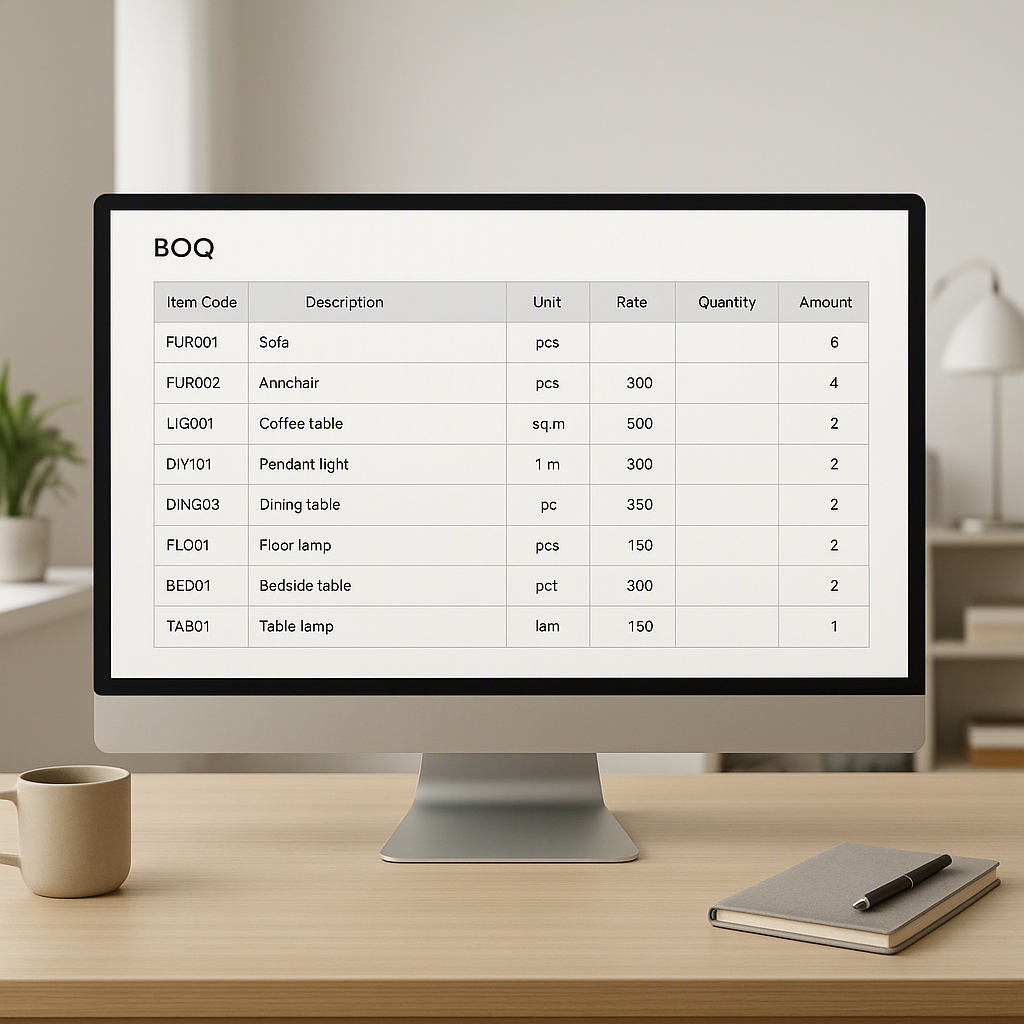
Every item needs to be tied to a BOQ line. This ensures that your quantity estimates map directly to the project scope. For example, when dealing with HVAC ductwork, your takeoff should align with the BOQ’s material list, labor requirements, and subcontractor costs.
2. Live Integration with Estimation Tools
Static PDFs are a trap. Instead, use tools like JobNext’s Estimate module, which allows you to pull quantities directly from your digital BOQ and update them in real-time. According to JobNext documentation, their Estimate-based Quote workflow lets you create non-budget estimates tied to specific BOQ lines, ensuring accuracy without affecting project budgets.
3. Approval Workflow Built-In
A takeoff PDF isn’t useful if it gets stuck in an approval bottleneck. Add a status column for each item: Draft, Reviewed, Approved. Better yet, integrate your PDF into a system with multi-level approvals. JobNext’s document lifecycle feature ensures that estimates are reviewed and approved before they’re marked ready for quoting.
4. Error Validation Checks
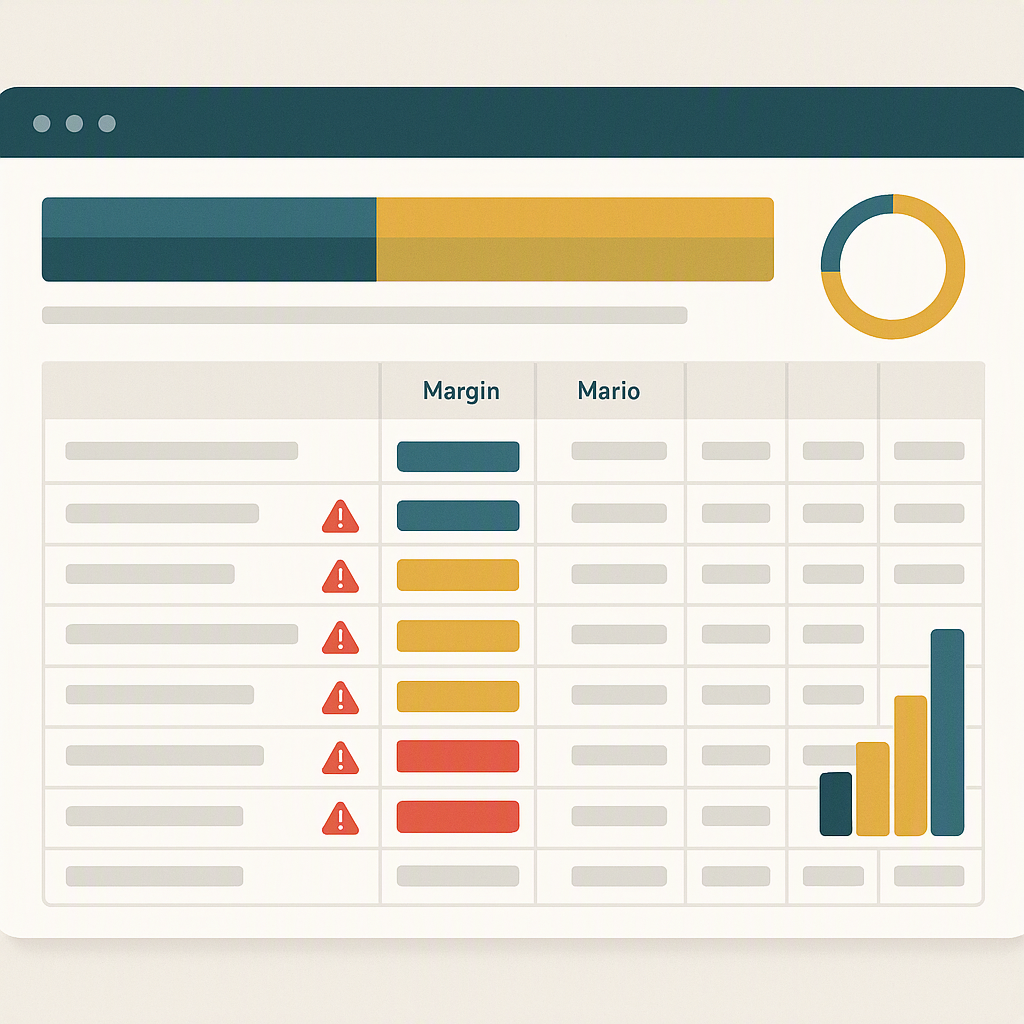
Manual errors are common, especially in complex projects. Your PDF should highlight discrepancies—like mismatched units or quantities that exceed BOQ allowances. JobNext’s Estimate module flags validation errors before they derail your workflow, saving you hours of rework.
5. Markup Transparency
Clients don’t just want a total—they want to see how you got there. Include columns for base costs, markup percentages, and taxes. This builds trust and avoids disputes during billing.
Building Your Own Takeoff PDF: Step-by-Step
Step 1: Organize Your BOQ
Start by listing all BOQ items in a structured hierarchy: main scope, sub-scope, and item level. For example:
| Scope | Sub-Scope | Item | Quantity | Unit | Rate | Total |
|---|---|---|---|---|---|---|
| HVAC Systems | Ductwork | Galvanized Steel | 500 | sqm | ₹450 | ₹225,000 |
| HVAC Systems | Ductwork | Fasteners | 2000 | pcs | ₹10 | ₹20,000 |
Step 2: Calculate Quantities
Use a digital tool to measure quantities directly from CAD drawings or site surveys. If you’re using JobNext, you can pull these measurements into your estimate automatically. Their CRM module simplifies this process by integrating takeoffs with site survey data.
Step 3: Input Rates and Markups
Rates should come from your centrally managed rate schedules. Add markup percentages transparently and include applicable taxes. For example:
| Item | Base Cost | Markup (10%) | Tax (18%) | Final Cost |
|---|---|---|---|---|
| Galvanized Steel | ₹225,000 | ₹22,500 | ₹44,100 | ₹291,600 |
| Fasteners | ₹20,000 | ₹2,000 | ₹3,600 | ₹25,600 |
Step 4: Review and Approve
Save your PDF and share it with relevant stakeholders for approval. If you’re using a tool like JobNext, approvals are tracked within the platform to avoid email chains.
Step 5: Export and Share
Once approved, export the PDF and share it with your procurement and execution teams. Ensure everyone understands how quantities align with the BOQ.
Call to Action
If you're tired of juggling fragmented takeoff workflows, tools like JobNext can help. Their Estimate module integrates BOQ data, quantity validation, and approvals into a single workflow. Learn more here →
Learn more at EstimateNext