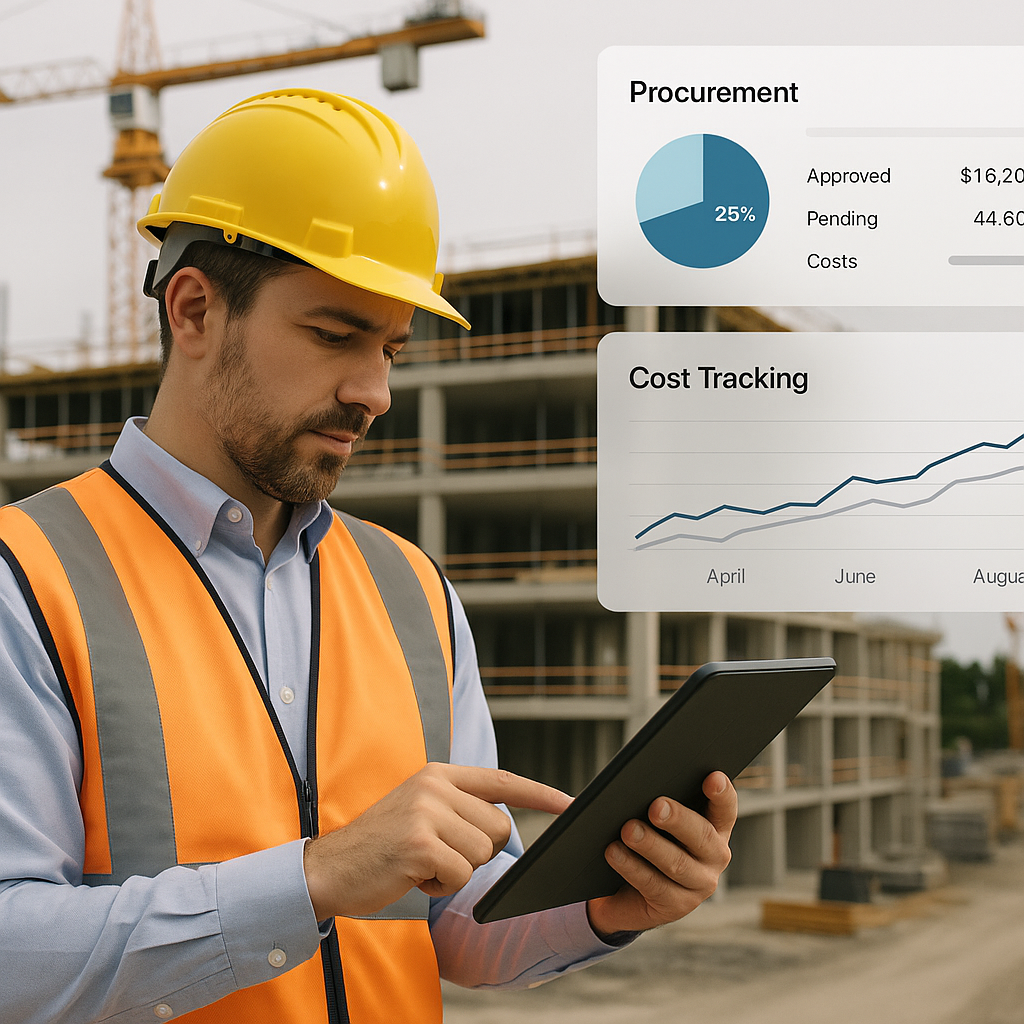
Free AI Blueprint Tools: Useful, But Not Enough
Free AI blueprint generators seem to be everywhere these days. They promise quick floorplans, easy conversions from images to blueprints, and even some basic automation of architectural designs. Sounds like a no-brainer for contractors, right? But here’s the catch: floorplans only scratch the surface of what’s needed to run a profitable construction project. They don’t address the deeper, more critical challenges you face.
Why? Because the biggest headaches—and the hidden costs that kill your margins—don’t come from creating blueprints. They come from poor cost tracking, disconnected systems, and chaotic workflows during project execution. If you’re relying on free tools for project planning, you’re solving the wrong problems.
Let’s break this down.
Where Costs Really Go Off Track
To understand why relying on free AI blueprint tools is risky, let’s look at where construction projects typically lose money. According to a 2023 McKinsey report, up to 30% of construction budgets are wasted due to inefficiencies in procurement, billing, and resource management. That’s a staggering number, and it highlights a fundamental truth: design is just one small piece of the puzzle. The real costs start piling up when you move into execution.
Key Areas Where Margins Disappear
-
Procurement Errors
- Without structured workflows, over-ordering or under-ordering materials is common. For instance, a contractor might order extra steel to "play it safe," only to have it sit unused, eating into the budget.
- Actionable Step: Implement a centralized procurement system that ties material requests to approved budgets.
-
Billing Leakage
- Completed work often goes unbilled due to manual processes. Conversely, double-billing happens when there’s no system to track what’s already invoiced.
- Example: A subcontractor completes drywall work, but the general contractor forgets to bill the client for it—leading to profit loss.
-
Subcontractor Overruns
- Lack of measurement-based progress tracking allows subcontractors to inflate invoices. For example, if a painter claims 90% completion when they’ve only finished 70%, you’re paying prematurely.
- Actionable Step: Use a platform that connects progress tracking to billing workflows.
-
Equipment Underutilization
- Construction equipment often sits idle for up to 40% of its lifecycle, according to the American Rental Association. That’s wasted capital.
- Example: A $100,000 excavator might generate only $60,000 in revenue because it’s underutilized.
These are operational problems, not design problems. And solving them requires tools that go far beyond blueprint generation.
What Contractors Really Need
If you’re a contractor, your priority isn’t just creating blueprints—it’s executing projects on time and within budget. To do that, you need tools that connect every aspect of the project lifecycle, from design to execution.
How Unified Platforms Solve Real Problems
Platforms like JobNext are designed to address the operational inefficiencies that kill margins. Instead of stopping at blueprint generation, JobNext integrates:
- BOQs (Bill of Quantities)
- Cost Estimates
- Procurement Workflows
- Billing and Invoicing
- Equipment Tracking
This integration ensures that every dollar and every resource is accounted for.
Practical Example: Structured Procurement Workflows
Consider a specific feature: JobNext’s procurement module. Here’s how it works:
- Material Request: Field engineers submit material requests directly from the site.
- RFQ (Request for Quotes): The system automatically generates RFQs and sends them to pre-approved vendors.
- Vendor Offers: Vendors upload their offers into the platform, making it easy to compare prices.
- Purchase Order (PO): Once an offer is approved, the system generates a PO and ties it to the budget.
This structured workflow eliminates procurement errors and ensures every purchase aligns with your approved budget. Compare this to free AI tools: while they might help you visualize a floorplan, they leave you scrambling when it’s time to order materials or manage vendor contracts. The result? Lost time and destroyed margins.
Why You Can’t Afford Free Tools
Free tools may save you money upfront, but they often cost you more in the long run. Here’s why:
-
No Integrations
- Most free tools don’t integrate with your procurement, billing, or project management systems. This leads to manual data transfers, which are error-prone and time-consuming.
-
No Budget Discipline
- Free tools don’t enforce budgets. If you’re not tracking costs in real time, you’ll only realize you’ve overspent when it’s too late.
-
No Real-Time Profitability Insights
- Without a unified platform, you’re flying blind when it comes to profit tracking. By the time you identify margin erosion, you’ve already lost money.
Case Study: EstimateNext + JobNext Integration
EstimateNext is an AI-powered takeoff tool that reduces preconstruction time from 40 hours to just 10 minutes. But its real value comes when paired with JobNext. Here’s what happens:
- Step 1: EstimateNext generates a detailed BOQ.
- Step 2: The BOQ is imported into JobNext, where it’s linked to procurement and execution workflows.
- Step 3: Progress tracking, billing, and cost management happen in real time, ensuring no surprises.
Comparison Table: Free Tools vs. Unified Platforms
| Feature | Free AI Tools | Unified Platforms (e.g., JobNext) |
|---|---|---|
| Blueprint Generation | ✔️ Simple floorplans | ✔️ Advanced + linked to BOQs |
| Procurement Integration | ❌ None | ✔️ Structured workflows |
| Budget Tracking | ❌ Manual | ✔️ Real-time alerts |
| Profitability Insights | ❌ None | ✔️ Detailed tracking |
| Equipment Utilization | ❌ Not included | ✔️ Lifecycle tracking |
FAQ
Q: Are free AI tools good for small projects?
A: Yes, for small residential jobs or quick design tasks, free tools can help. But for larger, more complex projects, they fall short because they lack integration and operational features.
Q: Can free tools integrate with other systems?
A: Most free tools don’t offer integrations. This means you’ll need to manually transfer data into your procurement, billing, or project management software, increasing the risk of errors.
Q: What’s the biggest risk of using free tools?
A: The biggest risk is margin erosion. Free tools don’t enforce budget discipline or track profitability effectively, leaving you vulnerable to cost overruns.
Q: How does JobNext handle blueprint data?
A: JobNext converts blueprint data into actionable BOQs, linking them to procurement, billing, and equipment tracking workflows. This ensures a seamless transition from design to execution.
Q: Is JobNext right for my company size?
A: JobNext is ideal for contractors with 50–2,000 employees managing multiple projects. If you’re running multiple concurrent jobs and struggling with disconnected workflows, it’s worth exploring.
Final Thoughts
Free AI blueprint tools are great for quick design work, but they’re no substitute for platforms that address operational inefficiencies. If you’re tired of losing margins to invisible costs, it’s time to look beyond floorplans. Unified platforms like JobNext ensure every dollar is tracked, every resource is optimized, and every project stays on track.
Stop wasting time and money. Get started with JobNext today →
Learn more at EstimateNext


