The Brutal Truth About Rate Analysis in Civil Works
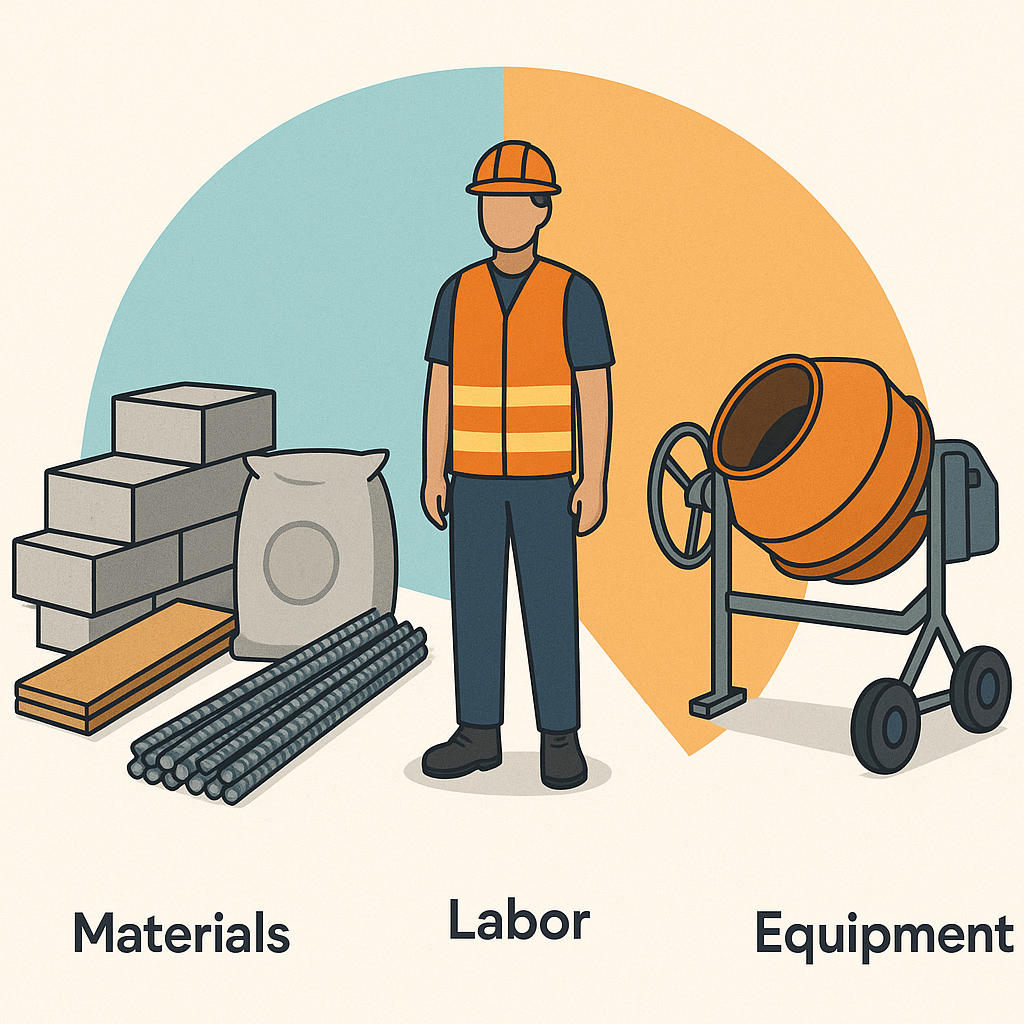
Rate analysis isn't just about plugging numbers into a spreadsheet. It's about understanding the real cost drivers — labor, materials, equipment — and how they interact. If you're guessing rates or using outdated schedules, you're already losing margins.
Why Rate Analysis Matters
Let’s start with the basics. Rate analysis breaks down the cost of performing one unit of work (say, pouring concrete for 1 cubic meter). It includes:
- Materials: Cement, sand, aggregates, etc.
- Labor: Skilled and unskilled workers.
- Plant and Equipment: Machinery and tools.
But here’s the catch: these rates aren’t static. They fluctuate based on market conditions, vendor pricing, and even your project’s location. If you’re using last year’s rates, you’re either under-pricing (hurting your margins) or over-pricing (losing bids).
Example of Material Cost Fluctuations:
In 2022, the cost of cement in India increased by nearly 10% within a single quarter due to rising fuel costs and supply chain disruptions (Source: IBEF). If your rate analysis didn’t capture this, you might have underpriced a project, cutting into profitability.
The Real Problem
Here’s what I’ve seen in my years working with contractors:
-
Outdated Rate Schedules: Many contractors use schedules that haven’t been updated in months (sometimes years). Materials like steel and cement can swing wildly in price within weeks.
- Case Study: A contractor in Bangalore lost ₹25 lakh on a commercial project because their rate analysis relied on steel prices from six months earlier. Steel prices had increased by 15% during that time.
-
Poor Cost Breakdown: Some rate analyses lump costs together without clear breakdowns. For example, you might see a labor cost of ₹500 per cubic meter but no detail on how many masons, helpers, or hours that includes.
-
Hidden Costs: Labor inefficiencies, idle machinery, and waste aren’t accounted for. These "invisible" costs quietly eat into your profits.
- Example: A residential contractor in Hyderabad underestimated labor inefficiency by 20%. Idle time and rework added ₹3 lakh to their project costs.
A Practical Framework for Rate Analysis
Here’s how you can fix these issues:
Step 1: Update Your Rate Schedules Regularly
Don’t rely on static rates. Use tools that pull live market data or set a schedule to review and update rates every quarter.
-
Example Tools:
- JobNext’s Rate Schedules feature lets you edit rates directly from the WBS tree view. You can break down each rate into materials, labor, and plant components for full transparency.
- Construction price indices provided by government agencies or private platforms like RICS India.
-
Actionable Tip: Assign a team member to monitor commodity price trends (e.g., cement, steel) and vendor pricing. Create an automated alert system to flag significant changes.
Step 2: Break Down Costs Clearly
Every rate should include:
- Materials: Specify quantities and rates per unit. Example: Cement (₹370/bag x 6 bags per cubic meter).
- Labor: Detail time and cost for each worker type. Example: Mason (₹800/day x 1.5 days).
- Plant: Include hourly rates for machinery and tools. Example: Concrete mixer (₹500/hour x 4 hours).
Detailed Breakdown Example:
| Component | Quantity/Details | Unit Rate (₹) | Total (₹) |
|---|---|---|---|
| Cement | 6 bags (50kg each) | ₹370/bag | ₹2,220 |
| Sand | 0.5 cubic meters | ₹1,400/cubic meter | ₹700 |
| Aggregates | 0.8 cubic meters | ₹1,200/cubic meter | ₹960 |
| Mason (Skilled) | 1.5 days | ₹800/day | ₹1,200 |
| Helper (Unskilled) | 2 days | ₹500/day | ₹1,000 |
| Concrete Mixer | 4 hours | ₹500/hour | ₹2,000 |
| Total | ₹8,080 |
Step 3: Account for Variances
Your estimated rates and actual costs will rarely match perfectly. The key is to track these variances and adjust your future estimates accordingly.
-
Tools for Variance Analysis:
- JobNext’s BOQ Rate Analysis compares quoted, budgeted, and actual rates.
- Use Excel templates for variance tracking if budget constraints prevent adopting premium tools.
-
Actionable Tip: Set thresholds for acceptable variances (e.g., ±5% for material costs, ±10% for labor). Investigate and address variances exceeding these limits.
Step 4: Automate Where Possible
Manual entry is error-prone and slow. Automating rate analysis ensures accuracy and saves time.
-
Example Tools:
- AI-powered platforms like EstimateNext can match rates across thousands of items in seconds.
-
Actionable Tip: Use automation for repetitive tasks like rate matching but validate outputs periodically to ensure accuracy.
Real Examples: How Rate Analysis Saves Margins
Pune Contractor Saves ₹2.3 Lakh
A mid-size contractor in Pune adopted JobNext’s Standard Quote feature to automate rate analysis for a ₹12 crore project. By breaking rates into material, labor, and plant components, they uncovered ₹2.3 lakh in hidden costs within the BOQ. This new visibility allowed them to renegotiate vendor contracts and hit their target margins.
Mumbai Contractor Reduces Labor Overspend
A Mumbai-based contractor used JobNext’s Resource Reconciliation Report to identify labor overspend on a residential project. Their masons were clocking 30% more hours than estimated. Armed with this data, they adjusted workflows and saved ₹1.8 lakh.
International Example: UK Firm Adopts AI for Rate Analysis
A construction firm in the UK implemented an AI-powered tool for rate analysis. The tool identified discrepancies in supplier quotes for bulk materials, saving the company £50,000 on a single project. (Source: Construction News)
Common Mistakes to Avoid
- Ignoring Market Trends: Cement prices jumped 8% last quarter. Did your rates reflect that?
- Guessing Labor Costs: Estimating without data is a recipe for disaster.
- Skipping Variance Analysis: If you don’t track actual costs vs estimates, you’ll never know where you’re bleeding margins.
- Overlooking Regional Variations: Labor and material costs can vary dramatically by region. For example, labor costs in Mumbai are often 20-30% higher than in Tier-2 cities.
FAQ
Q: What’s the best way to update rate schedules?
A: Use tools like JobNext that allow direct editing within the WBS. Set quarterly reminders to review rates based on market trends. Alternatively, subscribe to industry publications or commodity price indices for regular updates.
Q: How do I estimate labor costs accurately?
A: Break it down by worker type (e.g., mason, carpenter), time required per unit, and rate per hour/day. Historical data from previous projects can be invaluable. Use tools like JobNext’s labor tracking features to monitor actual performance.
Q: Will automating rate analysis save me money?
A: Absolutely. Tools like JobNext eliminate manual errors and highlight hidden costs. EstimateNext proves this by matching rates across 78,000+ items in seconds.
Q: How do I handle sudden price hikes in materials?
A: Build contingency buffers into your rate analysis. For critical materials like steel and cement, consider locking in prices with bulk purchase agreements.
Q: What’s the best way to handle regional cost variations?
A: Maintain separate rate schedules for different regions. Use historical data and vendor quotes specific to each location.
Call to Action
If you're struggling with outdated rates or hidden costs, JobNext can help. Get started free →
Learn more at EstimateNext


