Blueprint Errors Are Silent Margin Killers
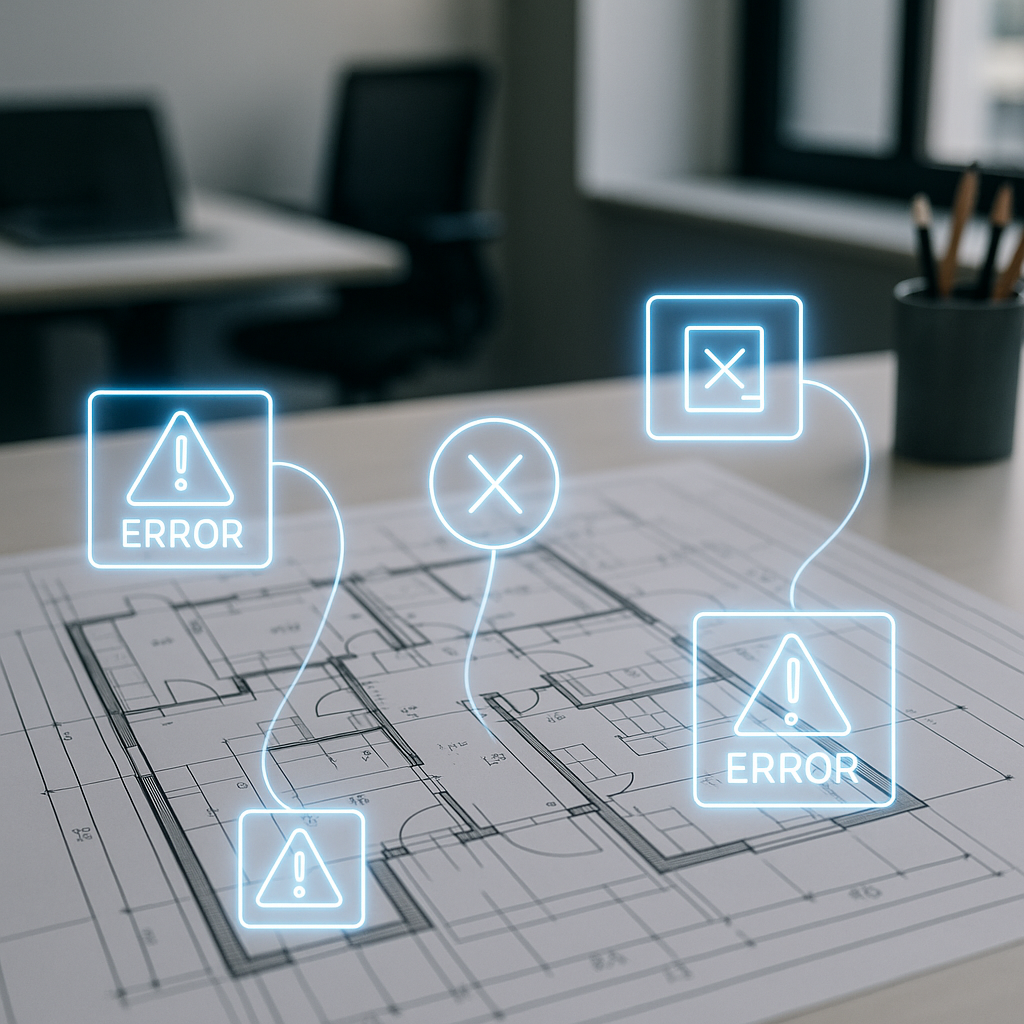
Blueprint errors are the ghosts that haunt construction projects. They’re easy to miss during planning but painfully obvious once the damage is done. Misaligned dimensions, missing annotations, conflicting symbols—any one of these issues can derail timelines and inflate costs. Fixing them mid-project? That’s like trying to patch a tire while driving at 80 mph. Painful, slow, and expensive.
But the real problem isn’t catching errors—it’s catching them early. That’s where AI-powered tools, particularly computer vision, step into the picture. These tools don’t just help you find errors faster—they help you find them before they eat into your margins.
How Computer Vision Works in Blueprint Analysis
Computer vision isn’t magic; it’s math at scale. It uses algorithms to “read” blueprints and doesn’t stop at surface-level errors. It understands relationships between elements and flags issues that could wreck your project later. Here’s what it looks for:
Key Error Types
- Conflicting Dimensions: Imagine a wall marked 3m on one sheet but 3.2m on another. That inconsistency can lead to rework and material waste. AI flags these discrepancies instantly.
- Missing Annotations: If a load-bearing column lacks material specs, the structural integrity of the building is at risk. AI catches gaps like this.
- Symbol Inconsistencies: Mismatched electrical or plumbing symbols can lead to installation errors and costly repairs.
How AI Beats Human Review
- Speed: AI scans entire blueprints in seconds. Humans take hours—or days.
- Accuracy: AI never gets tired or distracted. It doesn’t skim or make assumptions.
- Cross-Referencing: It compares details across multiple layers and sheets, something humans rarely do effectively.
Data Backing the Benefits
A 2023 McKinsey report found that AI-driven blueprint analysis reduces rework costs by up to 15% in large-scale infrastructure projects. For contractors juggling multiple projects, that’s not just helpful—it’s essential.
Real-World Example: BOQ Errors From Blueprint Gaps
Let’s connect this to a practical scenario. In preconstruction, the Bill of Quantities (BOQ) is your margin blueprint. If the BOQ is based on flawed blueprints, you’re already bleeding money before breaking ground. For example:
Scenario: Steel Requirements Underestimated
Imagine your blueprint misses material specs for load-bearing columns. The BOQ underestimates steel requirements, and you don’t catch the error until halfway through construction. Now, you’re scrambling to procure additional steel at inflated prices, delaying the project and eating into profit margins.
Solution: AI-Powered BOQ Validation
JobNext tackles this directly. Its BOQ integration links blueprint analysis to cost estimation. If an AI-powered blueprint scan flags missing specs, JobNext prompts you to update the BOQ before finalizing it. This enforced discipline prevents downstream errors from spiraling into margin erosion.
Case Study: EstimateNext.ai’s Impact
EstimateNext.ai’s case study shows how AI tools eliminate bottlenecks in rate matching and material estimation. The same logic applies here—addressing blueprint errors upfront saves time, money, and headaches.
Why Manual Checking Doesn’t Cut It
Some contractors might think, “I’ve got estimators for this.” That’s fine, but manual checking is slow, error-prone, and expensive. Here’s why:
The Human Limitation
- Time Sink: A senior estimator flipping through a 312-page blueprint isn’t catching every missed detail. Even the best professionals overlook things.
- Cognitive Fatigue: Humans get tired. AI doesn’t.
- Volume of Data: Large-scale projects involve dozens of sheets and layers. Cross-referencing manually is nearly impossible.
AI Efficiency
Contractors using AI-powered blueprint tools report cutting review times by 60% or more. EstimateNext breaks it down: AI tools slash manual estimation time from 40 hours to 10 minutes. The same efficiency applies to blueprint analysis.
The Hidden Costs of Ignoring AI
Ignoring blueprint errors doesn’t just cost money—it costs reputation. Here’s why:
The Numbers
A 2024 Reuters survey found that blueprint errors account for 7-10% of total project overruns globally. For a $5 million project, that’s up to $350,000 wasted. If AI tools reduce such overruns by even half, the ROI is undeniable.
Reputation Damage
Blueprint errors lead to change orders, delays, and client frustration. In competitive markets like GCC construction, reputation is everything. One missed error can cost you future contracts.
The Safety Factor
Errors in load-bearing structures or electrical layouts can lead to accidents. No contractor wants liability issues on their record.
How JobNext Fits Into the Picture
JobNext integrates AI blueprint analysis right into your preconstruction workflow. Here’s how it works:
Step-by-Step Workflow
- Upload Blueprints: JobNext accepts multi-layered PDFs and CAD files.
- Automated Scan: The AI scans for errors, flagging inconsistencies, missing annotations, and symbol mismatches.
- Link to BOQ: Flagged errors tie directly to BOQ items, ensuring scope and estimate alignment.
- Natural-Language Queries: The AI assistant answers questions like “Show me flagged blueprint items affecting steel requirements.”
Real-Life ROI
By combining computer vision with BOQ validation, JobNext doesn’t just find errors—it stops them from bleeding into your margins. Contractors using it report fewer change orders, faster project approvals, and happier clients.
FAQ: AI Blueprint Analysis
Q: Can AI tools handle complex blueprints with multiple layers?
A: Yes. Modern computer vision algorithms parse multi-layered PDFs and CAD files seamlessly. They cross-reference details across layers to catch inconsistencies.
Q: What happens if the AI flags a false positive?
A: False positives typically occur when symbols or annotations are ambiguous. AI tools allow manual overrides, so your team can dismiss irrelevant flags.
Q: Does JobNext require training to use AI tools?
A: Minimal training is needed. JobNext includes an AI assistant and in-app help guides to onboard teams quickly.
Q: Can AI blueprint tools integrate with other software?
A: Yes. JobNext supports integrations with common CAD tools and document management platforms.
Q: How do I know if blueprint analysis is worth the cost?
A: Calculate your current rework costs. If blueprint errors contribute to even 5% of overruns, AI tools will pay for themselves.
Decision Framework: Is AI Blueprint Analysis Right for You?
| Question | Yes | No |
|---|---|---|
| Do blueprint errors cause frequent rework? | AI can reduce rework costs by up to 15%. | Manual methods may suffice for small projects. |
| Are your projects large-scale? | AI handles complex, multi-layered blueprints. | Small projects may not require advanced tools. |
| Is manual checking slowing you down? | AI cuts review time by 60%. | Manual reviews may suffice for low-volume work. |
| Do you need tighter BOQ validation? | AI links blueprint analysis directly to BOQ items. | Manual BOQ updates risk margin erosion. |
Call to Action
Blueprint errors don’t just cost money—they cost trust. JobNext’s AI-powered tools catch them before they derail your margins. Protect your profits and your reputation. Get started free →
Learn more at EstimateNext


