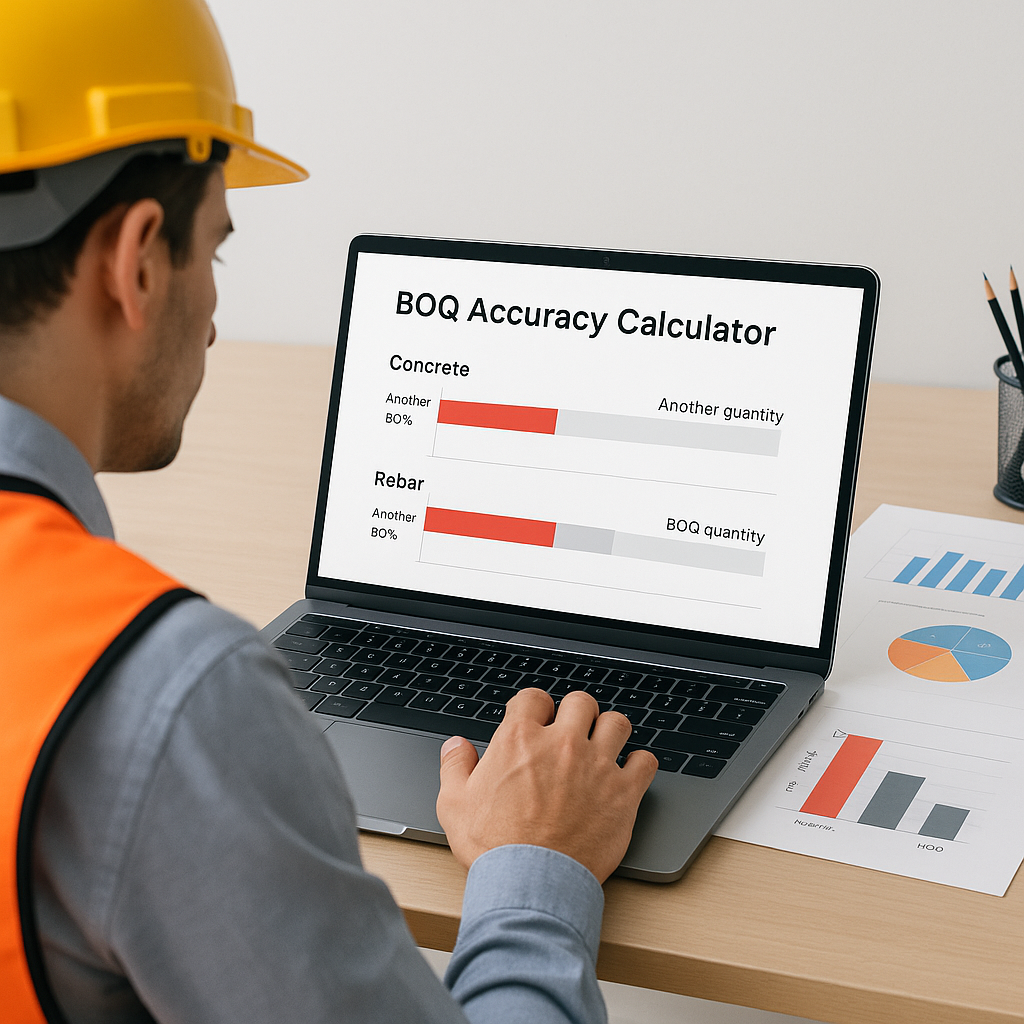
Why BOQ Accuracy Matters
A BOQ (Bill of Quantities) is the backbone of any construction project. It’s supposed to translate scope into precise quantities, rates, and costs. But here’s the catch: if your BOQ is off, you risk cost overruns, disputes, and mid-project corrections that can derail timelines and budgets.
Errors in BOQs can compound over time, leading to significant financial and operational challenges. Validating your BOQ before execution is critical to avoid these pitfalls.
What Is an Accuracy Calculator?
It’s a simple tool that compares estimated quantities in your BOQ against actuals or validated benchmarks.
Here’s how it works:
- Input the BOQ quantities: For example, cubic meters of concrete.
- Input the validated quantities: From site surveys, takeoff tools, or updated project specs.
- Calculate the accuracy percentage: Formula:
(Actual Quantity ÷ Estimated Quantity) × 100 - Flag discrepancies: Anything significantly above or below 100% needs investigation.
Illustrative example:
| BOQ Line Item | Estimated (BOQ) | Actual (Validated) | Accuracy (%) |
|---|---|---|---|
| Concrete (Cum) | 500 | 520 | 96% |
| Rebar (Kg) | 50,000 | 48,000 | 104% |
| Excavation (Sqm) | 2000 | 1950 | 97.5% |
Concrete is slightly underestimated, and rebar is slightly overestimated. Both need review to ensure alignment with project requirements.
Why Contractors Miss BOQ Errors
Why don’t contractors catch these issues earlier? Several reasons contribute to this:
- Manual takeoffs: Errors can creep in during rushed takeoffs, especially when multiple estimators work on different sections.
- Unit mismatches: BOQs often measure items in different units than the scope or actuals, leading to discrepancies without proper conversion factors.
- Insufficient validation: Many contractors skip validation entirely, assuming the BOQ is correct because it came from a “trusted” estimator.
How Tools Can Simplify BOQ Validation
Specialized tools can streamline BOQ validation by automating calculations, flagging discrepancies, and linking BOQ items to real-world requirements. These tools often include features like:
- Automated rate analysis across multiple dimensions (e.g., quoted rate, billing rate, budgeted rate).
- Conversion factor integration to align BOQ units with scope units.
- Discrepancy flagging to highlight items needing review.
Using such tools ensures that your estimates are accurate and reflect actual project needs, reducing the risk of errors.
Common Mistakes When Using Accuracy Calculators
- Ignoring flagged items: Don’t dismiss discrepancies as “small” unless you’ve checked their impact on overall margins.
- Skipping conversion factors: If BOQ units don’t match scope units, your calculations may be misleading.
- Not updating BOQs: Always update BOQ quantities based on actuals during progress tracking.
- Over-relying on automation: Accuracy calculators are tools—not decision-makers. Human oversight is still essential.
FAQ
Q: Can I use Excel for BOQ validation? A: Yes, but it’s time-consuming. Specialized tools can automate the process and flag discrepancies faster.
Q: What’s a good accuracy percentage to aim for? A: Aim for a range close to 100%. Significant deviations should be investigated.
Q: How often should I validate BOQs? A: Weekly during preconstruction and monthly during execution.
Q: What happens if I miss errors? A: Missed errors can lead to scope disputes, cost overruns, and eroded margins. Fix them early to avoid these issues.
Call to Action
If BOQ errors are affecting your margins, consider using tools that simplify validation and automate rate analysis. Accurate estimates are key to successful project execution.
Learn more at EstimateNext


