How to Do AI Takeoff from PDF Drawings: A Practical Workflow for Contractors
Manual takeoffs are a slog. You’re staring at a PDF with hundreds of lines and tiny notations, trying to extract dimensions, quantities, and specs without missing a single detail. It’s tedious, prone to errors, and slow—especially when you’re juggling multiple projects across different sites. But what if you could automate it?
AI takeoff tools promise just that: faster processing, fewer mistakes, and a smoother integration with your downstream workflows. But the reality isn’t always as straightforward. Not every tool can handle scanned PDFs. Some work great for one trade but fail miserably for another. And if your software doesn’t play nice with your BOQ validation or billing system, you’re left with just another shiny tool that doesn’t solve your real problems.
We’ll cut through the fluff and show you a step-by-step workflow to make AI takeoff from PDF drawings work for your contracting business. Whether you’re managing MEP, HVAC, EPC, or fit-out projects, this guide will help you streamline your process and avoid common pitfalls.
Why Manual Takeoffs Are Killing Your Margins
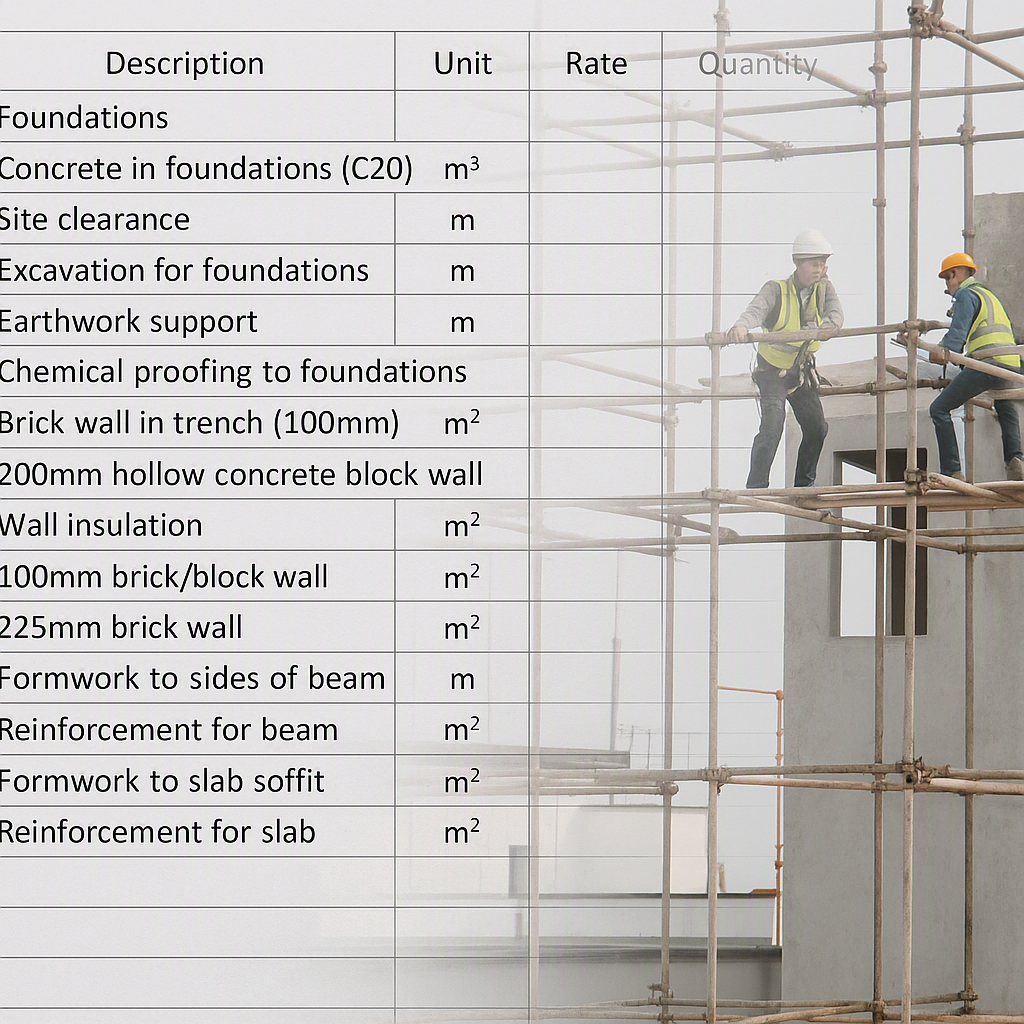
Manual takeoffs are inefficient. Let’s start with the obvious: they take too long. A skilled estimator might need hours—or even days—to process complex drawings for a single project. Multiply that by multiple projects, and suddenly you’re burning through payroll on tasks that should be faster.
Then there’s human error. I’ve seen it firsthand—missing a dimension on a structural drawing, misreading a spec, or forgetting to update a line item in the BOQ. These mistakes cascade. You either lose money during execution or damage your reputation by submitting inaccurate bids. A single missed measurement on a critical component can lead to expensive rework and project delays.
And let’s not forget the chaos of managing multiple formats. Some clients send pristine CAD files; others send low-resolution scanned PDFs with hand-drawn annotations. Manually converting these into usable quantity takeoffs is a nightmare. This lack of standardization across projects adds another layer of inefficiency.
If any of this sounds familiar, you’re not alone. A Reddit thread here captures the frustration perfectly: "Measuring sewer pipe lengths manually is killing me. Has anyone tried AI for takeoffs yet?"
In India and GCC, where contractors often handle multiple projects across diverse trades, the inefficiencies of manual takeoffs make a significant dent in profit margins. According to Togal.AI, their AI-assisted takeoff tools reduce takeoff time by up to 80%, allowing contractors to focus more on execution and less on repetitive administrative tasks (Togal.AI).
What AI Takeoff Tools Can Do—and What They Can’t
AI takeoff tools use machine learning to scan and interpret PDF drawings. They identify elements like walls, doors, windows, and trade-specific components. Togal.AI, for example, claims its software can read construction drawings and output quantities automatically. Togal even describes how their AI-assisted takeoff combines speed and accuracy.
What They Can Do
- Automate Detection: AI tools can detect basic elements like walls, fixtures, and openings with high accuracy when working with clean, vector-based PDFs.
- Speed Up Quantification: For repetitive tasks like measuring pipe lengths or counting sprinkler heads, AI is significantly faster than manual methods.
- Improve Consistency: Machines don’t get tired or distracted, reducing the likelihood of oversight.
- Integrate With Other Software: Many AI solutions can export data directly into BOQ, resource planning, or billing platforms, saving time on redundant manual entries.
For example, SnapAI’s predictive capabilities allow contractors to accelerate point, line, or polyline selection (SnapAI).
What They Can’t Do
- Handle Poor-Quality Scans: Scanned PDFs with low resolution or non-standard annotations often confuse AI tools. These require manual intervention or pre-processing.
- Understand Trade-Specific Nuances: AI might excel in identifying generic components, but it struggles with specialized layouts, such as MEP systems or custom ductwork designs.
- Replace Human Judgment: AI doesn’t know your project’s unique needs. It can’t decide whether a deviation in a drawing is an error or an intentional design choice.
In my view, the real value comes when AI integrates with your downstream processes: BOQ validation, billing workflows, and resource planning. Without that, you’re just saving time on takeoffs but still scrambling later.
Step-by-Step Workflow for AI Takeoff from PDF Drawings
Here’s the exact workflow I recommend for contractors looking to make AI takeoff tools work:
1. Prepare Your PDF Drawings
Not all PDFs are created equal. Low-resolution scans or drawings with hand-written annotations require extra prep. Tools like Civils.ai suggest using vector PDFs whenever possible—these work best with AI detection algorithms. If you’re stuck with scanned files, try using a PDF optimization software to clean up the image before uploading. Options like Adobe Acrobat’s "Optimize PDF" tool can sharpen text and improve contrast for better AI interpretation.
Actionable Steps:
- Request vector-based PDFs from your clients whenever possible.
- Use OCR (Optical Character Recognition) software to convert scanned PDFs into machine-readable formats.
- Clean up drawings by removing irrelevant annotations or marks.
2. Upload the Drawing to the AI Tool
Most AI takeoff tools allow you to upload PDFs directly. For example, Togal.AI and SnapAI support PDF, CAD, and even scanned formats. Once uploaded, the AI begins detecting elements automatically. Walls, doors, windows, and other features are highlighted and categorized.
Tips:
- Double-check the file format compatibility of your chosen tool.
- Use cloud-based platforms if your team works remotely or across multiple sites.
3. Validate AI Outputs
Here’s where human expertise comes in. No AI tool is perfect—at least not yet. After the initial detection, you’ll need to validate the outputs. Are all the dimensions correct? Did the AI miss any annotations? Cross-check these with the original drawing to ensure accuracy.
Validation Checklist:
- Compare AI-generated quantities with manual estimates for accuracy.
- Review trade-specific components carefully, as these are more prone to errors.
- Flag discrepancies for further review before exporting.
4. Export Quantities to BOQ Software
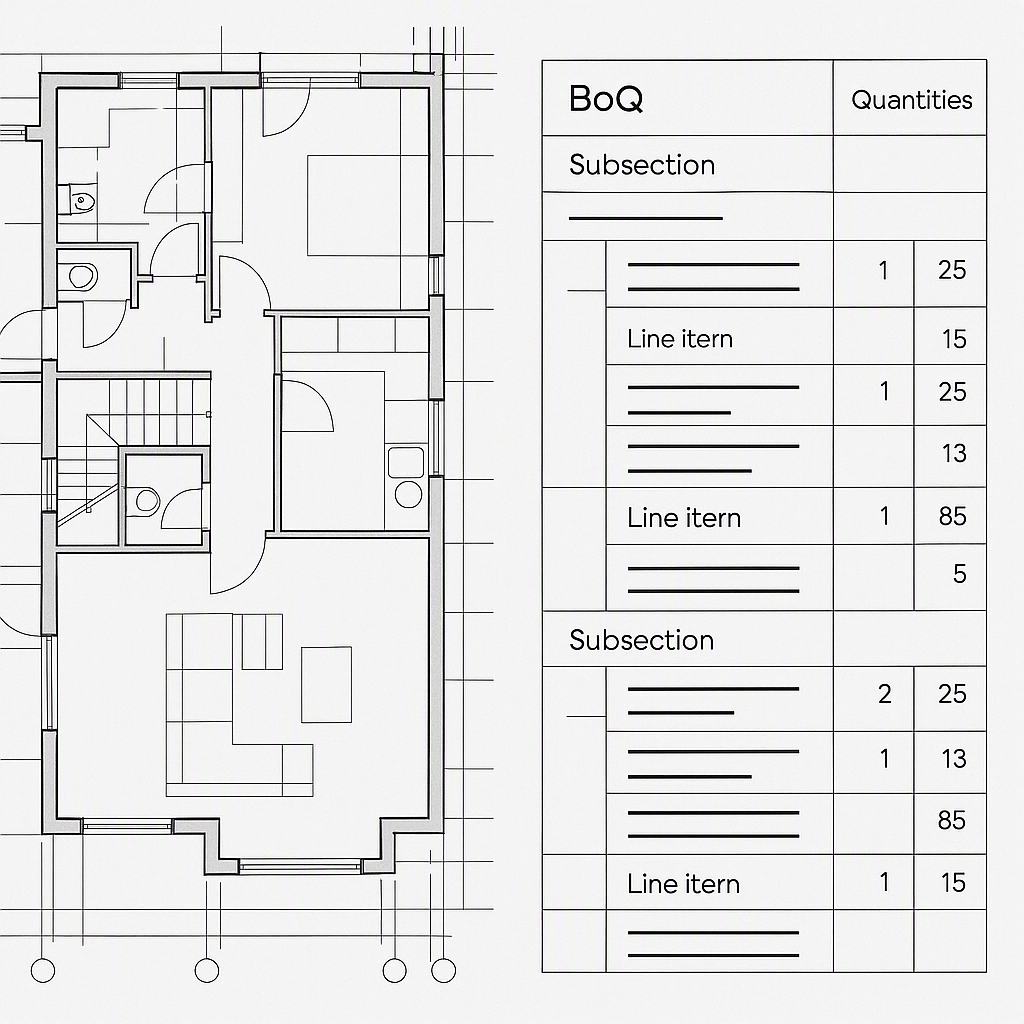
Once the takeoff is validated, export the quantities to your BOQ software. This is where integration matters. Tools like JobNext allow you to upload BOQ data from Excel directly, making it easy to transition from AI takeoffs to detailed resource planning. According to JobNext documentation, their platform supports BOQ uploads and stage-wise linking for execution scopes.
Best Practices:
- Standardize your BOQ format to ensure seamless imports.
- Automate repetitive entries by using predefined templates in your BOQ software.
5. Link Quantities to Billing Methods
After your BOQ is ready, link the quantities to billing methods. JobNext, for example, offers six billing methods, including RA Bills, stage-wise billing, and monthly invoicing. The ability to automate this step ensures you don’t miss any line items—and that your margins stay intact.
Trade-Specific Use Cases
AI takeoff workflows aren’t one-size-fits-all. Here’s how they adapt across trades:
| Trade | Challenges | AI Takeoff Benefits |
|---|---|---|
| MEP Contractors | Complex layouts with pipe networks and wiring diagrams | Automatic detection of pipe lengths, fittings, and wiring |
| HVAC | Custom ductwork and airflow calculations | Faster quantification of duct lengths and fittings |
| EPC | Large-scale infrastructure projects with multiple disciplines | Integration across BOQs and resource planning |
| Interior Design | High detail in fixtures, finishes, and carpentry | Precise takeoffs for bespoke items |
| Firefighting | Unique system layouts and compliance constraints | Accurate detection of sprinklers, pipes, and control panels |
Common Mistakes to Avoid
1. Relying Solely on AI Outputs
AI is a tool, not a replacement for expertise. It can flag elements, but you still need to validate them.
2. Not Cleaning Up PDFs Before Uploading
Messy, scanned drawings can confuse the AI. A little prep goes a long way.
3. Choosing Tools Without Integration
If your AI takeoff tool doesn’t integrate with your BOQ or billing system, you’re just creating another silo.
Selecting the Right AI Takeoff Software
When choosing the right tool, consider:
1. Compatibility
Can it handle both vector and scanned PDFs? Does it work for your specific trade?
2. Integration
Does it integrate with your existing BOQ and billing systems? Platforms like JobNext provide seamless integration for Indian and GCC contractors.
3. Compliance Support
In regions like India and GCC, compliance can be a headache. Tools that integrate GST/TDS compliance, bank guarantee tracking, and statutory deductions save time and reduce errors.
4. Scalability
If you’re managing multiple projects, opt for a multi-tenant SaaS platform like JobNext. It lets you monitor profitability across concurrent projects in real-time.
Tips for Maximizing ROI from AI Takeoff
- Train Your Team: Even the best tool requires proper usage. Invest in training for your estimators.
- Start Small: Begin with a pilot project to test the software’s capabilities before scaling.
- Monitor Metrics: Use dashboards and reports to track how much time and money you’re saving.
- Keep Iterating: Regularly review AI outputs against manual checks to improve accuracy over time.
If you're tired of losing time and money to manual takeoff errors, JobNext can help. With seamless BOQ validation and billing integration, it’s built for contractors like you.
Learn more at EstimateNext