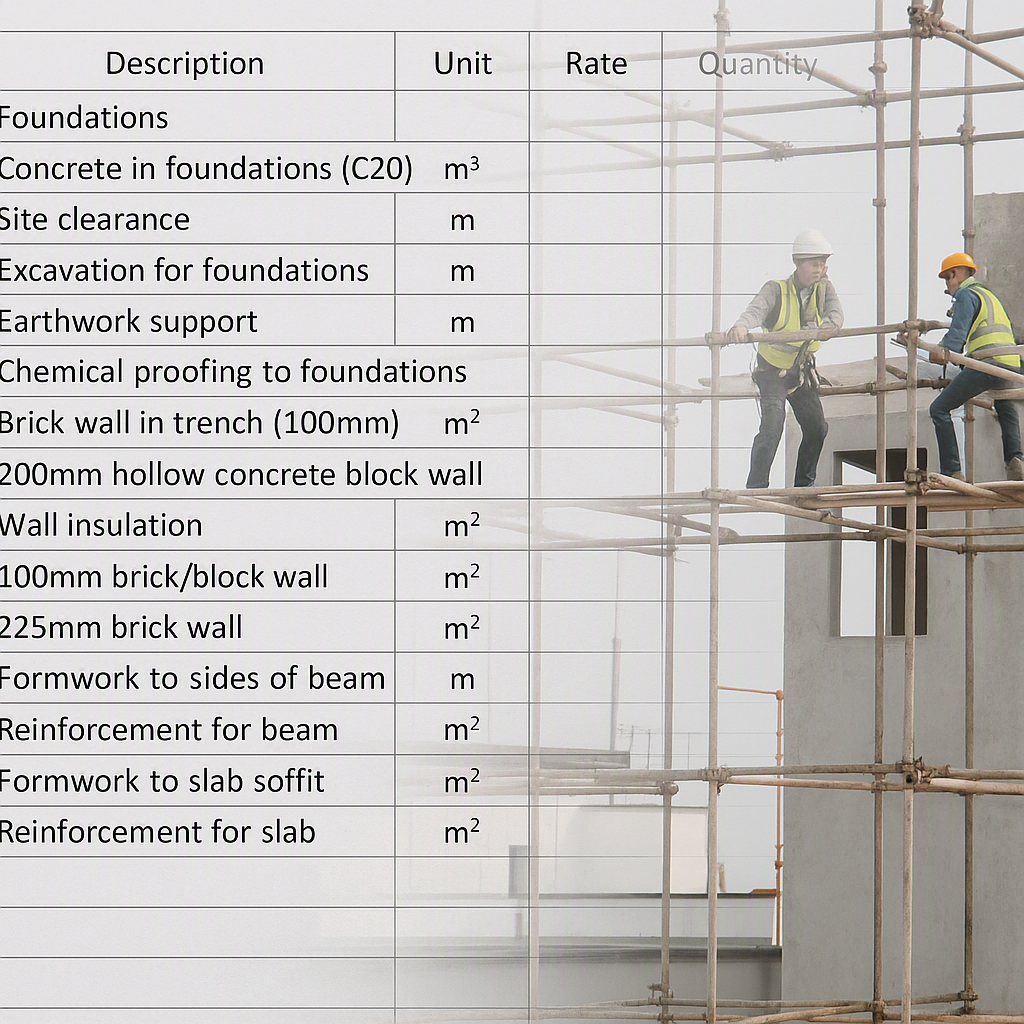
I Used to Think BOQs Were Just Fancy Checklists
Let me be honest. For years, I treated the Bill of Quantities (BOQ) like a glorified shopping list. A document you submit to the client and forget. Quantity? Check. Rate? Check. Total? Done. I thought the real work started at execution — hiring crews, ordering materials, and hitting site milestones.
But I was wrong. Very wrong. And I learned that the hard way.
The Day I Realized My BOQ Was Causing Issues
It was a residential project in Pune. The BOQ had over 150 line items, mostly civil works — excavation, RCC, brickwork, plaster. By the time we hit the superstructure stage, my project manager flagged an issue: our material costs were exceeding expectations. Labor wasn’t far behind.
So, we pulled up the BOQ. Turns out, the problem wasn’t with the rates or quantities themselves. It was how we’d structured the BOQ and how we were tracking progress against it. For instance:
- Several items were lumped together under vague descriptions like "Miscellaneous RCC Works." No breakout for formwork, reinforcement, or concrete pouring.
- Stage-wise allocations weren’t clear. Foundation quantities had spilled into superstructure billing, creating confusion during RA bills.
- We hadn’t linked the BOQ items to actual scope activities, so tracking progress was a challenge.
The result? Missed billing opportunities, inflated costs, and plenty of client disputes.
Why Clarity in BOQs Matters
A poorly structured BOQ creates ripple effects throughout the project lifecycle. Material procurement becomes inefficient, labor utilization suffers, and billing disputes escalate. If your BOQ doesn’t clearly define scope and quantities, you’re setting yourself up for unnecessary headaches. For example, a vague item like "RCC works" doesn’t tell your team where the concrete is going or what stage it pertains to.
To illustrate:
- Material Overruns: Without clear BOQ definitions, you risk overordering materials or underestimating labor requirements.
- Disputes with Clients: Clients often question vague or bundled line items, leading to delays in approvals and payments.
- Missed Profitability: Poor tracking leads to missed scope items in billing, directly affecting your bottom line.
Actionable Steps to Avoid These Pitfalls
-
Break Down Lumped Items: Replace generic terms like "Miscellaneous RCC Works" with specific line items. For example:
- Formwork setup
- Steel reinforcement
- Concrete pouring
-
Define Units Clearly: Use standardized units such as cubic meters (CUM) for concrete or kilograms (KG) for steel to remove ambiguity.
-
Create Milestone-Based Allocations: Assign quantities to project stages — foundation, superstructure, finishing — to streamline billing.
Why the Old Way Lingered So Long
In hindsight, my approach to BOQs was lazy but understandable. Most contractors I knew did the same. Why?
1. Time Pressure
BOQs are often thrown together during tender submissions. You focus on winning the job, not perfecting the document. The priority is submitting a competitive bid, leaving structure and clarity as afterthoughts.
2. Legacy Templates
Many contractors use outdated Excel templates inherited from older projects. These templates often don’t account for modern demands like stage-wise billing or GST compliance. Worse yet, they don’t evolve with new construction practices or regulatory requirements.
3. Disconnected Systems
Without software that ties estimates, procurement, and progress tracking together, the BOQ remains static — a document, not a dynamic tool. This lack of integration often results in duplication of effort, manual errors, and miscommunication between teams.
Real-Life Consequences of Poor BOQs
When you’re rushing or using outdated systems, the BOQ turns into a liability. Missed details lead to:
- Overruns: Misestimated quantities cause higher material and labor costs.
- Client Disputes: Vague descriptions make it harder to defend your bills.
- Lost Revenue: Billing errors or forgotten scope items cut into profitability.
- Delayed Approvals: Clients may reject RA bills or demand additional clarifications for ambiguous line items.
What Changed My Mind
I started using structured BOQ templates and tools that integrate with project workflows. These tools allowed me to:
- Import BOQs from Excel: Using predefined templates ensured my data was clean and consistent. No more manual errors.
- Link BOQs to Scopes: Each BOQ item was tied to a specific scope of work, bridging the gap between estimation and execution.
- Track Stage-Wise Progress: By splitting BOQ items into stages, I could bill clients accurately at each milestone.
The Benefits of Structured BOQs
Unlike the old way, structured BOQs improve efficiency across the board. For example:
- Precision: Each item has a clear breakdown, reducing ambiguity.
- Accountability: Linking BOQ items to tasks ensures teams stick to the plan.
- Faster Billing: Stage-wise allocations simplify RA bill submissions.
- Reduced Disputes: Clear definitions and traceable changes make client approvals smoother.
Actionable Steps to Transition to Structured BOQs
- Adopt Standardized Codes: Create unique codes for each line item for easy identification.
- Use Software Tools: Platforms like JobNext or BuildSmart can integrate BOQs with project schedules and execution.
- Train Your Team: Educate your staff on the importance of structured BOQs and how to use them effectively.
- Audit Regularly: Conduct periodic reviews to catch discrepancies before they escalate.
How a Well-Structured BOQ Works
If you’re still treating your BOQ like a checklist, it’s time to rethink. A good BOQ does three things:
1. Defines Deliverables Clearly
Every item must have a unique code, description, unit, quantity, and rate. For example:
| Item Code | Description | Unit | Quantity | Rate (INR) | Total (INR) |
|---|---|---|---|---|---|
| CW-001 | Excavation for Foundation | CUM | 500 | 120 | 60,000 |
| CW-002 | RCC M20 for Footings | CUM | 250 | 6,500 | 16,25,000 |
2. Supports Stage-Wise Billing
Break quantities into stages with percentage allocations. For instance:
| Stage | % Allocation | Quantity | Rate (INR) | Amount (INR) |
|---|---|---|---|---|
| Foundation | 40% | 200 CUM | 6,500 | 13,00,000 |
| Superstructure | 60% | 300 CUM | 6,500 | 19,50,000 |
3. Links to Execution Activities
Each BOQ item should tie back to actual tasks on site. For example, "RCC M20 for Footings" might include:
- Formwork setup
- Steel reinforcement
- Concrete pouring
Decision Framework: Excel vs BOQ Software
| Feature | Excel BOQs | Software-Driven BOQs |
|---|---|---|
| Ease of Use | Easy for basic calculations | Requires setup but scalable |
| Error Prevention | Prone to manual errors | Automated checks |
| Linking to Execution | Manual effort required | Automatic integration |
| Stage-Wise Billing | Needs manual tracking | Built-in workflows |
| Change Management | Tedious | Dynamic and trackable |
| Cost | Free (or low-cost) | Subscription-based |
What I’m Still Figuring Out
Even with better BOQs, some grey areas remain. For instance:
- How do you price variation orders when the original BOQ rate is outdated?
- How do you ensure subcontractors stick to BOQ quantities without inflating measurements?
- What’s the best way to reconcile material wastage against planned quantities?
These are tricky, and I’m still learning.
Closing Thoughts
A Civil BOQ PDF isn’t just a document. It’s your first line of defense against cost overruns and client disputes. Get it right, and you’ll save yourself endless headaches later. If you’re dealing with messy BOQs, consider tools like JobNext to streamline the process. Structured BOQs are worth the investment — they pay dividends in efficiency, accuracy, and profitability.
Learn more at EstimateNext