Why Customizing a Residential BOQ Template Can Save—or Sink—Your Margins
You’ve got an Excel BOQ template, a client breathing down your neck, and a project with 200+ line items. What could go wrong? Plenty.
If you’ve worked in residential construction long enough, you know the BOQ is where the real battles are fought. A poorly customized BOQ isn’t just an administrative error—it’s an open door for revenue leakage. Incorrect quantities, missing line items, or misaligned rates can shave percentage points off your profit margins before the first brick is laid.
Here’s the good news: with the right approach, you can avoid these pitfalls. Whether you’re adapting a free BOQ template from Excel or working directly with client-provided formats, this guide will help you customize effectively.
Step 1: Start with the Right Template
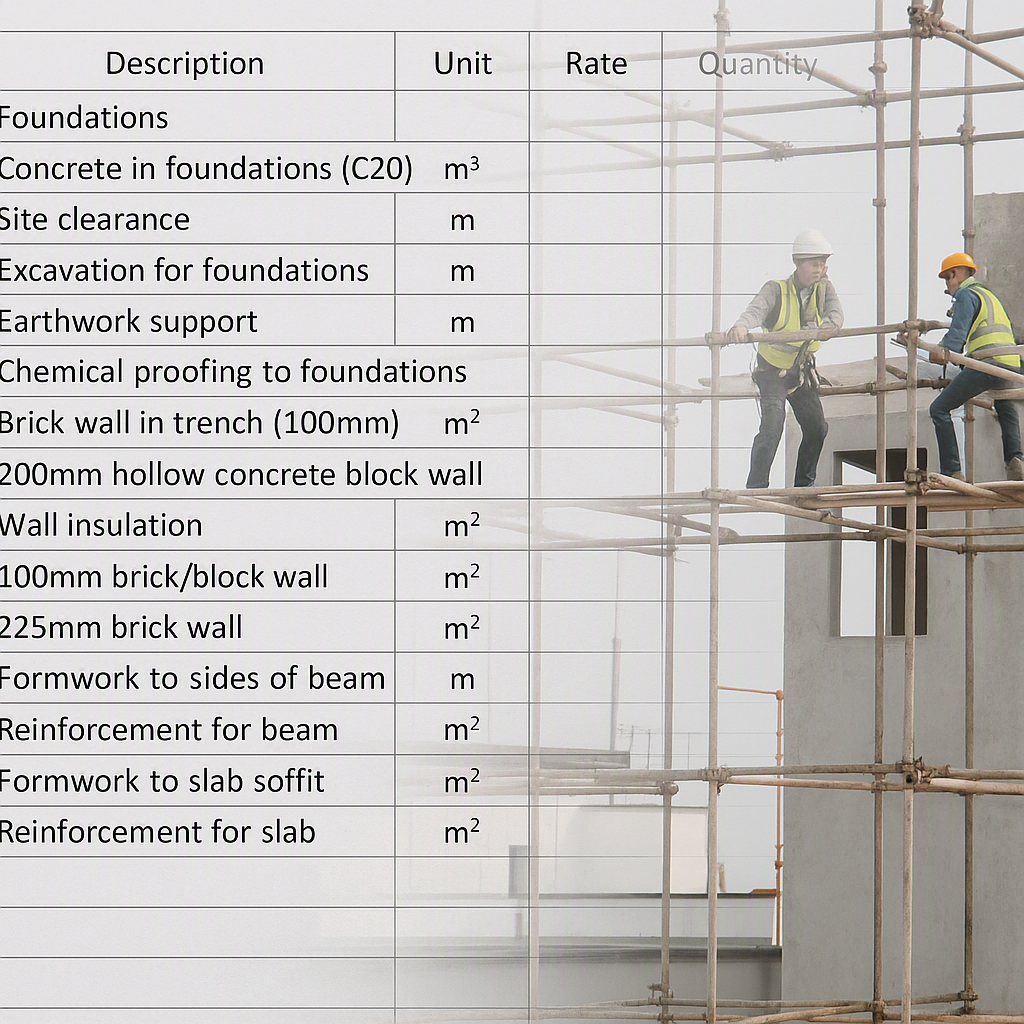
Most contractors work with Excel-based BOQs because they’re easy to share and edit. But not all templates are created equal. A solid BOQ template for residential buildings should include:
- Line Item Code: Unique identifiers for every task or material. Think “RCC-01” for reinforced cement concrete.
- Description: Clear, detailed descriptions like “Excavation for foundation (up to 1.5m depth).” Avoid ambiguous terms like “excavation work.”
- Unit of Measure (UOM): Standard units like CUM (Cubic Meters), SQM (Square Meters), or NOS (Numbers).
- Quantity: Based on detailed takeoffs. This is where most errors creep in.
- Rate: Per unit cost, tied to your estimation or market rates.
Actionable Steps for Choosing the Right Template:
- Audit Your Current Template: Review your existing BOQ template for missing fields or inconsistencies. If you’re manually adding columns for every project, it’s time to update.
- Download Industry-Standard Templates: Websites like ExcelTemplate.net or construction forums often offer free BOQ templates tailored for residential projects. Templates from reputable sources save time and reduce errors.
- Use Customizable Software: Tools like BuildSmart ERP or CoConstruct allow you to create reusable templates that align with your workflow. These platforms often feature automation for calculations and integrations with project management tools.
- Standardize UOMs: Ensure your template uses consistent UOMs across all projects to avoid confusion during procurement or billing. For instance, always use "SQM" for flooring and "CUM" for concrete.
Properly selecting and auditing your BOQ template is the foundation of accurate project costing. Don’t skip this step.
Step 2: Understand the Client’s Requirements
Every residential project is unique. Some clients expect detailed BOQs broken into phases (e.g., foundation, superstructure, finishing). Others may have specific templates they want you to follow. Before you start customizing, ask these questions:
- Does the client have a preferred BOQ format?
- Are there specific line items they want included (e.g., solar panel installation, rainwater harvesting systems)?
- How will progress be tracked—by stage, milestone, or percentage completion?
- Are there compliance or regional standards that need to be reflected in the BOQ?
Practical Methods for Aligning with Client Requirements:
- Conduct a Kickoff Meeting: Before starting the BOQ, meet with the client to clarify expectations. Bring sample templates and discuss their preferred structure. This ensures you don’t overlook key details later.
- Request Reference Documents: If the client has completed similar residential projects, ask for past BOQs as references. These documents can provide insight into their expectations and standards.
- Document Assumptions: If the client’s requirements are vague, document your assumptions and get them signed off. For example, if they don’t specify landscaping items, clarify that these will be excluded unless otherwise mentioned.
- Identify Regional Preferences: In some areas, clients may prefer certain brands, materials, or construction methods. Include these specifics in the BOQ to avoid scope creep.
Ignoring these details can lead to disputes later. For example, a client might reject your RA Bill (Running Account Bill) because the BOQ wasn’t aligned with their stage-wise billing expectations. Misalignment like this can cause delays in payments and project execution.
Step 3: Import Data Correctly
For large projects, manually entering line items into Excel is a recipe for disaster. It’s slow, error-prone, and just plain frustrating. Instead, use an import feature if your tool supports it.
General Process for Importing BOQ Data:
- Download the Latest BOQ Template: This ensures compatibility with your software or system.
- Fill the Template with Data: Use accurate line item codes, descriptions, UOMs, quantities, and rates.
- Upload the Completed File: Use your software’s import feature and validate the import summary.
- Fix Errors: If your upload fails, check for formatting issues or mismatched column headers.
Avoiding Common Import Errors:
- Match Column Headers Exactly: Ensure the headers in your Excel file match the software’s requirements.
- Check for Blank Fields: Missing data can cause your upload to fail.
- Validate Quantities and Rates: Incorrect values can create financial discrepancies during execution.
Pro Tip: Always download the latest version of the template before preparing your data. Older formats might not align with updated systems, leading to upload errors.
Step 4: Add Customization for Residential Projects
Residential construction often involves unique tasks that don’t show up in generic BOQ templates. Examples include:
- Interior Finishes: Line items for modular kitchens, false ceilings, and wall paneling.
- Energy Efficiency Features: Solar water heaters, double-glazed windows, or insulated roofs.
- Landscaping: Garden development, irrigation systems, and outdoor lighting.
How to Customize Effectively:
- Use a Work Breakdown Structure (WBS): Tools like Primavera or MS Project provide libraries of standard WBS items you can adapt for residential projects. A WBS ensures that no critical line item is overlooked.
- Collaborate with Specialists: Consult with MEP (Mechanical, Electrical, Plumbing) or interior designers to ensure you’ve covered specialized tasks.
- Benchmark Against Similar Projects: Review BOQs from past residential projects to identify overlooked items. This can also help with rate comparison and estimation accuracy.
- Include Contingency Items: For residential projects, add a section for miscellaneous or contingency costs to cover unexpected requirements.
Customizing for residential-specific features ensures you’re not blindsided by scope additions halfway through the project.
Step 5: Double-Check Your Quantities
Quantity errors are one of the most common mistakes in BOQs. These errors can snowball into procurement issues and budget overruns. Here’s how to avoid them:
- Cross-Verify with Takeoffs: Use takeoff software or detailed drawings to ensure your quantities are accurate.
- Break Down Complex Items: For example, instead of a single line item for “foundation work,” split it into excavation, PCC (Plain Cement Concrete), and RCC. This makes it easier to track costs during execution.
- Use the Right UOM: A mismatch between UOM in your BOQ and your procurement system can lead to costly errors. For example, ordering steel in KG when your BOQ specifies MT (Metric Tonnes).
Tools for Accurate Takeoffs:
- Bluebeam Revu: Ideal for digitizing drawings and extracting quantities.
- PlanSwift: Offers detailed quantity takeoff features with integration into Excel.
- AutoCAD: Great for extracting quantities directly from CAD drawings.
Step 6: Build for Stage-Wise Billing
Many residential projects follow milestone-based payment schedules. To align your BOQ with this, split line items into stages. For instance:
| Line Item | Stage | Stage % | Quantity |
|---|---|---|---|
| RCC for Foundation | Excavation | 30% | 50 CUM |
| RCC for Foundation | Concreting | 70% | 50 CUM |
How to Organize Stage-Wise BOQs:
- Identify Milestones: Break the project into logical stages, like excavation, foundation, superstructure, and finishing.
- Map Quantities and Costs: Allocate percentages of each line item to specific stages.
- Use Software for Tracking: Tools like SAP or Tally help link BOQs to stage-wise billing.
Stage-wise BOQs are particularly useful for lump-sum contracts. They ensure that billing is tied to measurable milestones, reducing disputes over progress payments.
Step 7: Validate Before Sharing
Before you send the BOQ to the client, run through this checklist:
- Totals Match: Ensure the sum of quantities and rates aligns with your cost estimate.
- Formatting is Clean: Use consistent fonts, alignments, and cell borders. A messy BOQ can give clients the impression that you’re disorganized.
- No Empty Lines: Every line item should have a code, description, UOM, quantity, and rate.
- Check Formulas: Verify that Excel formulas (e.g., Total = Quantity x Rate) are correct.
Common Mistakes to Avoid
- Using Outdated Rates: Always update your rate schedules to reflect current market prices. This applies to both materials (e.g., steel, cement) and labor.
- Ignoring Site-Specific Conditions: For example, transportation costs for remote sites or higher labor rates in urban areas.
- Overlooking Compliance Costs: GST, TDS, and other statutory deductions should be factored into your rates.
Conclusion
Customizing a residential building BOQ template doesn’t have to be overwhelming. With the right tools and processes, you can minimize errors, improve accuracy, and protect your margins.
If you’re tired of wrestling with Excel, consider exploring tools that streamline everything from data imports to stage-wise billing, so you can focus on execution.
Learn more at EstimateNext