Why Most Quantity Takeoff Sheets Fail Contractors
Let’s be blunt: most quantity takeoff sheets aren’t built to save time or money. They’re riddled with errors, buried in spreadsheet chaos, and disconnected from the actual construction workflow. If you’ve ever dealt with a mismatched Bill of Quantities (BOQ), you know what I’m talking about. The result? Missed quantities, blown budgets, and angry clients.
But it doesn’t have to be this way. A well-structured quantity takeoff sheet can become your secret weapon. It’s not just about listing quantities—it’s about creating a system that’s accurate, fast, and integrates seamlessly into your project’s lifecycle.
Here’s how to do it right.
Step 1: Start with a Solid BOQ Format Template
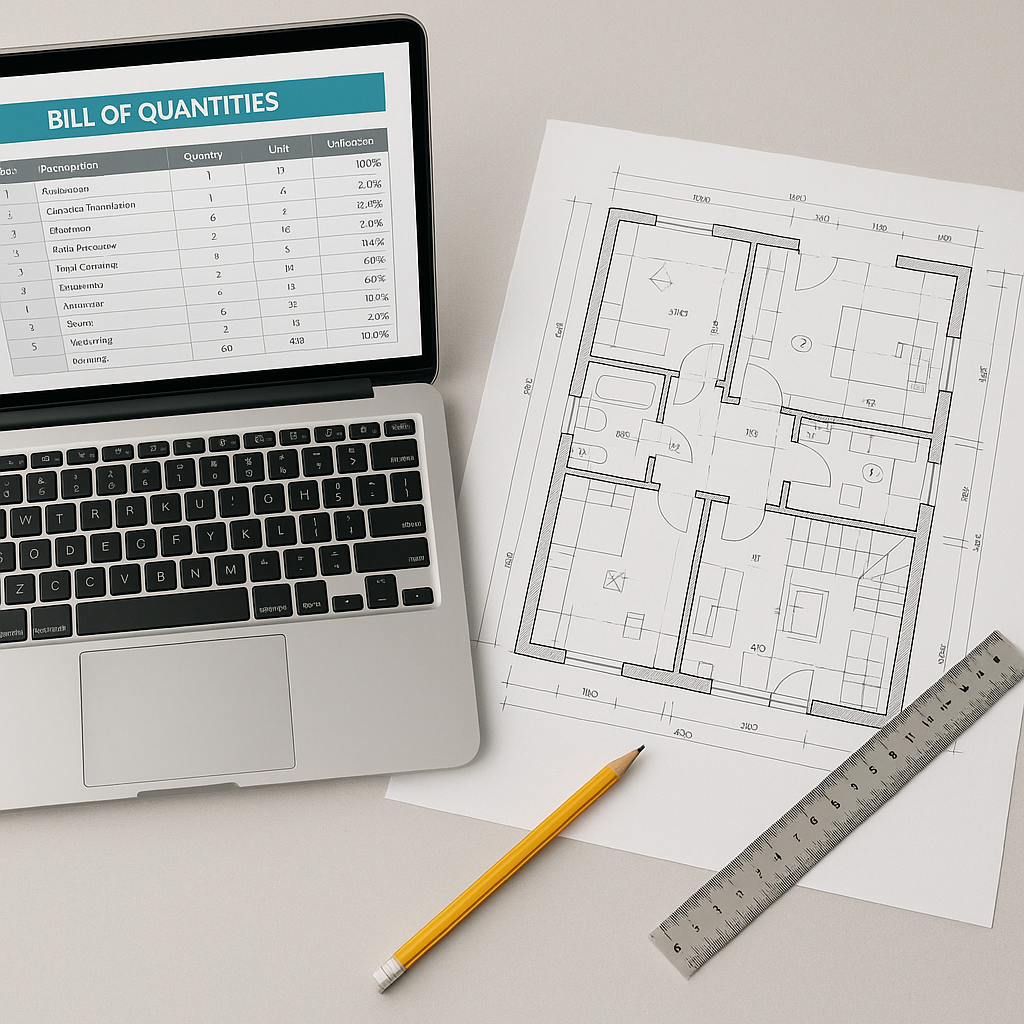
A good takeoff sheet starts with a reliable Bill of Quantities (BOQ) format. The BOQ isn’t just a list of items—it’s the backbone of your project’s scope, cost estimation, and billing.
Why a Standardized BOQ Template Matters
A standardized BOQ template ensures consistency across all projects. Without it, you risk discrepancies in item descriptions, mismatched units, and calculation errors. A reliable BOQ format should include:
- Item Code: Unique identifiers for each line item. This prevents confusion when similar items appear in different parts of the project.
- Description: Clear, unambiguous work descriptions. Avoid technical jargon or vague terms that can lead to misinterpretation.
- UOM (Unit of Measure): Standardized units to avoid mismatches (e.g., cubic meters, kilograms, etc.). This helps ensure that all stakeholders are speaking the same language.
- Quantity: The core of your takeoff—how much you need. Ensure this is calculated accurately to avoid under or overestimations.
- Rate: Cost per unit. This should match the rates agreed upon with vendors or subcontractors.
- Total: Automatically calculated (Quantity × Rate).
Actionable Steps to Create a BOQ Template
- Choose a Tool: Use spreadsheet software like Excel or specialized software like JobNext. Ensure the template supports formulas for automatic calculations.
- Standardize Column Names: Define consistent column headers for all BOQs to avoid confusion.
- Use Dropdowns for UOMs: Dropdowns minimize errors when selecting units of measure.
- Include Validation Rules: Add checks to flag missing data or invalid entries.
- Leverage Automation: If your tool supports it, use an Excel upload feature to import large BOQs directly. For instance, JobNext lets contractors upload pre-formatted templates to save hours of manual data entry. Learn more here.
Step 2: Build Around Your Work Breakdown Structure (WBS)
Your takeoff sheet should mirror your Work Breakdown Structure (WBS). Why? Because the WBS defines how your project is actually executed. When your takeoff aligns with the WBS, you can:
- Avoid scope gaps.
- Link quantities directly to project milestones.
- Track progress in real time.
What Is a Work Breakdown Structure?
A WBS is a hierarchical breakdown of your project into manageable tasks or deliverables. For example, if you’re building a house, your WBS might include categories like excavation, foundation, framing, roofing, and finishing. Each category can be further broken down into smaller tasks.
Integrating WBS with Takeoff Sheets
To integrate your WBS with your takeoff sheet:
- Identify Key WBS Elements: List all major tasks or deliverables.
- Link Quantities to WBS Levels: Each line item in your takeoff sheet should correspond to a specific WBS element.
- Use Pre-Defined Libraries: If you manage repetitive jobs, like HVAC installations, create a library of WBS templates to standardize your workflow.
- Track Progress: Use software that ties takeoff quantities to WBS milestones. Platforms like JobNext allow you to pull scope items directly from WBS templates, complete with default UOMs and rates.
Example Comparison: Manual vs Automated WBS Integration
| Feature | Manual Workflow | Automated Workflow |
|---|---|---|
| Data Entry | Prone to errors; time-consuming | Pre-defined templates; quick |
| Real-Time Tracking | Requires manual updates | Automatic milestone tracking |
| Scope Gaps | High risk | Eliminated |
| Consistency Across Projects | Minimal | High |
Step 3: Automate Quantity Calculations
Manual calculations are a waste of time—and they’re where most errors creep in. Instead, use tools that calculate quantities based on actual measurements.
Why Automation Matters
Errors in manual calculations can lead to:
- Overestimation, resulting in wasted resources.
- Underestimation, leading to budget overruns.
- Disputes with subcontractors over mismatched quantities.
Automated Calculation Tools
Tools like JobNext’s measurement sheet functionality streamline this process. Here’s how it works:
- Input Dimensions: Enter detailed measurements like length, breadth, and height.
- Automatic Totals: The tool calculates total quantities based on these inputs.
- Sync with Work Orders: Quantities tie back to the original work orders, ensuring alignment.
Actionable Steps
- Use Measurement Sheets: Create templates for common tasks. For example, a concrete measurement sheet might include fields for slab thickness, length, and width.
- Double-Check Inputs: Validate dimensions before inputting them.
- Test Results: Run sample calculations to ensure the tool is functioning correctly.
Step 4: Attach Supporting Evidence
Ever get into a dispute over measured quantities? It’s a nightmare. The solution is simple: documentation.
Why Documentation Protects Your Margins
Without evidence, disputes over quantities can lead to unpaid invoices or additional costs. Proper documentation provides:
- Proof of work completion.
- Validation of measurements.
- Transparency for audits.
Examples of Supporting Evidence
- Site Photographs: Capture progress at key milestones.
- Sketches: Include annotated drawings to clarify measurements.
- Survey Notes: Record observations from site surveys.
How to Attach Evidence
Use tools that allow you to upload files directly to your takeoff sheet. For example, JobNext enables you to attach photos, sketches, and other documents to each line item.
Step 5: Integrate with Your Procurement Workflow
Here’s where most contractors drop the ball: they treat the takeoff sheet as a standalone document. But if it doesn’t connect to your procurement process, you’ll end up with duplicate data entry and mismatched quantities.
Benefits of Integration
- Efficiency: Eliminate duplicate data entry.
- Accuracy: Ensure purchased quantities match execution needs.
- Cost Control: Prevent over-ordering or under-ordering materials.
How to Integrate Takeoff Sheets
Modern tools like JobNext allow seamless integration. For example:
- Generate Material Requisitions (MRs) directly from takeoff quantities.
- Track RFQs, vendor offers, and POs in a single system.
- Link procurement data to project execution metrics.
Common Mistakes to Avoid
- Skipping Templates: Freehand takeoff sheets lead to inconsistencies and errors. Always start with a standardized BOQ template.
- Ignoring UOM Standards: Mixing units (e.g., cubic meters and liters) is a recipe for disaster. Stick to one standard.
- Overlooking Documentation: Without evidence, disputes over quantities can wipe out your margins.
- Disconnecting from Procurement: If your takeoff doesn’t sync with procurement, expect chaos.
- Relying Solely on Manual Entry: Automate calculations wherever possible to reduce errors.
FAQ
Q: Can I use a free Excel template to create a quantity takeoff sheet? A: Yes, but ensure it’s structured properly to avoid errors. Look for templates with columns for item codes, descriptions, UOM, quantities, and rates.
Q: How do I handle large BOQs with hundreds of line items? A: Use an Excel upload feature, like the one in JobNext. It saves time and ensures consistency.
Q: What’s the biggest mistake contractors make with takeoff sheets? A: Treating them as isolated documents instead of integrating them into the project lifecycle.
Q: How does automation improve takeoffs? A: It eliminates manual errors by automating calculations and syncing with workflows like procurement and billing.
Q: How can I reduce disputes over measured quantities? A: Attach supporting evidence like site photographs, sketches, and survey notes directly to your takeoff sheet.
Conclusion
A well-designed quantity takeoff sheet isn’t just a document. It’s a system that saves you time, money, and headaches. By starting with a solid BOQ template, aligning with your WBS, automating calculations, and integrating with procurement, you can eliminate the common errors that destroy margins.
If you’re ready to streamline your takeoff process, tools like JobNext can help. Get started free →
Learn more at EstimateNext


