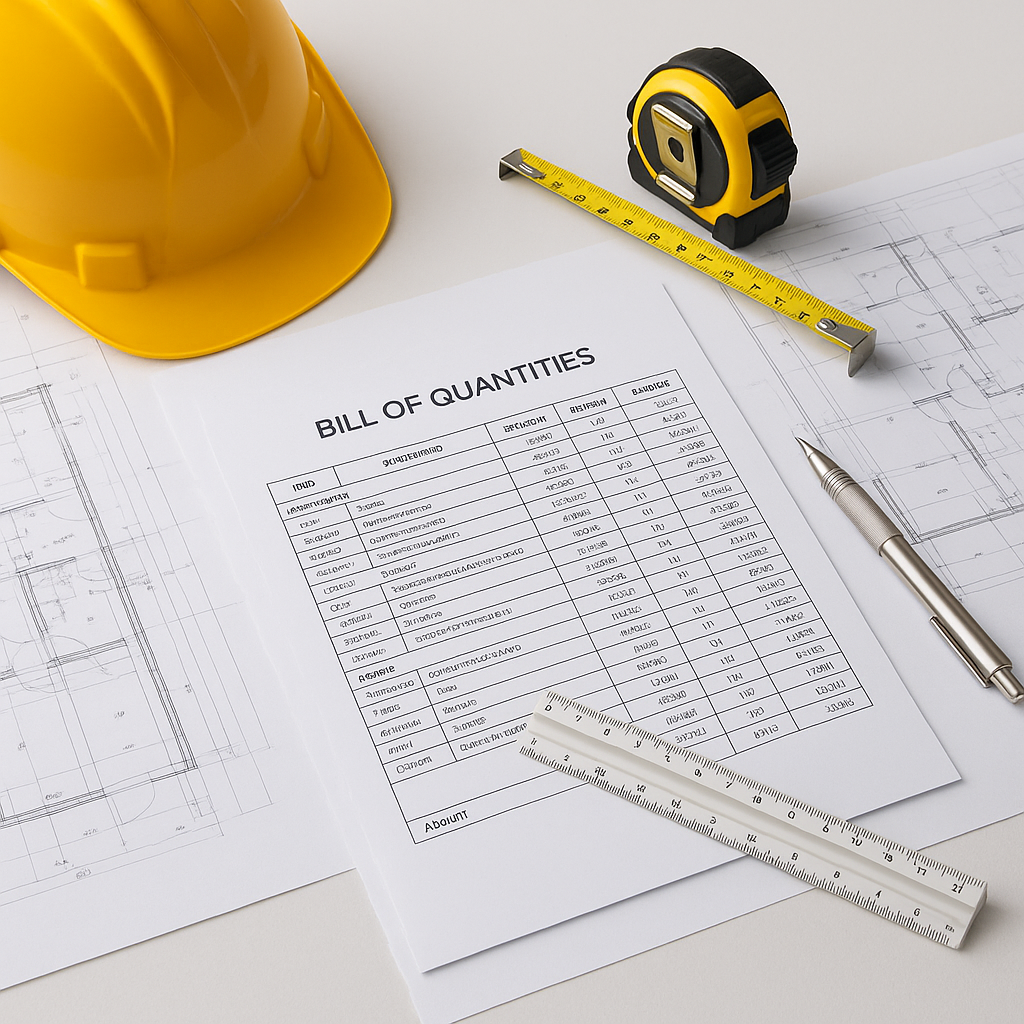
Why the Bill of Quantities (BOQ) Is a Game-Changer for Architecture Projects
We’ve all been there—an architecture project that starts with grand ideas but ends up plagued by delays, budget overruns, and finger-pointing. More often than not, these problems trace back to one thing: poor project planning and cost estimation. That’s where the Bill of Quantities (BOQ) comes into play.
The BOQ isn’t just a list of items and quantities. It’s the blueprint for your project’s financial health. It’s where the client’s vision, the architect’s creativity, and the contractor’s execution converge. When done right, a BOQ can help you:
- Define the scope of work clearly
- Avoid budget overruns
- Track progress effectively
- Simplify client billing
But how do you actually create a BOQ that works? Let’s break it down.
BOQ Basics: What Should It Include?
At its core, a BOQ is a structured document that lists all the deliverables a client expects from a project. It’s organized hierarchically—starting with big sections (like “Civil Works” or “MEP”) and breaking down into smaller sub-sections and individual line items.
Each line item should include:
- Item Code: A unique identifier for the item.
- Description: What the work entails (e.g., "Excavation for foundation").
- Unit of Measure (UOM): Cubic meters, square feet, etc.
- Quantity: How much of the item is required.
- Rate: Cost per unit.
- Amount: Automatically calculated as
Rate × Quantity.
For example:
| Item Code | Description | UOM | Quantity | Rate (₹) | Amount (₹) |
|---|---|---|---|---|---|
| 01.01 | Excavation for foundation | CUM | 500 | 120 | 60,000.00 |
Expanded Explanation
A BOQ isn’t just about listing items—it’s about clarity. Each line item must be detailed enough to avoid disputes during execution. For example:
- Item Code: Ensure every line item has a unique identifier to prevent confusion during procurement and billing.
- Description: Be precise. If you’re referring to concrete work, specify whether it’s for footings, columns, slabs, or beams.
- Unit of Measure: Use standardized units like cubic meters (CUM) for excavation or square meters (SQM) for plastering to ensure consistency.
- Rate: Rates should be derived from market conditions, historical data, or standardized pricing databases.
- Amount: Automate calculations to minimize human error.
Common Pitfalls in BOQ Preparation
Creating a BOQ is not a simple task. Mistakes can lead to budget overruns, disputes, and project delays. Here are the most common pitfalls:
1. Missing Line Items
Ever had a client say, "Wait, I thought this was included"? That’s what happens when you miss a line item.
Actionable Steps:
- Cross-check with designs: Ensure the BOQ aligns with architectural, structural, and MEP drawings.
- Use a checklist: Start with a comprehensive checklist of common items for similar projects.
- Involve stakeholders: Get input from architects, contractors, and clients to ensure nothing is left out.
2. Unverified Quantities
Estimating 700 cubic meters when you only need 500? That’s money out of your pocket.
Solution:
- Site visits: Verify quantities against actual site conditions.
- Use takeoff software: Tools like Bluebeam or PlanSwift can automate quantity calculations from drawings.
- Double-check calculations: Have a second person review the quantities for accuracy.
3. Ambiguous Descriptions
If your BOQ says “concrete work,” what does that mean? Footings? Columns? Slabs? Be specific.
Actionable Steps:
- Include specifications: Add specific details like grade of concrete (e.g., M20 or M30) and type of reinforcement.
- Use industry standards: Follow guidelines like those from IS codes or ASTM standards.
- Provide drawings: Reference design drawings for clarity.
4. Provisional Sums Mismanagement
Mixing provisional sums (a placeholder for unforeseen work) with standard line items is a recipe for disaster. Label them clearly.
Solution:
- Separate provisional sums: Create a distinct section for provisional sums in your BOQ.
- Define usage: Clearly describe the scope and conditions under which provisional sums apply.
- Track adjustments: Keep detailed records of any changes to provisional sums during execution.
Bringing Clarity to BOQs with JobNext
Here’s where technology can really help. Tools like JobNext simplify BOQ creation and management by offering a structured, hierarchical format that mirrors the client’s contract. In JobNext, you can:
- Auto-organize BOQs into sections and sub-sections: This helps ensure that nothing is left out.
- Directly link BOQ items to project scopes: This ensures that what you promise aligns with how you execute.
- Track progress billing: The system calculates RA Bills and stage-wise billing directly from BOQ measurements, so you only bill for what’s completed.
Example:
If you need to track progress on a foundation, JobNext allows you to create measurements for each BOQ item (like excavation or RCC work). Once approved, these measurements are automatically used to generate accurate RA Bills, ensuring you only invoice for what’s done. Watch this short video to see how it works.
The Architect’s Role in BOQ Preparation
As an architect, you’re not just designing spaces—you’re also influencing costs, timelines, and execution. Getting involved in the BOQ preparation process can:
- Ensure the design aligns with the client’s budget.
- Avoid misinterpretation of specifications by contractors.
- Facilitate value engineering by identifying cost-saving opportunities early.
Pro Tip:
Use a Standard Quote method during preconstruction. This approach integrates centrally managed rate schedules and ensures consistent pricing across all projects. For more on this, check out this guide on AI-powered rate matching.
Comparison Table: BOQ vs Cost Estimate
| Feature | BOQ | Cost Estimate |
|---|---|---|
| Purpose | Defines deliverables and costs | Predicts total cost to execute |
| Perspective | Client-focused | Contractor-focused |
| Details | Line-item breakdown | Lump-sum or phase-wise costs |
| Flexibility | Fixed, with room for variations | Dynamic, based on execution methods |
| Usage | Contract document | Planning and budgeting |
FAQs About BOQs in Architecture Projects
1. What’s the difference between a BOQ and an estimate?
A BOQ is the client’s perspective—it defines what needs to be delivered and how much it will cost. An estimate is the contractor’s perspective—how much it will cost to execute the BOQ items.
2. Can architects use BOQ software?
Absolutely. Tools like JobNext allow architects to contribute to BOQ preparation, ensuring the design and budget are aligned from the start.
3. How do you handle changes to the BOQ?
Use software that allows for variation tracking. JobNext, for instance, lets you adjust BOQ items and instantly see the impact on costs and billing.
4. What’s the best way to structure a BOQ?
Always organize it hierarchically—sections, sub-sections, and detailed line items. This makes it easier to track and manage.
5. What’s the biggest mistake in BOQ preparation?
Underestimating quantities or missing items. Both lead to disputes and cost overruns.
Common Mistakes to Watch For
- Not involving all stakeholders: Always get input from architects, contractors, and clients.
- Overcomplicating the BOQ: Keep it detailed but not overly complex. Simplicity aids clarity.
- Ignoring compliance requirements: Ensure the BOQ aligns with local regulations and standards.
- Skipping progress tracking: Without regular updates, you’re flying blind.
Final Thoughts
A well-prepared BOQ is the foundation of any successful architecture project. It provides clarity, ensures accountability, and helps you stay on budget. But it’s not just about accuracy—it’s about integration. That’s why tools like JobNext are game-changers, linking your BOQ to every stage of the project lifecycle, from planning to billing.
Explore JobNext to streamline your BOQ management →
"If you're dealing with inconsistent BOQs or struggling to track project profitability, JobNext can help. Get started free →"
Learn more at EstimateNext


