Why Multi-Project Cost Tracking Fails Contractors
I used to think that tracking costs across multiple projects was just a matter of better spreadsheets and discipline. "Get your QS team to update the sheets on time, and you're fine," I’d tell small contractors. But I was wrong.
Here’s the reality: spreadsheets don’t scale. When a contractor is managing five, ten, or twenty projects at once, manual updates break down. Mistakes pile up, budgets go off track, and team members spend more time chasing numbers than solving real problems.
I first realized this when I worked with a mid-sized contractor running multiple active projects. Each site had its own team, its own budget, and its own spreadsheet. The operations head wanted consolidated visibility into material costs across the sites. No one could give it to him. Why? Because every site was tracking costs differently. Some used item codes; others just wrote descriptions. Some tracked quantities; others didn’t.
The result? Over-ordering at one site, shortages at another, and a lack of clarity that was eroding margins.
The Problem: Disconnected Systems
Most contractors try to manage multi-project operations with disconnected systems. They use Excel for BOQs, WhatsApp for approvals, and Tally for accounting. None of these tools talk to each other.
Think about it:
- A material requisition is raised on-site.
- The procurement team manually enters it into Excel.
- Someone emails or WhatsApps the supplier.
- The supplier sends an invoice, which is checked against the PO—assuming anyone remembers to check.
- Meanwhile, the project manager is trying to track costs against the BOQ, but the numbers don’t match because the procurement team didn’t update the sheet.
Sound familiar? This chaos isn’t just frustrating—it’s expensive. Errors in tracking, duplicate orders, and missed approvals lead to margin erosion. And without real-time visibility, contractors don’t even know they’re losing money until it’s too late.
The Fix: ERP Systems for Real-Time Cost Tracking
Here’s what changed my perspective: systems like JobNext are built to solve these exact problems. They enforce budget discipline by connecting every material requisition, purchase order, and invoice to the BOQ. Nothing gets approved unless it’s within budget.
ERP systems use structured workflows for procurement:
- Material Requisition (MR) → raised on-site.
- Request for Quotation (RFQ) → sent to suppliers.
- Vendor Offers → compared in a single dashboard.
- Purchase Orders (PO) → auto-generated for the selected vendor.
- Invoice Matching → validated against the PO.
Every step is logged, and the system alerts managers when something doesn’t match—like an invoice exceeding the approved PO amount. This isn’t just theory; it’s built into the system’s architecture, as their own documentation explains.
Real Results: What Contractors Gain
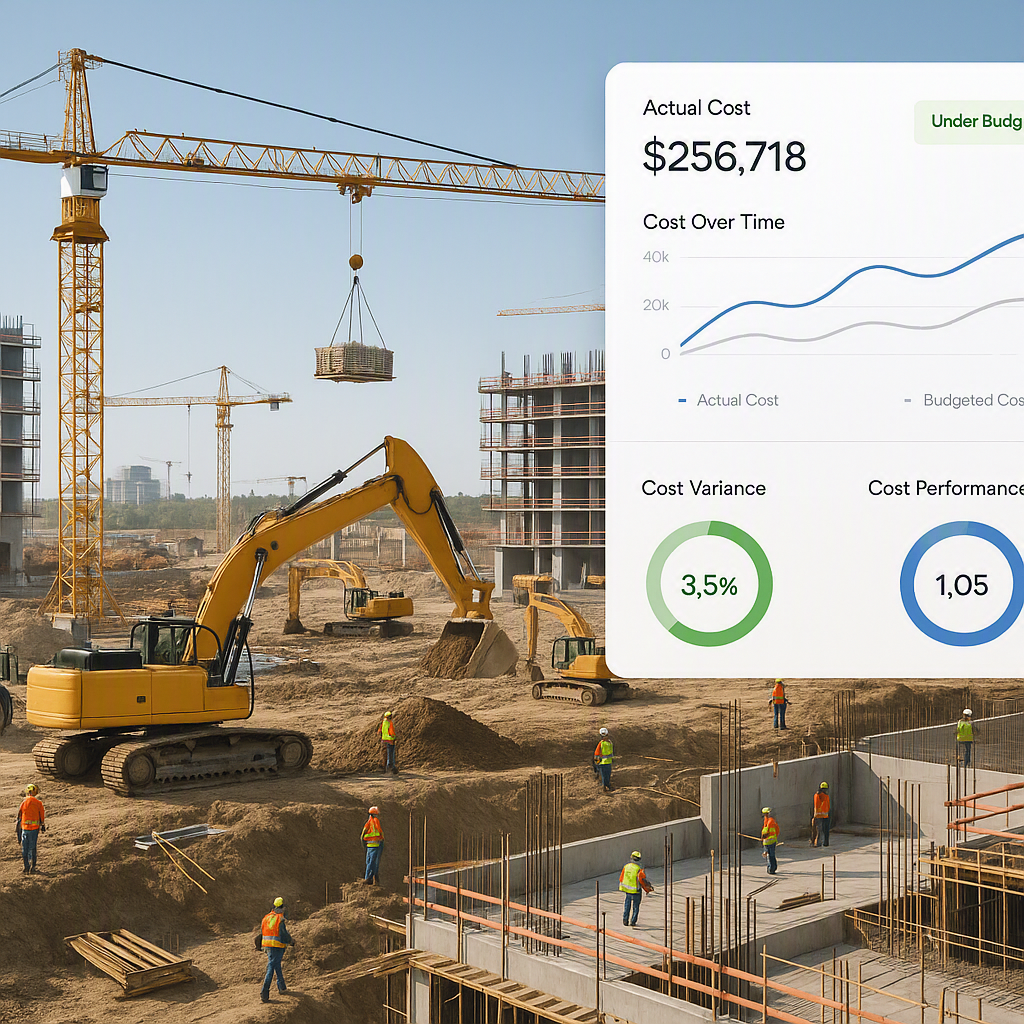
The biggest benefit of an ERP system isn’t just cost tracking—it’s visibility. With JobNext, contractors get real-time dashboards showing cost vs. budget at every level: BOQ, scope, estimate, and project.
Here’s what that means:
- If a site manager tries to order materials exceeding the approved budget, the system flags it immediately.
- If a subcontractor submits an invoice for work that hasn’t been measured, the system blocks it.
- If equipment hired for one site is sitting idle, the system alerts the equipment manager to reallocate it.
This isn’t just about catching mistakes. It’s about making smarter decisions. For example, contractors can use these insights to renegotiate supplier rates, reallocate resources, and even cancel loss-making projects before they spiral out of control.
Why Spreadsheets Won’t Cut It
You might be thinking: "Can’t we just do this in Excel?" The short answer is: no. Excel doesn’t enforce workflows, doesn’t integrate with accounting software, and doesn’t send alerts when something goes wrong.
Let’s take a specific example. JobNext automates customer billing across multiple methods, including RA Bills, stage-wise, monthly, and supply BOQ. Every invoice requires the BOQ to be in a contracted state—locked and auditable. This ensures that billing matches completed work, not just estimates. Excel can’t do that.
FAQ: Common Questions Contractors Ask
Q: Is ERP only for large contractors?
A: No. Systems like JobNext are designed for small to mid-sized contractors managing multiple projects and teams.
Q: How hard is it to implement ERP?
A: It depends on your team’s readiness. Start with one module—like procurement—and scale up as you see results. Their documentation suggests a phased rollout.
Q: What if I want to keep using Tally for accounting?
A: JobNext integrates directly with Tally, so your statutory reporting stays intact.
The Real Cost of Ignoring This
In my view, the biggest cost isn’t the errors themselves—it’s the time wasted fixing them. A construction manager should be solving site issues, not chasing invoices. An operations head should be planning future projects, not firefighting budget overruns.
If you’re still relying on disconnected systems, you’re losing money—and time—you can’t afford.
Call to Action
If multi-project cost tracking feels like a constant headache, JobNext can help. Their platform offers real-time visibility, enforced workflows, and seamless integration across procurement, billing, and finance. Learn more here →
Learn more at EstimateNext


