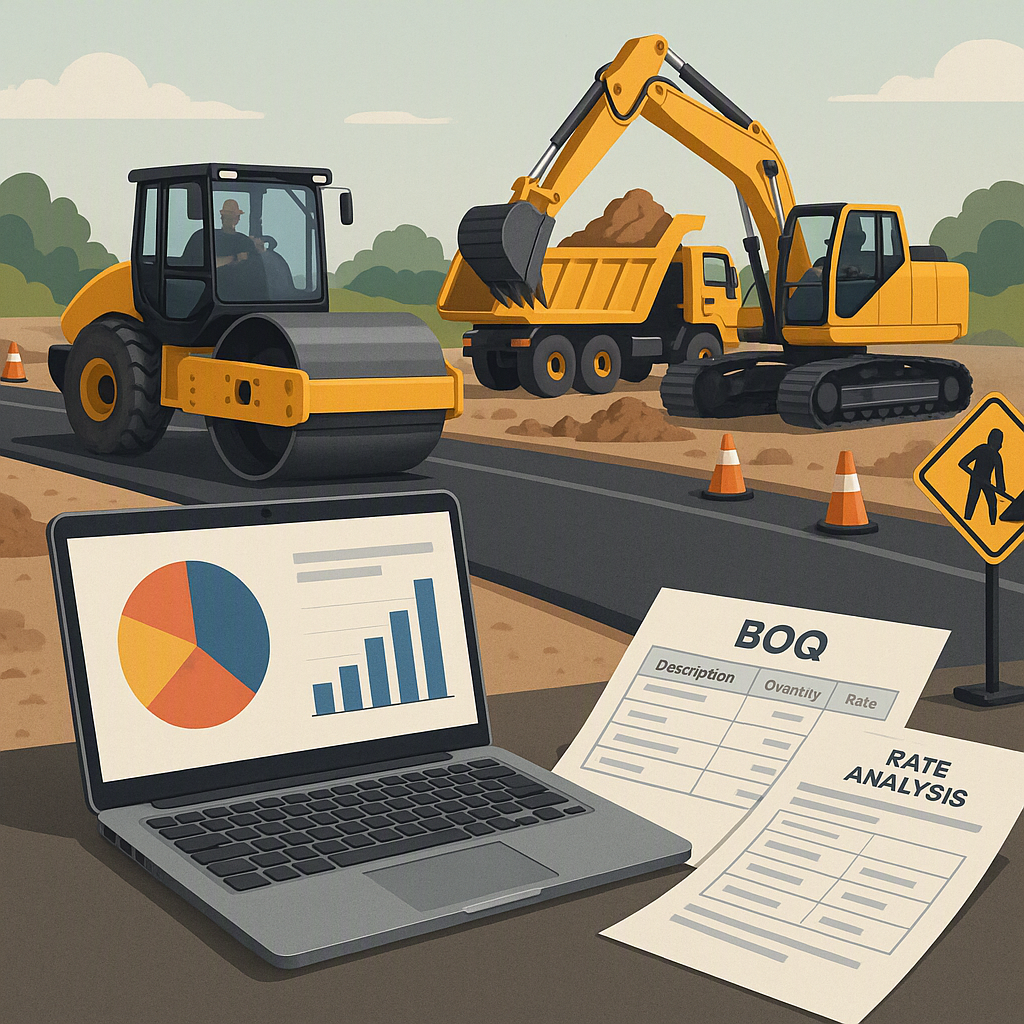
How BOQ PDFs Prevent Cost Overruns in Construction Projects
If you’ve ever had a contractor quote blow up midway through a project, you know how quickly costs can spiral out of control. A poorly managed Bill of Quantities (BOQ) is often the culprit. Think about it: the BOQ outlines every unit of work, rate, and material tied to the contract. If it’s incomplete, inconsistent, or outdated, your project costs are already on a slippery slope.
But let’s face it—BOQs are tedious. They can span hundreds of line items, each with its own quantity, rate, and scope. Managing this complexity using static spreadsheets or PDFs can be overwhelming unless you have the right process and tools in place. That’s where using a BOQ in a structured PDF format, combined with the right workflows, comes in.
Why the BOQ is the Backbone of Cost Accuracy
At its core, a BOQ is a detailed breakdown of every deliverable within a project. Each item has a description, unit of measurement, quantity, and rate. For example:
| Item | Quantity | Unit | Rate (₹) | Total (₹) |
|---|---|---|---|---|
| RCC M25 for Columns | 500 | CUM | 6,000 | 30,00,000 |
| Excavation Work | 800 | CUM | 250 | 2,00,000 |
| Plumbing Installation | 50 | Points | 3,000 | 1,50,000 |
The BOQ does two things exceptionally well:
- Defines Scope Clearly: It ensures all stakeholders (client, contractor, subcontractors) are on the same page about what will be delivered.
- Links Directly to Costs: It’s the foundation for cost estimation, progress billing, and variation tracking.
How the BOQ Defines Scope
A BOQ is essentially the blueprint for the financial side of a construction project. Without a clear scope, misunderstandings can arise, leading to disputes over what’s included in the contract. For example, if plumbing installation isn’t broken down into specific components (e.g., piping, fixtures, valves), the contractor might interpret the scope differently than the client, resulting in disagreements and cost overruns.
Why BOQs Are Essential for Linking Costs
Every line item in a BOQ ties directly to a financial figure. This linkage is vital for:
- Cost Estimation: Accurate BOQs allow you to forecast the total project cost before work begins.
- Progress Billing: Contractors can bill based on completed work, backed by BOQ quantities.
- Variation Management: Any changes to the project scope can be tracked and costed against the original BOQ.
However, a BOQ is only as accurate as its inputs. Errors in quantities, missing items, or incorrect rates can destroy your margins. That’s why maintaining a precise, up-to-date BOQ is non-negotiable.
The Problem with Static BOQ PDFs
Let’s talk about the elephant in the room: PDF BOQs. While PDFs are great for sharing finalized documents, they aren’t built for ongoing updates or real-time collaboration. Once a BOQ is locked into a PDF, any changes—like adding a variation order—require manual edits. This is not ideal for dynamic projects.
Common Issues with Static PDFs
- Manual Updates: When a subcontractor submits a variation for additional work, someone has to manually adjust the quantities, update the rates, and recalculate totals. This creates room for errors—like forgetting to update a subtotal or applying the wrong GST rate.
- Version Control Problems: If multiple stakeholders update the same BOQ file, it’s easy to lose track of the latest version.
- Lack of Real-Time Collaboration: Static PDFs don’t allow multiple users to work on the document simultaneously, which slows down workflows.
Why These Issues Matter
These problems might seem minor, but they have real-world consequences:
- Cost Overruns: A small error in quantities or rates can snowball into significant financial losses.
- Project Delays: Miscommunications caused by outdated BOQs can lead to stalled work.
- Strained Relationships: Disputes between stakeholders often stem from unclear or inconsistent BOQ data.
How JobNext Makes BOQs Dynamic and Error-Free
This is where platforms like JobNext come in. JobNext allows contractors to manage BOQs as living documents. Unlike static PDFs, JobNext focuses on real-time updates, automation, and integration. Here’s how it works:
Key Features of JobNext
- Structured BOQ Uploads: JobNext supports BOQ uploads directly from pre-formatted templates, ensuring all columns (item code, description, quantity, rate) match the expected structure. This eliminates manual data entry errors and ensures consistency across projects.
- Stage-Wise BOQ Splits: For phased projects, JobNext lets users break down BOQ items into stages. For example, a ₹10 lakh RCC foundation BOQ can be split into 30% for excavation, 40% for concreting, and 30% for curing. This aligns costs with milestone-based billing.
- Real-Time Updates: Any approved variation orders or quantity adjustments automatically update the live BOQ, preventing discrepancies between site work and billing.
- Progress Measurement Integration: As work progresses, completed quantities are measured and linked to the BOQ. This ensures billing is based on actual progress—not guesswork.
- Version Control: JobNext tracks every change made to the BOQ, maintaining a clear audit trail.
Why Dynamic BOQs Matter
Dynamic BOQs reduce errors, improve collaboration, and ensure that everyone is working from the same data set. This isn’t just about convenience—it’s about safeguarding your project’s financial health.
Practical Steps for Using BOQ PDFs Effectively
If you’re sticking with PDF BOQs for now, here’s how to make them work:
1. Start with a Template
Use a standardized BOQ template that includes all necessary columns (item, quantity, unit, rate, total). Many templates are available online, but ensure yours aligns with your project’s scope. For example, include columns for GST rates, item codes, and descriptions to reduce ambiguity.
2. Verify Quantities and Rates
Double-check that quantities match approved designs and that rates are consistent with market conditions. If possible, cross-reference your BOQ with:
- Previous project data
- Supplier quotes
- Industry benchmarks
3. Sync with Procurement
Ensure your BOQ aligns with material purchase orders (POs) and subcontractor contracts. Discrepancies here can lead to revenue leakage. For example, if your BOQ estimates 800 CUM of excavation but the PO only accounts for 750 CUM, you’ll face delays or cost overruns.
4. Track Variations Separately
Any changes to scope should be documented as separate line items in the BOQ to maintain transparency. For example:
| Variation | Quantity | Unit | Rate (₹) | Total (₹) |
|---|---|---|---|---|
| Additional Excavation | 50 | CUM | 250 | 12,500 |
Common Mistakes to Avoid
1. Skipping Stage-Wise Breakdown
For milestone-based contracts, not splitting BOQs into stages can lead to upfront billing disputes. Always align BOQ stages with project phases.
2. Inconsistent Units
Mixing units (e.g., cubic meters for some items, square meters for others) makes comparisons difficult and increases the likelihood of errors.
3. Ignoring Reconciliation
If site measurements don’t match BOQ quantities, you’re inviting cost overruns. Regularly reconcile BOQ quantities with actual measurements.
FAQ
Q1: Can I use Excel instead of a PDF for BOQs?
Yes, but Excel comes with its own risks—version control issues, accidental formula edits, and lack of an audit trail. A PDF ensures data integrity but sacrifices flexibility.
Q2: What’s the best way to handle BOQ variations?
Track variations as separate BOQ line items. Platforms like JobNext automate this, linking variations to progress billing.
Q3: How do I ensure my BOQ rates are competitive?
Leverage historical data and rate analysis. Tools like EstimateNext use AI to analyze market rates, saving time and reducing errors.
Q4: How often should I update my BOQ?
Update your BOQ whenever there’s a scope change, variation order, or new site measurement. Ideally, this should be done weekly for dynamic projects.
Q5: Can digital BOQ platforms handle GST calculations?
Yes, most platforms like JobNext include automated GST calculations, ensuring compliance and reducing manual errors.
Comparison: Static PDFs vs Dynamic BOQ Platforms
| Feature | Static PDF BOQs | Dynamic BOQ Platforms |
|---|---|---|
| Real-Time Updates | Manual edits required | Automatic updates |
| Collaboration | Limited to single-user edits | Multi-user real-time access |
| Error Tracking | No audit trail | Full version control |
| Integration with Billing | Manual process | Automated progress link |
| Variation Management | Separate manual tracking | Integrated variation tracking |
Final Thoughts
A static BOQ PDF is better than nothing, but it’s not enough for dynamic projects. If you’re serious about cost accuracy, consider moving to a digital BOQ platform like JobNext. It’s not just about preventing errors; it’s about protecting your margins and simplifying workflows.
Learn more at EstimateNext