Why Manual Takeoffs Are Killing Your Margins
Let’s face it. Measuring quantities from PDF drawings manually is a time sink. On a typical commercial project, it takes anywhere from 40 to 60 hours to complete a takeoff. That’s a full week of work for your estimation team — often while juggling multiple tenders. Mistakes? They’re inevitable when you’re flipping through 2,000-page rate books and cross-referencing dimensions across 50 sheets.
Manual takeoffs don’t just waste time. They cost you money. According to EstimateNext, contractors lose $2-3 million annually in missed tenders, pricing errors, and slow response times. And in competitive markets like GCC, speed matters as much as accuracy.
How AI Takeoff Works
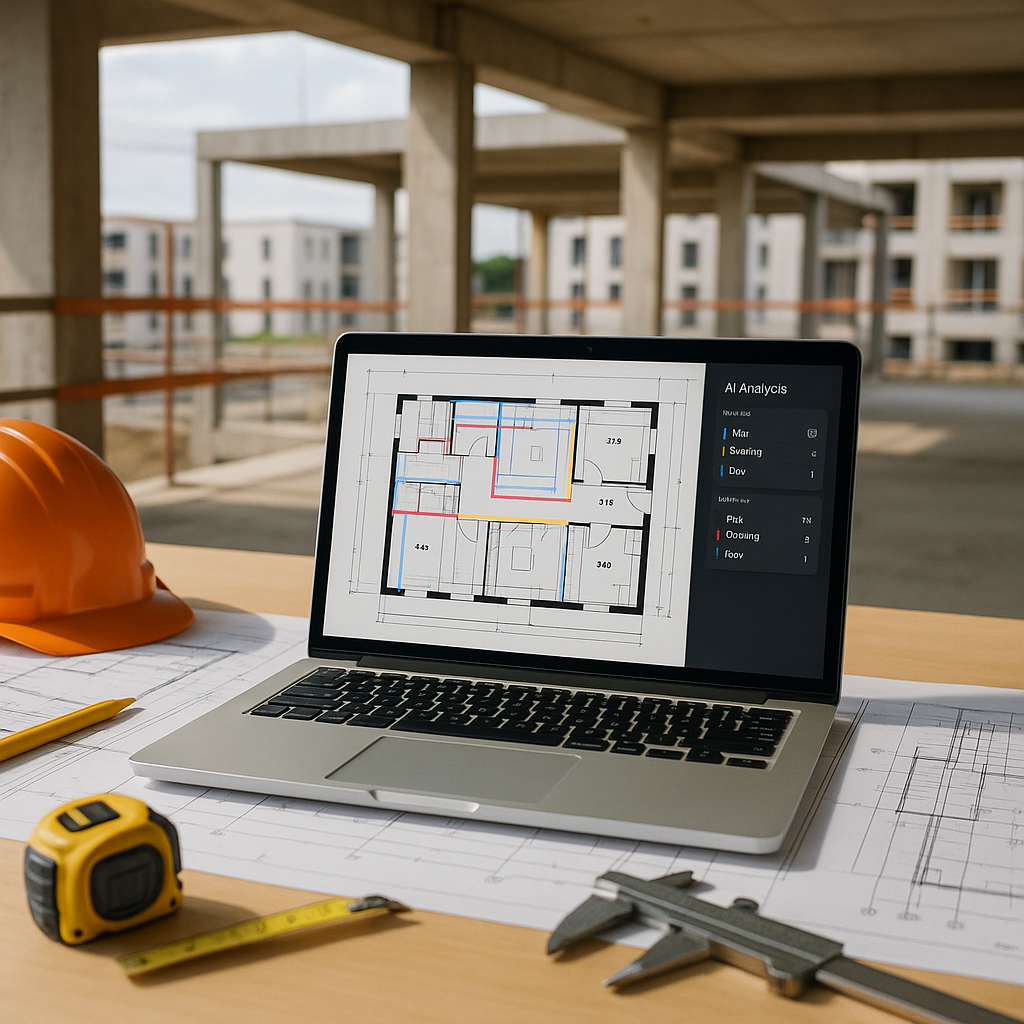
AI-powered takeoff tools do the heavy lifting for you. Instead of measuring every line and calculating every area manually, these tools scan your PDF drawings automatically. They identify walls, floors, beams, and other elements, then extract quantities directly — all in minutes.
Here’s the step-by-step process:
- Upload Your PDF Drawings: Drag and drop your files into the AI tool.
- Define the Layers: Tell the software what you want to measure — walls, slabs, openings, etc.
- Let AI Process the Drawings: The software identifies sections, dimensions, and scales automatically.
- Export the Quantities: Get an Excel file with BOQ-ready numbers.
For example, EstimateNext can handle this entire workflow in under 10 minutes. Their AI algorithms even handle complex multi-layer drawings that most basic tools struggle with.
What About Accuracy?
You might be thinking, “Sure, it’s faster, but can I trust the results?” Fair question. AI takeoff tools don’t just rush through measurements. They use machine learning models trained on thousands of construction drawings to ensure precision. According to EstimateNext, automated takeoffs achieve equal or better accuracy compared to manual methods.
Still skeptical? Test it. Run an AI takeoff side-by-side with your manual method on a small project. You’ll likely find discrepancies in your manual process, not the AI.
Real-World Example: JobNext’s Preconstruction Workflow
AI takeoffs aren’t just standalone tools. They’re even more powerful when integrated into your project management software. Take JobNext, for instance. Their platform lets contractors import AI takeoff data directly into the BOQ module. From there, you can:
- Estimate Fast: Build BOQs with 5-factor resource estimation.
- Avoid Scope Creep: Track quantities against original scopes during execution.
- Bid Smarter: Combine AI takeoffs with historical margin analysis to optimize bid pricing.
This kind of integration solves more than just speed — it fixes margin erosion. Contractors who use JobNext’s workflow report up to 12% higher accuracy in preconstruction estimates.
Edge Cases: When AI Struggles
AI tools aren’t perfect. They can struggle with poorly scanned PDFs, missing scale bars, or inconsistent drawing standards. Here’s how to handle those situations:
- Fix Scales Early: If drawings lack a clear scale, set it manually before running the AI.
- Standardize Inputs: Use clean, high-resolution PDFs whenever possible.
- Run Manual Checks: For critical measurements, cross-check AI results with manual methods.
For most contractors, these edge cases are rare. But knowing how to handle them ensures you’re covered when they do crop up.
Why You Should Start Today
AI takeoffs aren’t just a time-saver — they’re becoming a competitive advantage. Contractors who adopt these tools are winning more bids, cutting estimation costs, and protecting their margins. The math is simple: save 40 hours per project, reinvest that time into better bids, and reduce mistakes that cost you money.
Still not convinced? Check out this detailed guide from EstimateNext for a deeper breakdown of how AI takeoffs are transforming the industry. It’s not just a theory — it’s already happening.
Ready to streamline your preconstruction workflows? Tools like JobNext make AI takeoff integration simple. And if you’re still relying on manual methods, it’s time to rethink. Your margins will thank you.
Ready to see JobNext in action?
Multi-tenant SaaS ERP for construction, facilities management, and contracting — covering preconstruction, project execution, procurement, HR & payroll, equipment, finance, and 150+ analytics reports.
Get Started Free →Learn more at EstimateNext


