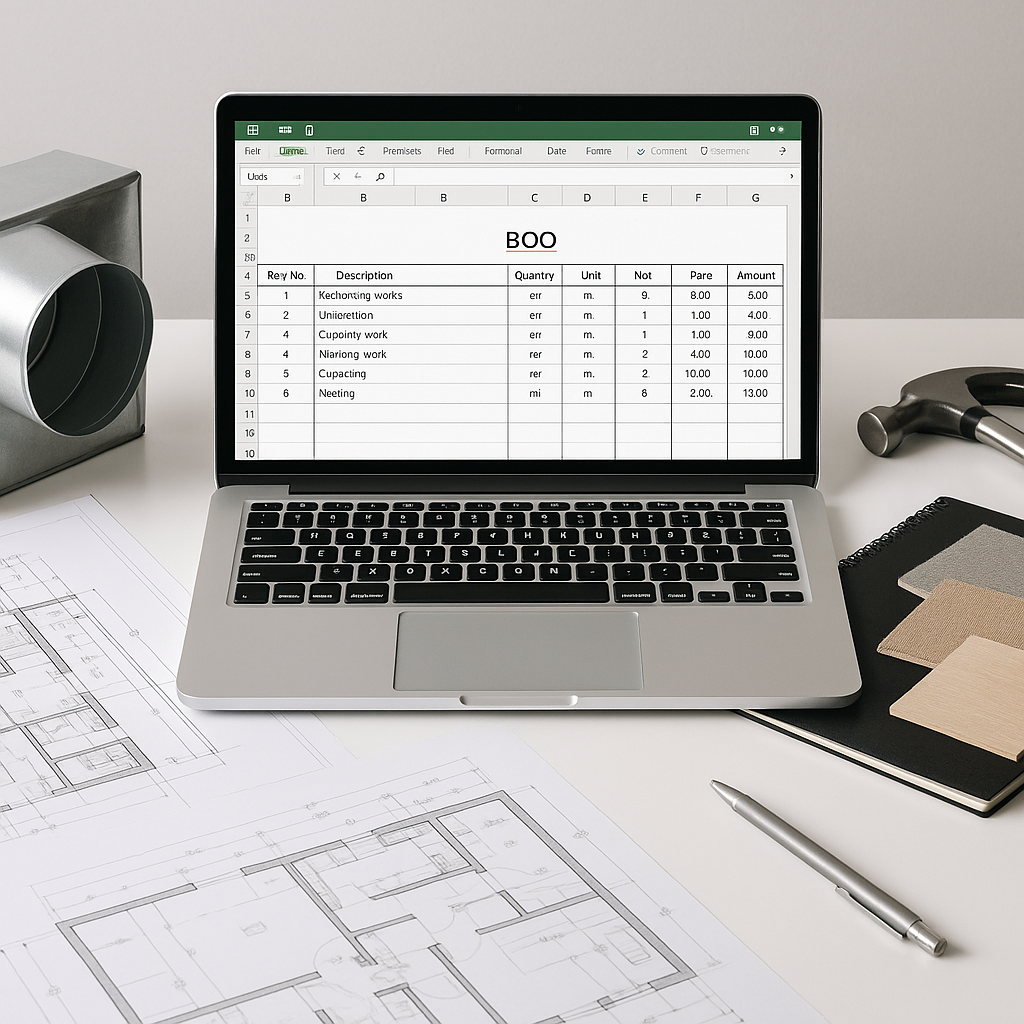
BOQ Templates: Why Tailored Formats Matter for Contractors
Let’s face it: BOQs (Bills of Quantities) are often the most misunderstood part of project estimation. Yet, they’re critical. A poorly structured BOQ can derail everything — from cost tracking to billing accuracy. It’s not just about listing line items; it’s about presenting them in a way that works for your trade.
Take an HVAC contractor and a general contractor. Both need BOQs, but their needs couldn’t be more different. HVAC jobs might have recurring items like ducts, vents, and dampers. Meanwhile, a general contractor’s BOQ might span excavation, formwork, and concrete pours. Using a one-size-fits-all template? That’s asking for trouble.
The Problem with Generic BOQ Formats
Here’s the issue: most contractors start with a blank Excel sheet or a generic template. These don’t account for:
- Trade-specific units of measure (UOMs): For example, an MEP contractor needs UOMs like "circuit points" or "running meters," while a landscaper will be dealing with "square feet" or "plant counts."
- Phased projects: Stage-wise BOQs are essential for tracking progress in milestone-based jobs like high-rise construction.
- Client-specific preferences: Ever had a client demand a BOQ restructured mid-project? If your format doesn’t match their reporting needs, you’re stuck doing manual edits.
Why Do These Issues Matter?
- Billing Disputes: Poorly structured BOQs often lead to ambiguities in scope, leaving contractors and clients arguing over what was or wasn’t included. This can delay payments and damage relationships.
- Margin Erosion: If your BOQ doesn’t accurately reflect costs, you risk underestimating, leading to thin or negative margins.
- Manual Workload: Reformatting a generic BOQ to align with client requirements can take hours, if not days, especially when changes are requested mid-project.
- Data Inconsistencies: Using generic templates increases the risk of errors, such as mismatched UOMs or incorrect calculations, which can multiply across multi-phase or multi-site projects.
Actionable Fixes for Contractors
- Standardize Trade-Specific UOMs: Identify the UOMs most relevant to your trade. For example, an HVAC contractor might prioritize lengths (meters) for ductwork, while a painter might focus on area (square feet).
- Adopt Stage-Wise BOQs: Break your BOQ into project milestones. For instance, a high-rise project can be divided into “Excavation,” “Foundation,” and “Superstructure” phases.
- Prepare Client-Centric Formats: Research your client’s preferences for reporting and tailor your BOQ to match their expectations upfront to minimize rework.
Free BOQ Templates Tailored to 15+ Trades
At KhaasDiscount, we’ve seen firsthand how badly structured BOQs can kill margins. That’s why we’re offering free, tailored BOQ templates for 15+ contractor trades. These formats aren’t generic Excel sheets. They’re designed to align with:
- Trade-Specific Requirements: HVAC, MEP, landscaping, firefighting, interior design, and more.
- Stage-Wise Tracking: Break down deliverables into construction phases or milestones.
- Client-Ready Output: Professional formats that reduce back-and-forth over billing.
Example: BOQ Format for an MEP Contractor
Here’s what a tailored BOQ for an MEP contractor includes:
| Item Code | Description | UOM | Quantity | Rate (₹) | Total (₹) |
|---|---|---|---|---|---|
| 01 | Electrical Circuit | Point | 100 | 1,200 | 1,20,000 |
| 02 | Split AC (1.5 Ton) | Unit | 10 | 35,000 | 3,50,000 |
| 03 | Ducting (GI Sheet) | Sq. Meter | 250 | 800 | 2,00,000 |
Why It Works: Notice how specific UOMs (points, units, sq. meters) make it easy to track materials and labor accurately. Each line item is clear, measurable, and directly tied to project deliverables.
Additional Trades and Their Unique BOQ Needs
- Landscaping Contractors: UOMs like "plant counts" and "cubic meters of soil."
- Interior Designers: Breakdowns for furniture items, wall treatments, and light fixtures.
- Civil Engineers: Materials such as rebar (tons), concrete (cubic meters), and formwork (square meters).
How JobNext Simplifies BOQ Management
Even with the right template, managing BOQs manually is a pain. That’s where tools like JobNext come in. JobNext is designed to eliminate inefficiencies in BOQ management by automating key workflows.
Features of JobNext
- Excel Uploads: Import client-provided BOQs directly from Excel. The system validates formats to prevent errors.
- Stage-Wise BOQs: Break down deliverables into stages like "Foundation" or "Superstructure." This makes milestone billing seamless.
- Real-Time Profitability Tracking: JobNext’s dashboards compare BOQ costs against actual expenses, flagging unprofitable items.
- Version Control: Maintain multiple versions of BOQs for change management, ensuring you can track revisions easily.
- Seamless Invoicing: Generate invoices directly from BOQs, ensuring consistency between estimation and billing.
Why Automation Matters
Without tools like JobNext, contractors spend hours managing BOQ data manually, reconciling costs, and preparing invoices. Automating these tasks reduces errors, saves time, and ensures consistency across projects.
Comparison Table: Manual BOQs vs. Tailored Templates + Tools
| Feature | Manual BOQs | Tailored Templates + Tools |
|---|---|---|
| Customization | Limited | High |
| Error Rate | High | Low |
| Time Required | Significant | Minimal |
| Client Satisfaction | Low (due to rework) | High |
| Cost Tracking | Manual (time-intensive) | Automated |
| Integration with Invoicing | No | Yes |
FAQ
1. What’s included in the free BOQ templates?
Each template is tailored to specific trades, including pre-defined UOMs, stage-wise tracking fields, and professional layouts. This ensures your BOQs are ready for both internal use and client submission.
2. Can I customize the templates?
Absolutely. The templates are designed to be editable. You can add new line items, adjust UOMs, and tweak the format to align with your project’s unique needs.
3. How does JobNext integrate with BOQs?
JobNext allows you to import BOQs, track costs, generate invoices, and manage progress billing all in one platform. It ensures consistency between your estimation, execution, and invoicing processes.
4. Do these templates work with RA bills?
Yes. The templates are structured to support common billing methods, including Running Account (RA) bills, stage-wise billing, and lump-sum contracts.
5. How do I decide between manual management and a tool like JobNext?
If your projects are small-scale and infrequent, manual management with a tailored template might suffice. However, for medium to large projects with multiple phases, JobNext’s automation features will save time, reduce errors, and improve profitability tracking.
Ready to Fix Your BOQs?
If messy BOQs are killing your margins, it’s time to take action. Download a free, tailored BOQ template for your trade or explore how JobNext can simplify the entire process. Get started →
Learn more at EstimateNext


