Why BOQs Can Make or Break Your Project Margins
Let’s start with a hard truth: BOQs (Bills of Quantities) aren’t just paperwork. They’re the foundation of your entire project. If your BOQ isn’t accurate, your estimates will be wrong, your progress tracking will fall apart, and your billing will leak revenue faster than you can patch it. Yet, contractors often treat BOQs like a chore — rushed, unstructured, and full of errors.
BOQs are often underestimated in their importance. Errors in unit rates, mismatched quantities, and poorly structured templates can lead to significant financial and operational inefficiencies. These issues often go unnoticed until they have already impacted profitability.
Why Do BOQ Errors Persist?
It’s easy to blame the tools, but let’s be honest — the problem starts upstream. Contractors receive client BOQs in inconsistent formats. Some use PDFs, others Excel, and some are just scanned handwritten notes. When you’re juggling multiple trades — say, civil works, MEP, and HVAC — standardizing these inputs feels impossible. And without structured templates, even small mistakes cascade.
Take unit rates, for example. If your BOQ doesn’t break down rates into materials, labor, and equipment, you’re flying blind. A rate might look competitive on paper but could be padded with hidden costs (a common issue in GCC subcontractor bids).
What Can Be Done Differently?
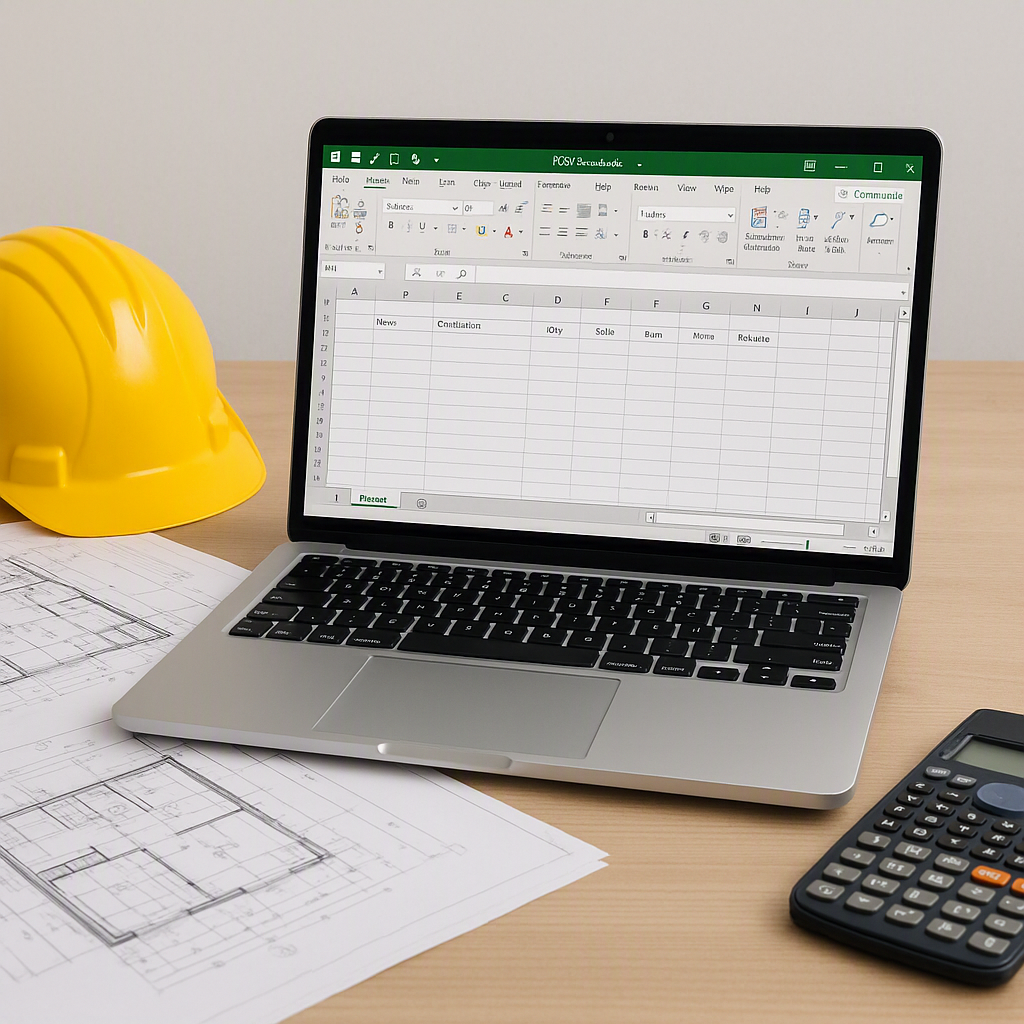
The fix is surprisingly simple: trade-specific BOQ templates. Start with a downloadable Excel format that aligns with your ERP system’s upload structure. Trade-specific templates ensure every column matches — item code, description, unit of measure (UOM), rate, quantity, and value. This eliminates upload errors and simplifies progress tracking.
Here’s how it works:
- Download the Template: Always use the latest version to avoid column mismatches.
- Fill in Trade-Specific Data: Include detailed breakdowns for materials, labor, and plant for each line item.
- Enable Stage-Wise Billing: Split items across delivery phases with percentage allocations. For example, divide “Foundation” and “Superstructure” into separate stages.
- Upload to ERP: Import directly into your system and verify success.
Common Mistakes and What to Watch For
-
Skipping the Template: Contractors often prepare BOQs manually and only download the template after errors occur. This backward process wastes time.
-
Inconsistent UOMs: Mixing units like “cubic meter” and “square foot” within the same BOQ creates confusion during progress tracking.
-
Ignoring Stage-Wise Flags: For phased projects, failing to allocate quantities per stage leads to billing disputes.
-
Overlooking Rate Analysis: Always break rates into materials, labor, and equipment to spot padding.
FAQ
Q: Can I use any Excel sheet format for BOQ uploads?
No. Most ERP systems require a specific template structure. Download the BOQ template provided by your system to ensure compatibility.
Q: How do trade-specific templates help?
They standardize inputs, ensure accuracy, and reduce upload errors. For example, civil works BOQs might include excavation, concrete, and rebar items — each with unique UOMs and rates.
Q: What happens if my BOQ has mismatched columns?
Your upload will fail, and you’ll need to manually correct each item. This is why starting with the correct template is critical.
Q: Can I split BOQs by project stage?
Yes. Stage-wise billing allows you to allocate quantities across phases like “Foundation,” “Superstructure,” and “Finishing.”
Q: Is there a way to automate BOQ preparation?
AI tools can streamline BOQ creation by importing client-provided data and applying templates automatically.
Conclusion
BOQs aren’t just a technicality — they’re the backbone of your project’s profitability. Trade-specific templates and structured uploads save time, reduce errors, and improve margins. By adopting standardized processes and leveraging the right tools, contractors can ensure smoother project execution and better financial outcomes.
Learn more at EstimateNext


