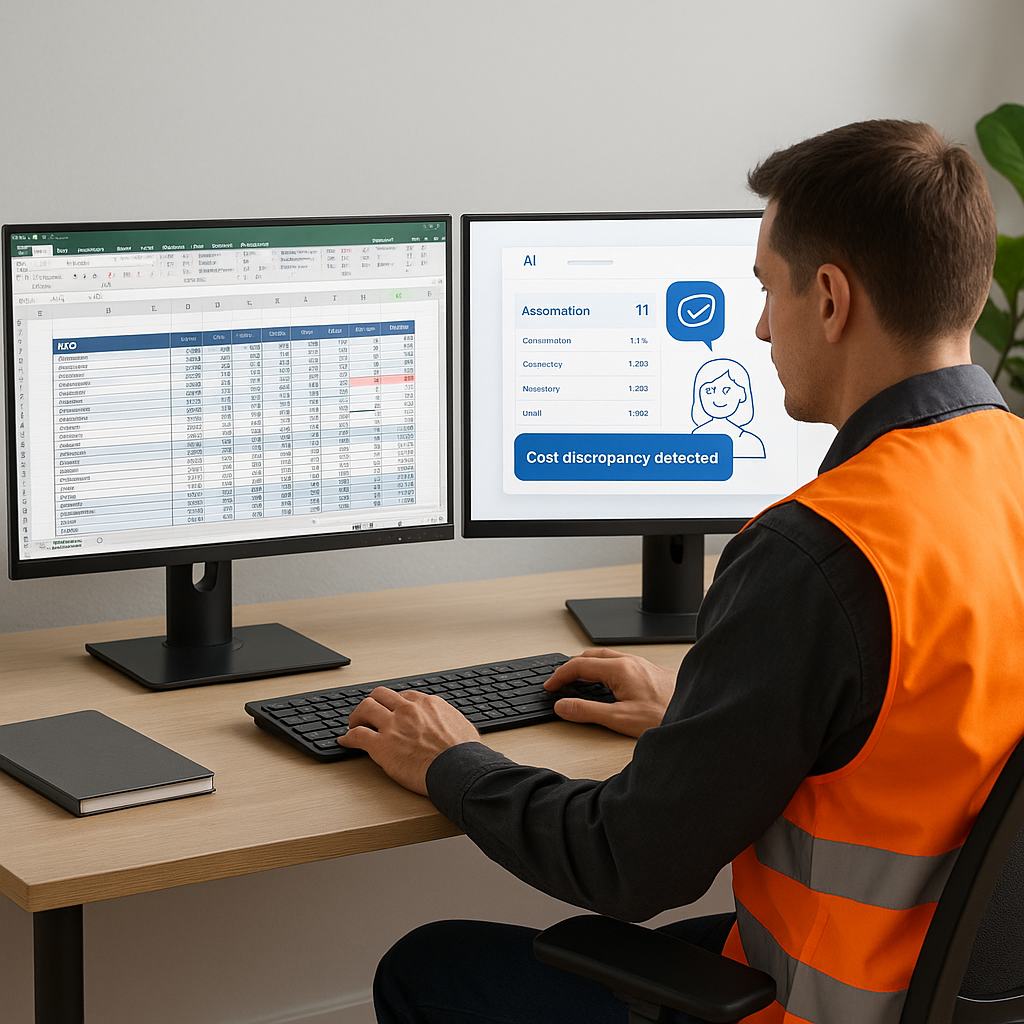
AI Estimating: Worth the Hype?
AI estimating tools promise to revolutionize preconstruction. Faster takeoffs, fewer errors, and better accuracy sound like a dream, right? But let’s face it—no tool is perfect. AI doesn’t magically eliminate all risk. It’s how you use it that makes the difference.
In this post, we’ll break down how AI estimating works, where it shines, where it stumbles, and how contractors can make the most of it. Spoiler: It’s a massive time-saver if used right, but you can’t blindly trust it.
What Is AI Estimating?
AI estimating uses artificial intelligence to automate parts of the estimation process, such as rate matching, quantity takeoffs, and error detection. It leverages machine learning algorithms to analyze data and identify patterns that allow faster and more efficient workflows.
For example, traditional estimating involves manually combing through rate libraries and blueprints to match costs to quantities. AI tools like EstimateNext can complete these tasks in a fraction of the time by processing thousands of rates and specifications simultaneously.
Key features of AI estimating tools include:
- Automated rate matching: Provides instant comparisons between your BOQ (Bill of Quantities) and rate libraries.
- Error detection: Flags discrepancies such as duplicate resources or missing scope details.
- Data integration: Links estimates to procurement budgets, material requisitions, and cost variance reports.
Where AI Nails It
1. Speeding Up Rate Matching
Anyone who’s spent hours flipping through rate books knows the pain. Matching 78,000 rates manually? Forget it. That’s where AI shines. Tools like EstimateNext can process massive rate libraries in seconds. Instead of hunting through PDFs, you get instant matches based on your BOQ.
Case Study: Civil Contractor in Mumbai
A civil contractor in Mumbai recently used an AI tool to match excavation rates for a tender. What used to take three days was done in just 15 minutes. The contractor reported saving close to 30 hours of manual effort, freeing their team to focus on refining their bid.
Actionable Steps:
- Standardize your rate libraries: Ensure all rates are categorized and labeled correctly for AI tools to process.
- Test AI tools on smaller projects first: Validate their accuracy before scaling up to larger, complex projects.
2. Catching Human Oversights
AI doesn’t get tired. It doesn’t skip a line or misread a spec. That makes it great for flagging errors in quantities or inconsistent rates. JobNext, for instance, enforces budget discipline by validating every material purchase and subcontractor payment against approved estimates. This tight integration ensures fewer surprises later in the project.
Example: Duplicate Resources
A large general contractor used AI during a multi-million-dollar project estimate review. The tool flagged duplicate entries for concrete and steel—a mistake that would have added $250,000 in unnecessary costs.
Actionable Steps:
- Use AI as a second set of eyes: Run AI checks after manual reviews to catch potential errors.
- Train your team: Ensure your estimators understand how AI flags discrepancies so they can act on them effectively.
Where AI Falls Short
1. Context Is Everything
AI can crunch numbers, but it doesn’t understand your project’s unique quirks. Soil conditions, local labor availability, and unforeseen site challenges—these are things only experienced estimators can factor in. If you’re relying on AI to do it all, you’re asking for trouble.
Example: Soil Conditions
A contractor in Texas relied heavily on AI to estimate costs for a foundation project. The tool didn’t account for the unusually rocky soil, which required additional excavation and specialized machinery. The oversight resulted in a 12% budget overrun.
Actionable Steps:
- Combine AI with human expertise: Use AI for repetitive tasks, then factor in local conditions manually.
- Develop a checklist for site-specific factors: Ensure these are accounted for before finalizing an estimate.
2. Garbage In, Garbage Out
AI is only as good as the data you feed it. Outdated rate libraries or missing scope details can lead to wildly inaccurate estimates. If your team isn’t disciplined about maintaining clean data, you’ll end up with a shiny tool that spits out bad numbers.
Case Study: High-Rise Project
One contractor I know used AI to generate an estimate for a high-rise building but neglected to update steel rates in their database. The result? A bid that was 20% off the mark—and a lost tender.
Actionable Steps:
- Audit your data regularly: Create a schedule for updating rate libraries and scope details.
- Train staff on data hygiene: Educate your team on the importance of clean, accurate data.
How to Use AI Estimating Wisely
-
Start with Reliable Data: Update your rate libraries regularly. Make sure your BOQs are complete and accurate before feeding them into any tool.
-
Use AI for What It’s Good At: Let AI handle repetitive and time-consuming tasks like rate matching and quantity takeoffs. Save your expertise for interpreting results and making judgment calls.
-
Integrate with Your Workflow: Tools like JobNext feed AI-generated estimates directly into procurement budgets, material requisitions, and cost variance reports. This ensures estimates aren’t just planning documents—they’re actionable.
-
Always Review: AI isn’t a substitute for human oversight. Treat its output as a starting point, not the final word.
Comparison Table: AI vs. Human Estimating
| Feature | AI Estimating | Human Estimating |
|---|---|---|
| Speed | Instant rate matching | Slow, manual comparisons |
| Error Detection | Flags duplicates/missing scope | Prone to fatigue and oversight |
| Context Understanding | Limited | Deep understanding of site-specific factors |
| Cost | Lower upfront costs | Higher labor costs |
| Final Judgment | Requires human review | Comprehensive decision-making |
FAQ
1. Can AI completely replace human estimators? No. AI handles repetitive tasks well but lacks the judgment and experience needed for complex projects.
2. How do I ensure AI estimates are accurate? Start with clean, updated data. Always review AI-generated estimates and adjust for project-specific factors like site conditions.
3. Are AI estimating tools expensive? Costs vary, but many tools offer ROI through time saved and errors avoided. Calculate what manual processes are costing you to see if it’s worth it.
4. Can AI help with billing accuracy too? Yes. Tools like JobNext integrate estimates with billing workflows to ensure all completed work is invoiced correctly.
5. What’s the best AI estimating tool for small contractors? Look for tools with flexible pricing and scalable features, like EstimateNext or JobNext, which cater to both small and large operations.
The Bottom Line
Is AI estimating accurate? Mostly. But it’s not perfect. Think of it as an assistant, not a replacement. The real value comes when you combine its speed and consistency with your expertise.
If you’re tired of losing hours (and money) to manual estimating, it’s worth exploring tools like JobNext. With features like enforced budget controls and real-time cost tracking, it’s designed to help contractors protect their margins.
AI can’t guarantee a perfect estimate, but it can get you closer—and save you days of work in the process.
Learn more at EstimateNext


