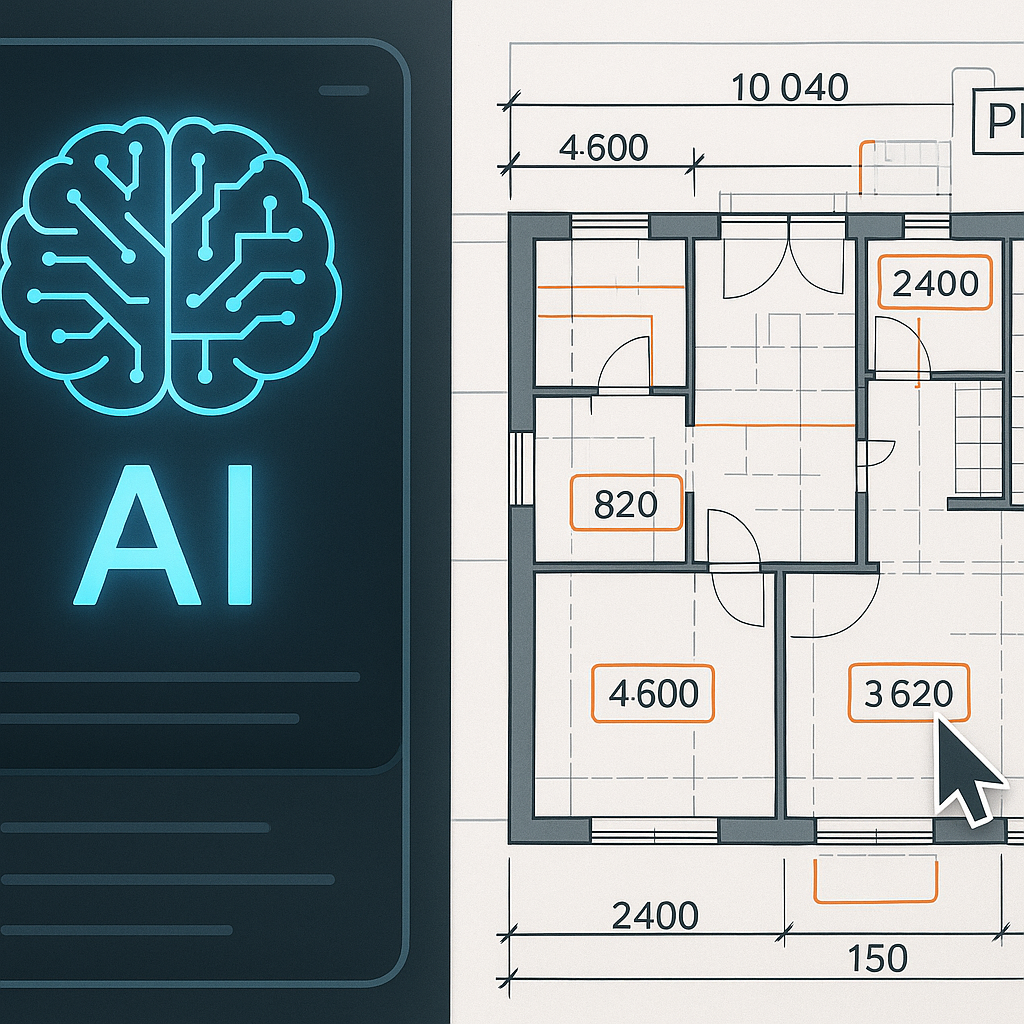
The Blueprint Problem Contractors Don’t Talk About
Here’s a scenario: your team gets the latest set of project blueprints. They’re in PDF format — because, of course, that’s what everyone sends. You forward them to the estimator, who spends the next 10 hours manually extracting quantities and measurements, flipping between Adobe Reader and Excel. That’s where the real trouble starts.
Most contractors assume their manual takeoffs are accurate. But the hard truth? They’re not. Studies show that errors in blueprint takeoffs account for up to 6-10% margin erosion per project — that’s lakhs of rupees gone before you even break ground. And the worst part? These errors are invisible until it’s too late.
Why Manual Takeoffs Fail
Manual takeoffs rely heavily on human judgment, which makes them inherently error-prone. Here’s a breakdown of where things typically go wrong:
1. Missed Dimensions
Small details on a blueprint often escape notice, especially in complex layouts. For example, a contractor working on a 10,000 sq. ft. residential project might miss a few minor dimensions in stairwells or balconies. These might seem negligible, but overestimating or underestimating materials like steel or concrete for these areas can lead to significant budget miscalculations.
2. Scale Mismatches
Blueprints often go through multiple iterations and conversions before they land in your inbox. PDFs, in particular, don’t always preserve accurate scale. For example, a blueprint intended to be at a 1:100 scale might accidentally be rendered at a 1:75 scale during conversion, throwing off all calculations.
3. Calculation Errors
Estimators juggling measurements across multiple blueprint pages are prone to mistakes. Imagine manually summing up the total length of electrical wiring needed for a large commercial building. A missed annotation or duplicated measurement can result in thousands of rupees wasted on surplus materials.
4. Unstructured Data
Blueprints are a mix of text, symbols, and annotations scattered across multiple file formats and pages. Estimators are forced to interpret each manually, making it easy to misread symbols or overlook annotations.
Real-World Consequences
- Scope Gaps: Missing key items during takeoff leads to under-budgeted resources.
- Billing Disputes: Incorrect measurements create discrepancies between actual usage and billed amounts, damaging client relationships.
- Cascading Delays: Errors in takeoffs often cascade into delays during procurement and execution, further inflating costs.
A case study by the Construction Management Association of America (CMAA) found that 35% of project delays in mid-size construction firms were directly linked to errors in early-stage takeoffs.
How Computer Vision Fixes Blueprint PDFs
Here’s where AI-powered tools come in. Computer vision algorithms can “read” blueprints far more effectively than any human. They don’t just extract numbers; they contextualize them. Tools like EstimateNext are already proving how efficient this approach can be.
What AI Does Differently
-
Automated Quantity Extraction Computer vision scans the entire PDF for dimensions, areas, and annotations — no manual entry needed. For example, an AI tool can instantly identify the total square footage of wall space that needs painting, even if it’s spread across multiple blueprint pages.
-
Error Detection AI identifies inconsistencies in scaling, missing measurements, and overlapping scopes that humans typically miss. For instance, if a blueprint shows two overlapping floor plans due to a design iteration error, the AI flags it immediately.
-
Structured BOQ Generation Instead of leaving data scattered across pages, AI tools generate a structured Bill of Quantities (BOQ) directly from the blueprint. This ensures that materials, labor, and costs are organized in a way that integrates seamlessly with your project execution software.
-
Speed What takes 10 hours manually gets done in 10 minutes. A contractor working on a ₹50-crore residential complex recently reported saving 30 hours per week by switching to an AI-powered takeoff tool.
Case Study: JobNext’s BOQ Integration
JobNext integrates BOQ data extracted from blueprints into its project scopes seamlessly. According to their documentation, BOQ items directly link to execution scopes, ensuring every deliverable aligns with client expectations. This eliminates the need for manual reconciliation between blueprint data and project planning, reducing both errors and administrative overhead.
Real Numbers: The Impact of AI Blueprint Extraction
Let’s break down the numbers. A mid-size contractor spends approximately ₹65,000 per month on manual takeoffs, including estimator salaries and overtime. Switching to AI tools reduces that cost by up to 80%. That’s ₹52,000 saved monthly — or over ₹6 lakh per year.
But that’s just labor savings. Consider the additional savings:
- Error-Related Savings: Avoiding a 6-10% margin erosion on a ₹1-crore project means retaining ₹6-10 lakhs in profit.
- Time-to-Market: Faster takeoffs mean projects start earlier, improving cash flow and client satisfaction.
For example, a contractor using AI tools for a ₹10-crore commercial project reported an additional ₹18 lakh saved in error prevention and reduced procurement delays.
Practical Steps for Contractors
If your team is still handling blueprint PDFs manually, it’s time to rethink your process. Here’s a roadmap:
1. Audit Your Current Process
- Track how much time your team spends on manual takeoffs.
- Calculate your error rate by comparing actual material usage to initial estimates.
- Identify recurring issues, such as missed dimensions or inconsistent scaling.
2. Test AI Extraction Tools
- Tools like EstimateNext and JobNext offer free trials. Upload a sample blueprint and compare the results to your manual process.
- Look for features like error detection, BOQ generation, and integration with project management tools.
3. Integrate BOQ with Execution Tools
- Ensure your AI-generated BOQ links directly to your project execution workflows.
- For example, JobNext allows you to assign BOQ items to specific tasks, ensuring seamless project tracking and billing accuracy.
4. Train Your Team
- AI tools don’t replace your team — they enhance them. Ensure your estimators understand how the tools work and the kind of errors they’re fixing.
- Offer hands-on training sessions during the initial implementation phase.
5. Monitor and Optimize
- Regularly review the accuracy of AI-generated takeoffs.
- Use analytics provided by the AI tool to identify bottlenecks and refine your workflows.
FAQ
1. Can AI handle non-standard blueprints?
Yes. AI tools are trained on thousands of blueprint formats and can adapt to variations in symbols, layouts, and annotations. For example, they can interpret custom symbols used in HVAC blueprints or electrical layouts.
2. What if the PDF scale is incorrect?
Computer vision algorithms detect scaling issues and flag them for correction. Some tools even auto-adjust measurements based on predefined templates or user input.
3. How much does AI blueprint extraction cost?
Costs vary, but most SaaS tools operate on a subscription model. For small to mid-size contractors, monthly costs typically range between ₹10,000-₹25,000 — easily offset by labor and margin savings.
4. Is AI extraction compliant with local standards?
Most tools allow customization for CPWD, MES, GCC, or other regional formats, ensuring compliance with local billing and execution norms.
5. Do I need technical expertise to use AI tools?
No. Most AI tools are designed with user-friendly interfaces. Basic training is usually enough to get your team up to speed.
Decision Framework: Manual vs. AI Takeoffs
| Criteria | Manual Takeoffs | AI-Powered Takeoffs |
|---|---|---|
| Accuracy | Prone to human error | High, with automated error detection |
| Speed | 8-10 hours per blueprint | 10-20 minutes per blueprint |
| Labor Costs | ₹65,000/month (average) | ₹10,000-₹25,000/month (AI tool subscription) |
| Error Margins | 6-10% margin erosion | <1% margin erosion |
| Integration | Manual data entry into BOQ/project tools | Seamless BOQ and project scope linking |
Call to Action
Stop letting blueprint errors kill your margins. JobNext integrates AI-powered blueprint extraction with seamless BOQ linking for real-time project tracking. Get started free →
Learn more at EstimateNext


