Why BOQ Errors Can Destroy Your Margins
Think about the last project your company ran. Did the final costs match your initial estimate? If you're like most contractors, the answer is probably no. Why does this happen? One of the biggest culprits is inaccurate or incomplete Bills of Quantities (BOQs).
BOQs are the backbone of construction projects. They list every deliverable, its quantity, unit of measure, and the agreed billing rate. This document is essentially the client’s shopping list, detailing what they expect you to deliver. If a single line item is wrong—let’s say the quantity for RCC M25 concrete is off by 20 cubic meters—your profit margin can take a hit. Worse, you might even end up losing money.
The problem? Many contractors still rely on outdated methods to prepare and manage BOQs. Manual spreadsheets, fragmented systems, or even handwritten notes introduce errors and omissions that snowball into major issues during execution.
In this article, we’ll delve into the reasons why BOQ errors can wreak havoc on your margins, practical steps to prevent these errors, and how to use BOQs effectively throughout a project’s lifecycle.
The Consequences of Poor BOQ Management
BOQs aren’t just a formality. They’re the foundation for estimating costs, securing client approvals, and tracking progress. When these documents are poorly managed, the consequences ripple through the entire project. Here are some of the most common issues contractors face:
1. Overlooked Deliverables
Missing items in the BOQ mean you’ll have to cover unbudgeted costs. For example, forgetting to include excavation for a foundation can lead to tens of thousands in additional expenses. Worse, these oversights can erode trust with your client if they notice discrepancies between your initial estimate and what’s actually required.
Actionable Steps:
- Perform a thorough scope review before finalizing the BOQ. Cross-reference the project’s drawings, specifications, and contract documents.
- Use a checklist to ensure all standard deliverables are accounted for.
- Leverage pre-built Work Breakdown Structure (WBS) templates to avoid missing common line items.
2. Wrong Quantities
Estimating 500 square meters of flooring when you actually need 750 creates a budget gap you’ll struggle to recover. Incorrect quantities lead to underbidding, delays in procurement, and even disputes over change orders.
Actionable Steps:
- Double-check quantities against site measurements or CAD drawings.
- Use quantity takeoff software, which can automate the extraction of quantities from drawings.
- Validate quantities with an experienced estimator or project manager.
3. Mispriced Rates
If your BOQ lists outdated or incorrect rates—say, steel at ₹60,000/ton when the market price has risen to ₹65,000/ton—you’re already losing money before the project begins. Market fluctuations and supplier pricing changes are common in construction, and failing to account for these can destroy your margins.
Actionable Steps:
- Regularly update your rate database by consulting suppliers and market reports.
- Use tools like EstimateNext.ai to streamline rate lookups and ensure your pricing is competitive.
- Add contingencies to account for potential price escalations, especially for long-term projects.
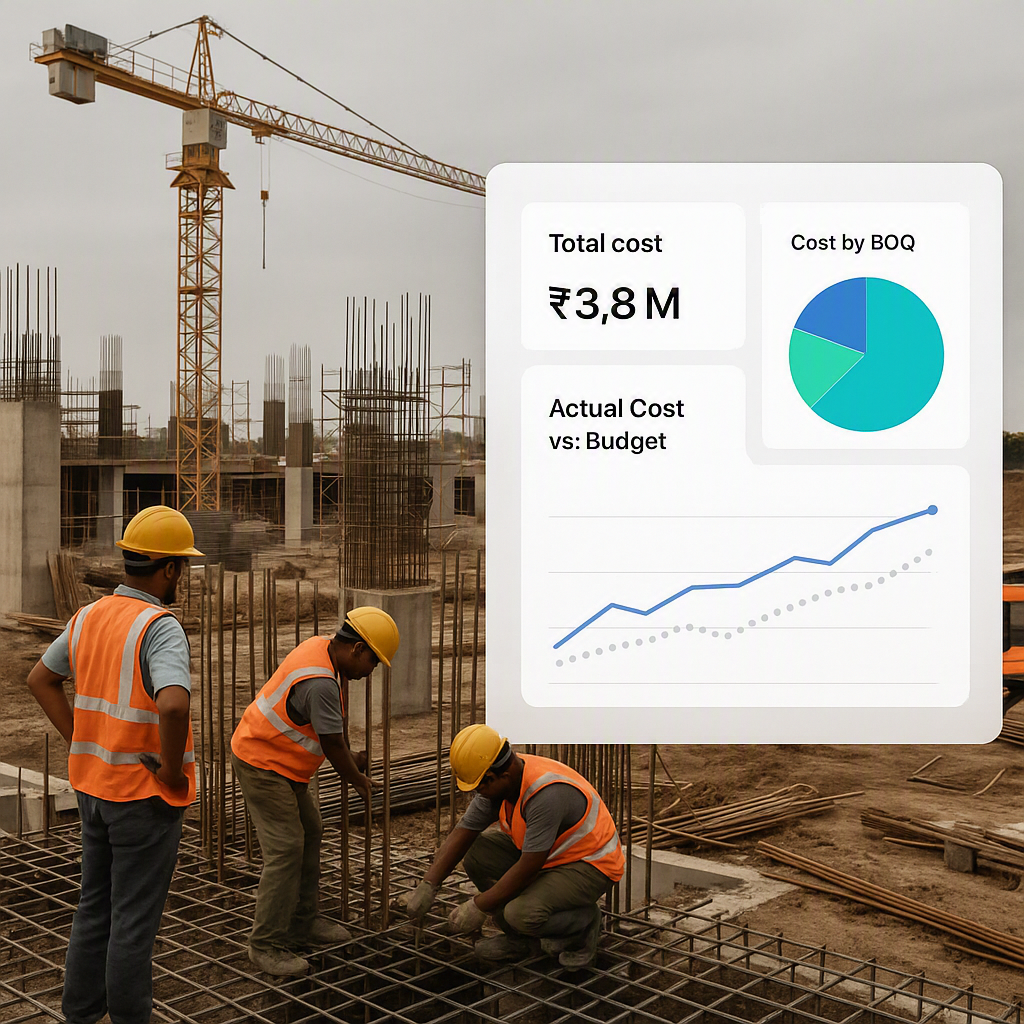
According to a 2023 McKinsey report, construction margin erosion costs companies billions globally every year, with poor estimation practices being a top contributor. Fixing BOQ errors is critical to reversing this trend.
Step-by-Step: How to Use a BOQ PDF for Accurate Project Costing
BOQs are more than just documents to finalize a contract—they’re living tools that should guide your project from start to finish. Here’s how to make the most of your BOQ:
1. Start with the Right Template
Getting the BOQ format correct is the first step. A well-structured template ensures your BOQ is comprehensive and mirrors the client’s requirements. Missing fields like unit of measure or billing rate create room for errors.
Actionable Steps:
- Use industry-standard BOQ templates or software that aligns with your region’s construction norms.
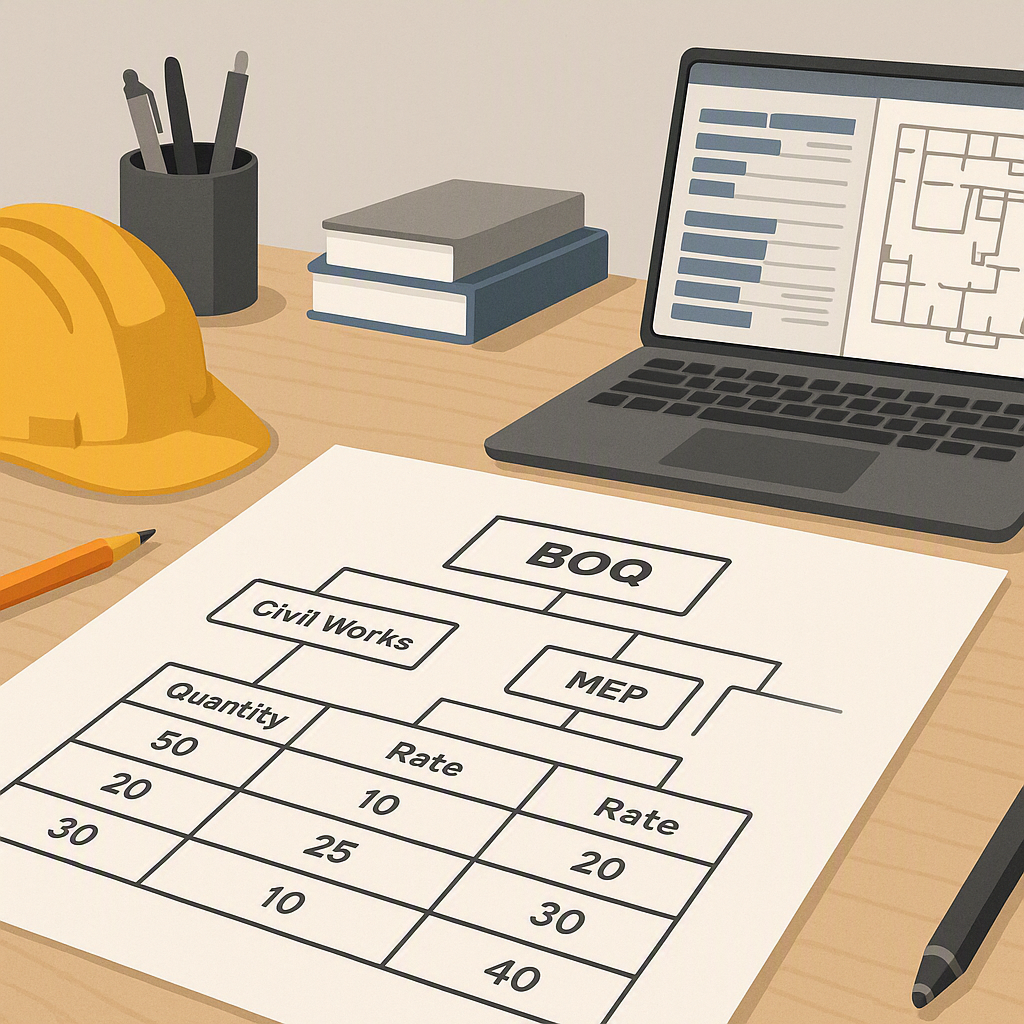
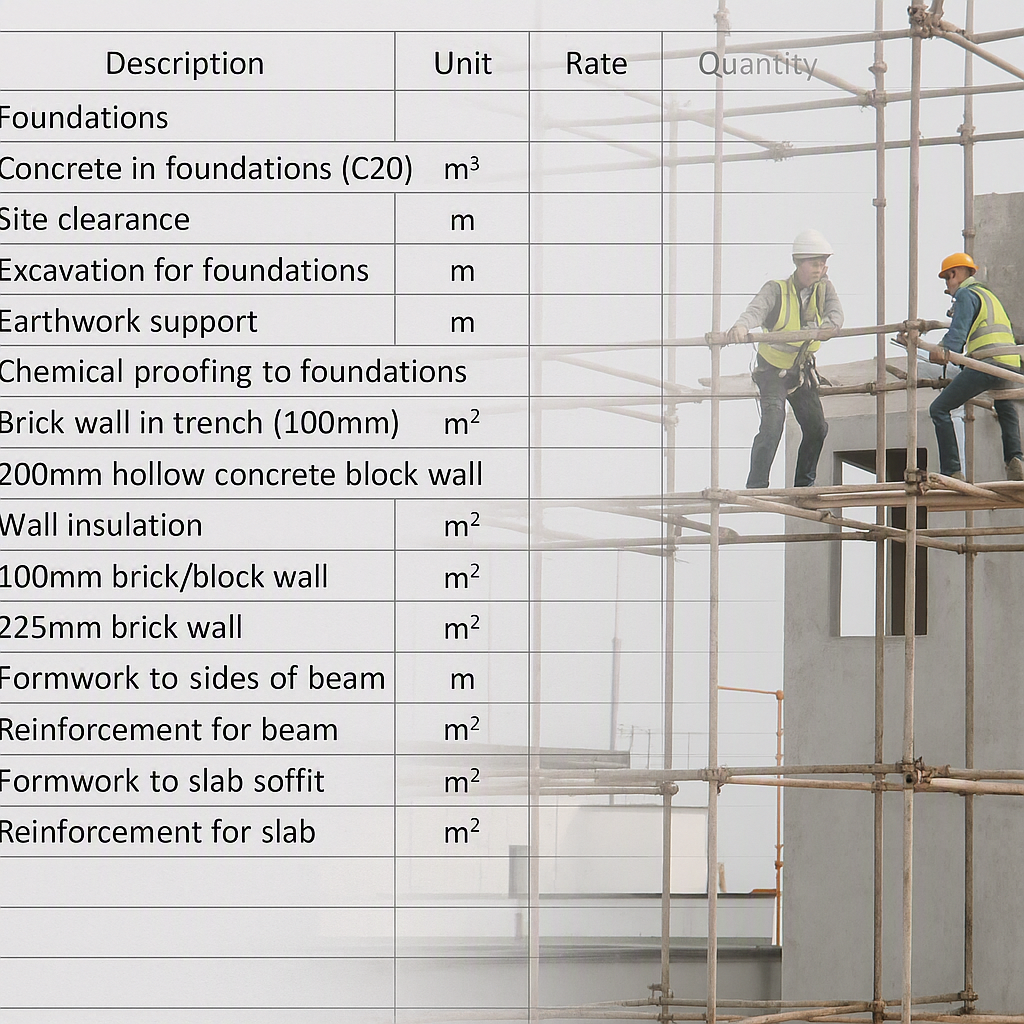
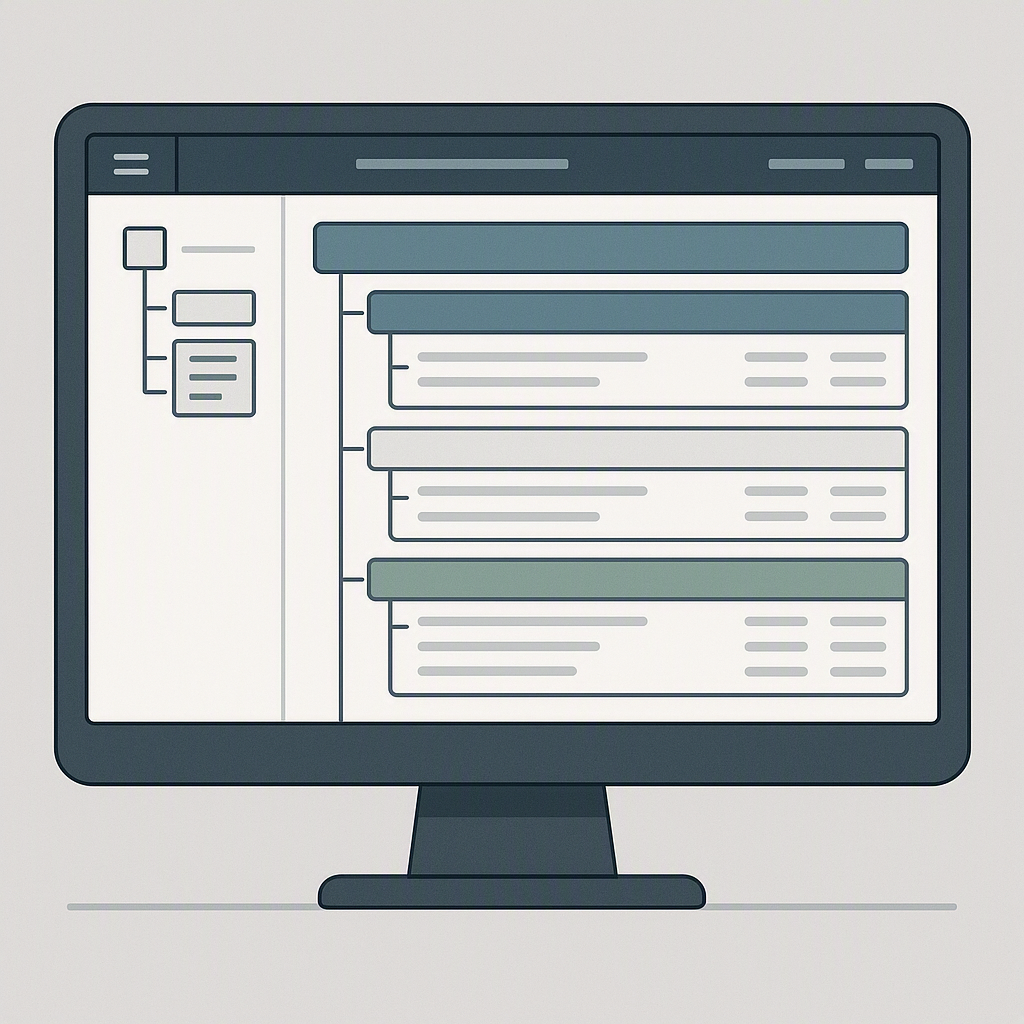
- Organize the BOQ hierarchically. For example, divide it into sections (like Civil Works, Electrical), sub-sections (Foundation, Superstructure), and detailed line items (RCC M25 for foundation, Excavation for foundation).
- Platforms like JobNext automate this process, ensuring nothing is left out.
2. Populate BOQ Items Using WBS Templates
Pre-defined Work Breakdown Structure (WBS) templates save time and reduce errors. These templates allow you to quickly add standard items based on the type of project.
Actionable Steps:
- Create or download WBS templates for common project types (e.g., residential buildings, commercial complexes, MEP services).
- For each project, customize the template to account for unique scope requirements.
- If using software like JobNext, import WBS templates directly into your BOQ to auto-fill default quantities and rates.
3. Validate Your BOQ
Validation ensures all data in the BOQ is accurate and complete. Errors in BOQ uploads can cause major headaches later, especially during progress billing or audits.
Actionable Steps:
- Use software that provides validation tools to flag missing or inconsistent data.
- Cross-check your BOQ against project specifications to ensure alignment.
- Have multiple team members review the BOQ to catch errors you might miss.
Using BOQs for Progress Billing
A BOQ isn’t just a cost estimate—it’s also a tool for tracking progress and generating accurate bills. Here’s how you can use it throughout the project lifecycle:
1. Record Measurements
Document the actual quantities of work completed against each BOQ item. This creates a clear record of progress and ensures accurate billing.
Actionable Steps:
- Conduct weekly site inspections to measure completed work.
- Use measurement sheets to record progress for each BOQ item.
- For large projects, consider using digital tools to track measurements in real time.
2. Approve Measurements
Submit recorded measurements for internal approval. This step ensures the quantities you bill match the work performed and eliminates disputes.
Actionable Steps:
- Establish clear approval workflows within your team.
- Use software to send automated notifications for approval requests.
3. Generate RA Bills
Approved measurements are compiled into Running Account (RA) bills. These bills calculate amounts based on BOQ rates × measured quantities.
Actionable Steps:
- Use a BOQ management platform to automatically generate RA bills from approved measurements.
- Review RA bills with your client to avoid disputes over billing.
Common Mistakes with BOQs
Mistake #1: Skipping Hierarchical Structures
Flat BOQs without sections or sub-sections are harder to manage and lead to missed deliverables.
Solution:
- Use software like JobNext to create hierarchical BOQs.
- Organize items by category and sub-category for easier tracking.
Mistake #2: Incorrect Rates
Outdated rates can lead to significant financial losses.
Solution:
- Regularly update your rate database.
- Use tools like EstimateNext.ai for real-time rate validation.
Mistake #3: Missing Upload Templates
Uploading BOQs without proper templates can lead to data errors.
Solution:
- Always download the latest upload template from your software provider.
- Test uploads with small datasets before submitting final BOQs.
FAQ
Q1: Where can I find a reliable BOQ template?
A: Many contractors use Excel, but platforms like JobNext offer pre-built templates within their operations module. These templates are structured hierarchically and come with validation checks.
Q2: How do I handle stage-wise billing in BOQs?
A: Divide BOQ items into stages (e.g., Foundation 30%, Superstructure 40%, Finishing 30%). Record measurements for each stage and generate stage-specific RA Bills. JobNext automates this process for efficiency.
Q3: Can AI help with BOQ preparation?
A: Absolutely. AI tools like EstimateNext.ai can automate BOQ creation, streamline rate analysis, and reduce errors.
Q4: What’s the best way to reduce BOQ errors?
A: Use a combination of structured templates, automated tools, and thorough review processes. Cross-reference your BOQ with project drawings and specifications, and involve multiple team members in the validation process.
Comparison Table: Manual vs. Automated BOQ Management
| Feature | Manual BOQ Management | Automated BOQ Management (e.g., JobNext) |
|---|---|---|
| Error Rate | High | Low |
| Time Required | Significant | Minimal (with pre-built templates) |
| Rate Updates | Manual and time-consuming | Automatic |
| Progress Billing Accuracy | Prone to errors | High accuracy |
| Collaboration | Limited | Real-time collaboration |
If you're struggling with BOQ management, JobNext can help.
Our platform simplifies BOQ creation, validation, and billing with automation and templates built for contractors like you. Try JobNext today →
Learn more at EstimateNext