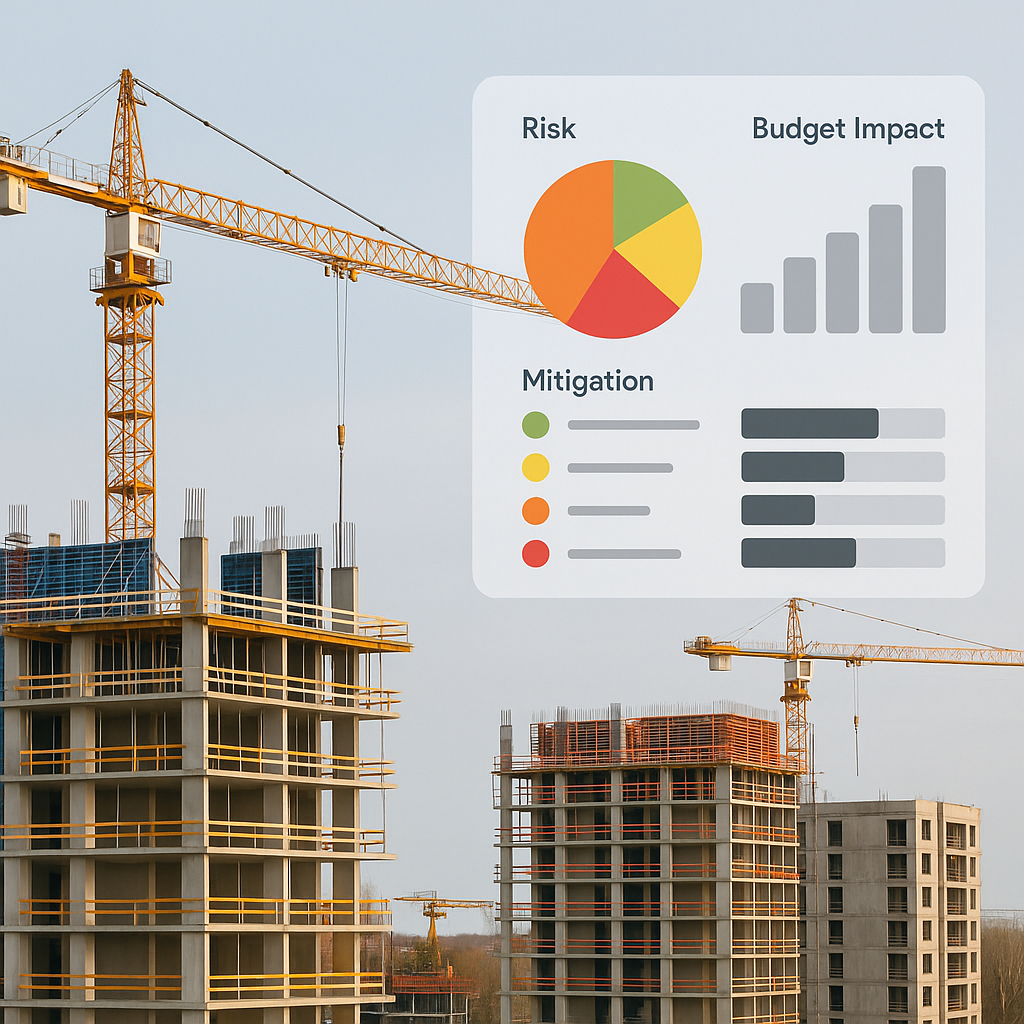
Why Most Risk Registers Don’t Save Margins
Let’s get real—most contractors treat risk registers as a compliance checkbox. A static spreadsheet sits on someone’s desktop, filled out once during preconstruction and forgotten until something goes wrong.
That’s a problem. Why? Because risks aren’t static. They evolve as the project progresses. And if your risk register doesn’t link directly to your estimates, you’re flying blind. Missed risks lead to missed costs, and before you know it, your margins are underwater.
Here’s a scenario I’ve seen too often: A contractor builds a project estimate based on BOQ line items but doesn’t account for potential procurement delays. When steel prices spike mid-project, the team scrambles to adjust. The result? A 12% margin loss on what should’ve been a profitable job.
This is where a dynamic, connected risk register comes in. But first, let’s break down how to build one that actually works.
How to Build a Risk Register That Saves Margins
A proper risk register isn’t just a list of risks. It’s a living document that ties directly to your estimates, budgets, and actuals. Here’s how to set one up step by step:
1. Identify Risks During Estimation
Start with your BOQ and project scope. For each line item, ask:
- What could go wrong here?
- How likely is it?
- What’s the cost impact?
Concrete Example:
Let’s say you’re building a ₹15 Cr residential complex. One BOQ line item is for cement procurement. During estimation, you identify:
- Risk: Cement delivery delays due to seasonal supply chain bottlenecks.
- Likelihood: High (monsoon season increases delays by 30%)
- Cost Impact: ₹2,00,000 per week.
Actionable Steps:
- Review historical data from previous projects.
- Consult suppliers about seasonal delays.
- Use tools like JobNext to tag risks directly to BOQ line items during estimation.
2. Quantify the Impact
Every risk should have a financial value. Use this formula:
Risk Cost = Likelihood (%) × Impact (₹)
Example Calculation:
For the cement delay example:
- Likelihood: 50%
- Impact: ₹2,00,000
- Risk Cost: ₹1,00,000
These numbers feed back into your contingency budget. If you’re estimating manually, this step is easy to skip—but platforms like JobNext prevent that by flagging missing risk costs.
Actionable Steps:
- Use historical data to estimate likelihood percentages.
- Create contingency budgets at both the task and project levels.
- Regularly revisit these numbers during project execution to refine accuracy.
3. Assign Owners for Each Risk
Risks without owners are risks you’ll forget. Assign each risk to someone on the team and set review checkpoints.
Example:
- Cement delivery delays → Procurement Manager
- Weekly review → Monday 9 AM
Actionable Steps:
- Create a clear accountability matrix for risks.
- Use scheduling software to automate reminders for risk reviews.
- Ensure risk owners have the authority to implement mitigation measures.
4. Tie Risks to Estimates and Procurement
Here’s the critical step most contractors miss: linking your risk register to your project estimate. If a risk materializes, you need to see its impact on project costs immediately.
Example:
Platforms like JobNext track this automatically. For example, if steel prices rise beyond your estimate, JobNext flags the variance and updates your procurement budgets in real-time.
Actionable Steps:
- Invest in software that integrates estimates, procurement, and risk registers.
- Train your team to use these tools effectively.
- Build workflows that flag risks and adjust budgets dynamically.
5. Monitor Risks Weekly
Risks change. What wasn’t a problem in week 1 might become a crisis in week 6. Review your risk register weekly and update it with:
- New risks identified on-site.
- Changes in likelihood or impact.
- Mitigation actions taken.
Example:
JobNext simplifies this with automated alerts and dashboards that highlight high-risk areas.
Actionable Steps:
- Schedule weekly risk reviews with all stakeholders.
- Track risk trends using dashboards.
- Document lessons learned from risks materializing and feed them back into future risk registers.
Expanded Example: Cement Shortage Risk
Let’s say you’re managing a ₹10 Cr commercial project. During estimation, you identify a high likelihood of cement shortages due to supplier issues. Here’s how you’d handle it:
Step-by-Step Breakdown:
- Risk Identified: Cement shortage → ₹5,00,000 impact.
- Mitigation Plan: Secure a secondary supplier.
- Owner: Procurement Manager.
- Budget Impact: Add ₹50,000 to contingency budget (10% of impact).
Scenario During Execution:
Your primary supplier delays a shipment by 7 days. Because this risk was logged, JobNext flags the issue and adjusts your procurement budget automatically. You avoid a ₹2,00,000 overrun by activating your secondary supplier.
Lessons Learned:
- Proactive Planning: Identifying risks early saves margins.
- Dynamic Systems: Automated tools prevent manual errors.
- Secondary Options: Always have backup plans for critical risks.
Comparison Table: Static vs Dynamic Risk Registers
| Feature | Static Risk Register | Dynamic Risk Register |
|---|---|---|
| Updates During Execution | Rarely updated | Weekly updates with automated alerts |
| Integration with Budgets | Manual calculations | Linked to budgets and procurement |
| Risk Ownership | Often unclear | Clear accountability matrix |
| Margin Impact | High risk of erosion | Controlled through proactive tracking |
| Ease of Use | Time-consuming | Automated workflows |
FAQ
1. What’s the biggest mistake contractors make with risk registers?
Treating them as static documents. Risks evolve, and your register needs to be updated weekly to reflect new site conditions, procurement issues, or unforeseen changes.
2. How much contingency should I budget for risks?
It varies, but 5-10% of the project cost is common. Use your risk register to justify the exact number based on quantified risks.
3. Can I use Excel for a risk register?
You can, but it’s limited. Excel doesn’t link risks to estimates, budgets, or actuals. Tools like JobNext do.
4. How often should I review risks?
Weekly reviews are ideal. Risks can change rapidly as projects progress, especially in dynamic environments with fluctuating prices or supplier issues.
5. What software tools are best for risk management?
Platforms like JobNext, Procore, and Buildertrend integrate risk registers with estimates, budgets, and procurement workflows, making them far superior to manual systems.
Call to Action
If you’re tired of losing margins to poorly managed risks, JobNext can help. With real-time risk tracking and automated budget updates, you’ll always stay ahead of problems. Get started free →
Learn more at EstimateNext


