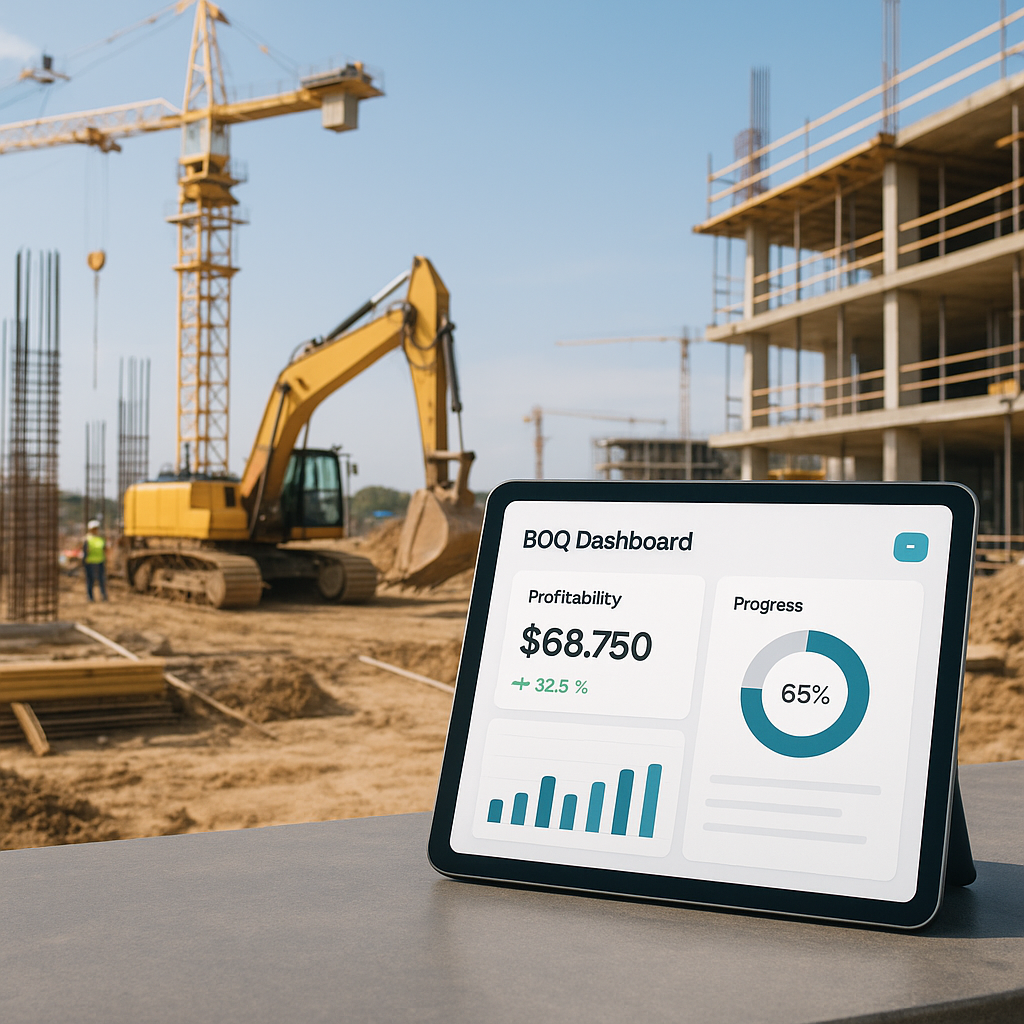
Why Your BOQ Isn’t Just a Document
If you’re treating your BOQ as a one-time preconstruction exercise, you’re missing out on its full potential. The Bill of Quantities (BOQ) is more than a list of deliverables—it’s the backbone of your project’s financial health. When set up properly, it provides visibility into which parts of your job are profitable, which are losing money, and where course corrections are needed.
However, many contractors create their BOQ, lock it in, and only revisit it at the project’s end. By then, it’s often too late to address issues like scope creep, procurement overruns, or labor inefficiencies.
The Key Feature: BOQ Margin Tracking
This is where tools like 'My BOQ' in JobNext can make a difference. The tool isn’t just about organizing line items—it actively tracks profitability by analyzing each BOQ item’s contracted value against actual costs. Here’s how it works:
-
BOQ Hierarchy: BOQs are structured as a hierarchy of groups and items (e.g., Civil Works → Excavation → 500 CUM @ 120/CUM). This structure simplifies categorization, tracking, and reporting.
-
Cost Breakdown: Each BOQ item is linked to its corresponding scope, enabling real-time tracking of costs across labor, materials, plant, and subcontractors. For instance, if excavation costs increase due to unforeseen ground conditions, the dashboard flags this as a negative-margin item.
-
Profitability Insights: The BOQ Margin Report compares contracted values with execution costs. If a BOQ item shows a negative margin, it signals the need for immediate action. This could involve revisiting material estimates, renegotiating subcontractor rates, or adjusting labor allocations.
Illustrative Example — Excavation Cost Overrun
Let’s say your BOQ includes a line item for excavation:
| Item Code | Description | Unit | Quantity | Rate (AED) | Total Cost (AED) |
|---|---|---|---|---|---|
| CW-001 | Excavation | CUM | 500 | 120 | 60,000 |
Initially, everything appears on track. However, mid-project, your actual costs for this BOQ item rise to AED 75,000 due to higher-than-expected machinery rental costs and labor inefficiencies. Without a system like JobNext, this overrun might go unnoticed until the project’s end.
With 'My BOQ', the BOQ Margin Report flags this item in real time, showing a negative margin. This allows you to take corrective actions such as:
- Negotiating better rates with machinery vendors.
- Adjusting labor allocation to reduce overtime.
- Reassessing progress billing to maintain cash flow.
Why Real-Time Tracking Matters
A 2023 McKinsey report highlighted that a significant percentage of construction projects suffer from cost overruns, often due to poor tracking of project margins. Real-time tracking tools like the BOQ Margin Report help eliminate this blind spot by providing actionable insights at the BOQ item level.
Common Challenges and How 'My BOQ' Solves Them
1. Manual Errors in BOQ Creation Many contractors still rely on Excel for BOQ management, which is prone to human error. A single mistake in a rate or quantity column can skew your entire profitability forecast.
Solution: JobNext allows you to import BOQs directly from Excel but ensures the data is validated against predefined templates. This minimizes errors from the start.
2. Scope Creep Untracked changes to project scope can wreak havoc on your margins.
Solution: By linking BOQ items to scopes and WBS (Work Breakdown Structure), 'My BOQ' ensures every client deliverable is tied to an internal execution plan. This makes it easier to track scope changes and variation orders.
3. Lack of Visibility Without real-time tracking, you’re flying blind. By the time you realize you’re over budget, it’s often too late.
Solution: The BOQ dashboard in JobNext provides live updates on cost variances, budget consumption, and progress. It’s like having a financial health monitor for your project.
Actionable Steps to Get Started
- Audit Your Current BOQ Workflow: Are you tracking actual costs against the BOQ? If not, you’re missing critical data.
- Standardize Your BOQ Structure: Use a hierarchical format (Group → Item) to make tracking easier.
- Leverage Tools Like JobNext: Features like BOQ Margin Reports and scope-to-BOQ linking can save you hours of manual effort and prevent costly mistakes.
FAQ
Q: Can I use 'My BOQ' for smaller projects? A: Absolutely. While it’s designed for complex jobs, the functionality scales down for smaller projects as well.
Q: How do I handle provisional quantities in 'My BOQ'? A: Provisional quantities can be tagged separately to avoid mixing them with final quantities. This ensures accurate tracking.
Q: What’s the learning curve for implementing JobNext? A: The platform is intuitive, with built-in templates and guides. Most teams get up to speed within weeks.
Final Thoughts
Your BOQ isn’t just a preconstruction tool—it’s a profitability tracker, a scope guardian, and a margin protector. Tools like JobNext’s 'My BOQ' ensure you’re not just delivering projects but delivering them profitably.
If you're ready to improve your profitability tracking, explore tools like JobNext to make your BOQ work harder for you.
Learn more at EstimateNext


