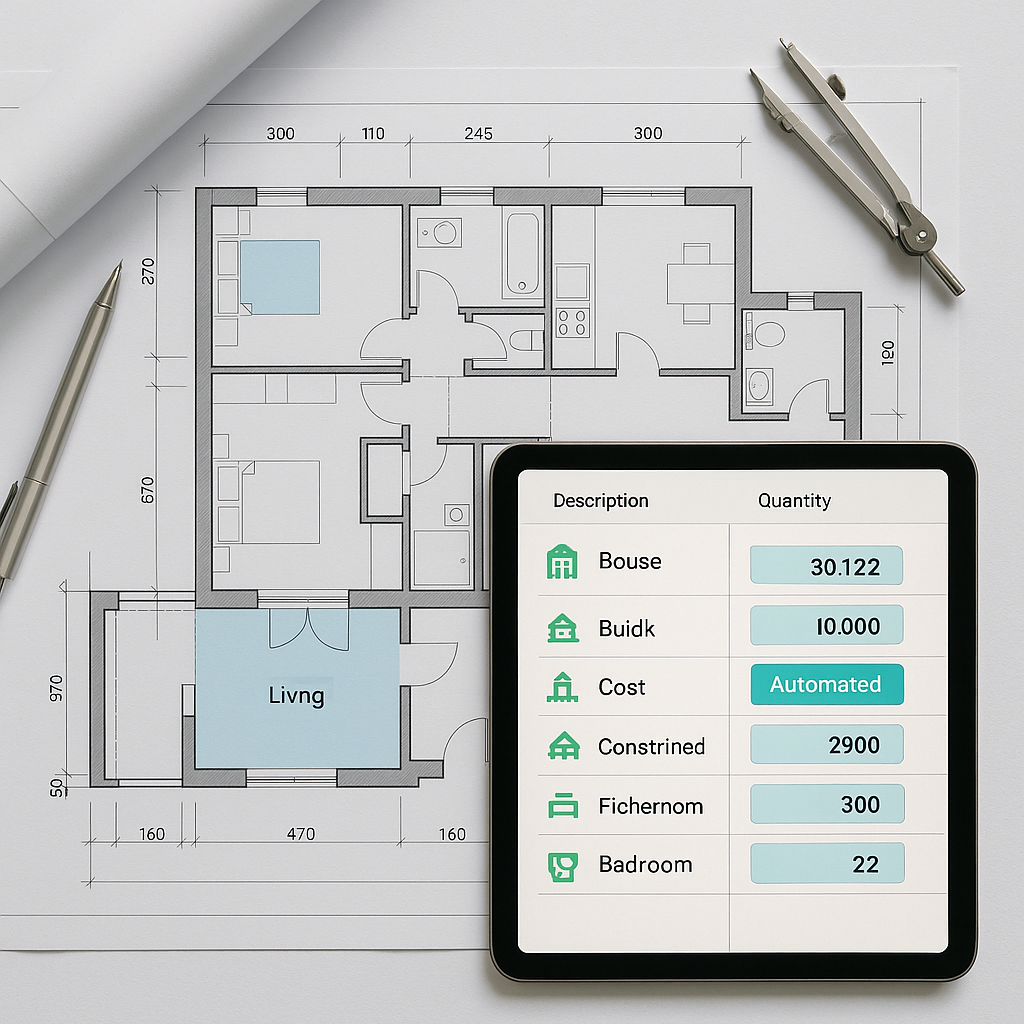
Manual Takeoffs Are Killing Margins
If you've ever had to manually measure quantities from blueprints, you know the pain. Hours of staring at drawings, converting units, and double-checking measurements — and yet, errors still creep in. Missed items, incorrect quantities, or simply underestimating labor costs can destroy your project margins before you even break ground.
Takeoffs are the foundation of every estimate. If your quantities are wrong, it doesn’t matter how sharp your rates are — the whole bid is jeopardized. So why are so many contractors still relying on outdated methods?
The Hidden Cost of Manual Takeoffs
Manual takeoffs require significant time and effort, including:
- Reviewing drawings
- Counting materials
- Cross-checking specs
- Entering data into spreadsheets or estimating software
This process is not only time-consuming but also prone to errors. According to a 2023 McKinsey report, rework due to estimation errors can account for a significant percentage of total project costs. That’s money straight out of your pocket.
How iBeam AI Transforms Takeoffs
iBeam AI automates the most tedious parts of construction takeoffs. Here’s how it works:
-
Blueprint Recognition: Upload your blueprints (PDFs, CAD files, or scanned drawings). iBeam’s AI scans for dimensions, materials, and annotations.
-
Automated Quantity Extraction: The software identifies items like walls, beams, windows, or piping and calculates quantities automatically. No more manual counting.
-
Error Reduction: iBeam flags discrepancies between BOQs and drawings, so you catch issues early.
BOQ Integration with JobNext
If you’re using JobNext, this process becomes even smoother. JobNext’s preconstruction module integrates directly with AI tools like iBeam. Once your quantities are extracted, they’re automatically mapped to BOQ line items.
Illustrative example — here’s how the process might look:
- Step 1: Create a new enquiry in JobNext and upload your BOQ.
- Step 2: Use iBeam AI to extract quantities from your blueprints.
- Step 3: JobNext auto-populates the BOQ with these quantities, linking them to resource rates from your central library.
This eliminates the back-and-forth between drawings and your estimating software. You’re left with a consistent, accurate estimate every time.
For more on how AI-powered tools streamline preconstruction, check out this guide on EstimateNext.
Common Mistakes to Avoid
Even with AI, there are pitfalls to watch for:
- Relying Solely on Defaults: AI tools can misinterpret symbols or annotations. Always verify critical dimensions.
- Ignoring Updates: If the client sends revised drawings, make sure to rerun the takeoff. Outdated quantities can derail your bid.
- Skipping the Reconciliation Step: Cross-check extracted quantities against your BOQ to ensure nothing’s missing.
FAQs
1. Can iBeam AI handle complex projects like MEP or interiors? Yes, iBeam AI is designed to recognize detailed components like ductwork, piping, and finishes. Just ensure your drawings are clear and well-annotated.
2. How accurate is iBeam AI? While AI tools can significantly reduce errors, human review is still essential for final QA.
3. Does JobNext support multi-currency bids? Absolutely. JobNext’s preconstruction module supports multi-currency quoting, which is particularly useful for contractors working in GCC markets.
Conclusion
Manual takeoffs are outdated, error-prone, and expensive. Tools like iBeam AI not only save time but also protect your margins by improving accuracy. And when combined with JobNext’s seamless BOQ integration, you can streamline your entire preconstruction workflow.
If you’re tired of wasting hours on manual takeoffs, it’s time to upgrade your process. Get started with JobNext →
Learn more at EstimateNext


