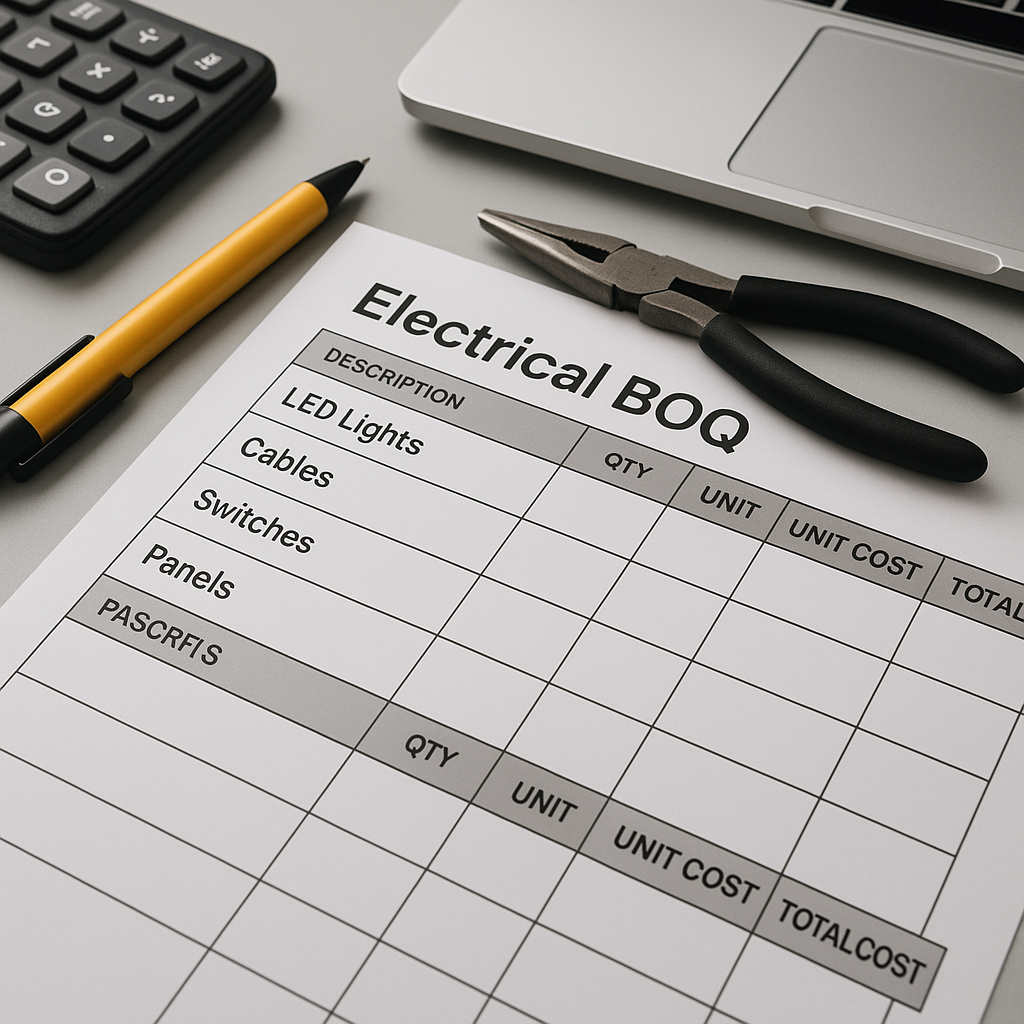
Electrical BOQ Format: Practical Examples for Small & Mid-Size Contractors
Margins in electrical contracting are thin—sometimes painfully so. One error in your BOQ can cascade into lost revenue, delayed payments, or even project disputes. Yet, many contractors still rely on outdated formats or guesswork, leaving themselves vulnerable to inefficiencies and financial risks. Let’s explore how to avoid these pitfalls and create practical, actionable BOQs tailored for small to mid-size contractors.
Why Electrical BOQs Are Critical
An electrical BOQ (Bill of Quantities) isn’t just a list of materials and rates—it defines your scope of work, drives your procurement plan, and ensures accurate billing. A poorly prepared BOQ can lead to significant challenges:
- Over- or under-ordered materials: This results in wasted costs, storage issues, or project delays.
- Scope creep: Unaccounted work sneaks in, cutting into your margins.
- Disputes: Unclear or incomplete BOQs leave room for payment delays and client dissatisfaction.
The Role of BOQs in Project Success
To appreciate the importance of an effective BOQ, consider a commercial project requiring a complete electrical fit-out. Without a detailed BOQ:
- You might order 500 meters of copper cable instead of the required 700 meters, delaying installation.
- Missing items like distribution boards could lead to urgent, high-cost procurements.
- Invoicing disputes might arise if the scope of work isn’t explicitly defined.
A detailed, accurate BOQ prevents these issues, aligning all stakeholders—from procurement teams to clients—on the defined scope and costs.
A Sample Electrical BOQ Format (Excel)
Here’s a simple Excel BOQ format you can adapt for residential buildings, small commercial projects, or facility upgrades. Each column has a specific purpose:
| Item Code | Description | Unit | Quantity | Rate | Amount |
|---|---|---|---|---|---|
| EL001 | LED Downlight (12W) | Nos | 25 | ₹450 | ₹11,250 |
| EL002 | 3-Core Copper Cable (2.5 sqmm) | Mtr | 100 | ₹55 | ₹5,500 |
| EL003 | Modular Switches | Nos | 30 | ₹120 | ₹3,600 |
| EL004 | Distribution Board (4-way) | Nos | 1 | ₹3,200 | ₹3,200 |
Key Components of a BOQ Format
- Item Code: A unique identifier for each item, ensuring clarity during procurement or billing.
- Description: A detailed explanation of the item, including specifications, brand, or model where necessary.
- Unit of Measurement (UOM): Standardized units, such as Nos (numbers), Mtr (meters), or Set, to remove ambiguity.
- Quantity: The exact amount required for the project.
- Rate: Cost per unit of measurement.
- Amount: Calculated by multiplying the quantity by the rate.
Example: Residential Apartment BOQ (Expanded)
| Item Code | Description | Unit | Quantity | Rate | Amount |
|---|---|---|---|---|---|
| EL005 | Ceiling Fan | Nos | 10 | ₹1,800 | ₹18,000 |
| EL006 | PVC Conduits (25mm) | Mtr | 150 | ₹35 | ₹5,250 |
| EL007 | RCCB (Residual Current Circuit Breaker) | Nos | 2 | ₹2,500 | ₹5,000 |
| EL008 | Smart Home Controller | Nos | 1 | ₹12,000 | ₹12,000 |
Common Mistakes in Electrical BOQs (And How to Fix Them)
1. Missing Units of Measurement (UOM)
Without consistent UOMs, your BOQ becomes prone to misinterpretation. For instance, is the copper cable priced per meter, per roll, or per kilogram? Vendors may interpret it differently, leading to costly errors.
How to Fix It:
- Standardize UOMs for clarity (e.g., Nos, Mtr, Set, Lot, etc.).
- Include a UOM legend or glossary in your BOQ for complex projects.
Example: If you’re sourcing copper cable, specify:
- UOM: Mtr (meters)
- Description: 3-Core Copper Cable, 2.5 sqmm insulation
2. Ignoring Rate Analysis
Relying on rates from previous projects or market assumptions can backfire. Material costs, labor rates, and location-specific factors can vary significantly.
How to Fix It:
- Conduct a fresh rate analysis for each project, considering material, labor, and plant costs.
- Use rate libraries or tools like JobNext to pull updated rates directly into your BOQ.
- Cross-check rates with vendors to ensure accuracy.
3. No Hierarchical Structure
Flat BOQs lump all items together, making it hard to track progress or understand scope. This increases the risk of missing items during procurement or billing.
How to Fix It:
- Group items under logical sections like Lighting, Wiring, and Panels.
- Use subcategories for larger projects, such as Indoor Lighting and Outdoor Lighting under Lighting.
Example:
Lighting
- LED Downlight (12W)
- LED Tube Light (18W)
Wiring
- Copper Cable (2.5 sqmm)
- Copper Cable (4 sqmm)
Panels
- DB (4-way)
- Main Panel Board
How JobNext Solves These Problems
Creating BOQs manually is time-consuming and error-prone. JobNext simplifies the process with tools designed for contractors.
1. Excel BOQ Upload
JobNext allows you to upload client-provided BOQs directly in Excel format. This eliminates the need for manual data entry and reduces errors. Their pre-built templates, like BOQFormat.xlsx, are a great starting point.
2. Stage-Wise BOQs
For milestone-based projects, JobNext lets you split BOQ items into delivery phases. This ensures billing aligns with project progress, reducing disputes.
| Stage Name | Stage Percent | Notes |
|---|---|---|
| Foundation | 30% | Excavation complete |
| Superstructure | 40% | RCC for columns poured |
| Finishing | 30% | Wiring installation |
3. Rate Consistency with WBS Libraries
JobNext uses a centrally managed Work Breakdown Structure (WBS) library with detailed rate breakdowns. This ensures consistency across projects and simplifies cost tracking.
Real-World Impact
A mid-size contractor in Pune reported losing ₹3-5 lakh per project due to poorly structured BOQs. After switching to JobNext:
- BOQ preparation time dropped by 60%.
- Scope creep was eliminated by uploading client-provided BOQs directly.
- Billing accuracy improved with stage-wise BOQs.
FAQ: Electrical BOQs
Q1: What’s the best format for residential electrical BOQs? A hierarchical format works best. Organize items under clear sections like Lighting, Wiring, Panels, etc. Include detailed descriptions, standardized UOMs, and accurate rates.
Q2: How do I avoid disputes over BOQs? Use tools like JobNext to validate BOQs before execution. Ensure client-provided BOQs are uploaded directly, and confirm scope alignment during project kickoff meetings.
Q3: Can BOQs handle milestone-based billing? Yes. Tools like JobNext allow you to split BOQs into stages aligned with project milestones. This ensures billing transparency.
Q4: How often should I update rate analyses for BOQs? Rates should be updated for every new project. Material and labor costs fluctuate, so relying on outdated rates can lead to inaccuracies.
Q5: Are there tools other than Excel for BOQ preparation? Yes. JobNext, Zoho Projects, and MS Project are excellent tools that go beyond Excel, offering advanced features like rate libraries, phase-wise tracking, and reporting.
Comparison Table: Manual BOQs vs. JobNext BOQs
| Feature | Manual BOQs | JobNext BOQs |
|---|---|---|
| Data Entry | Manual, prone to errors | Automated Excel upload |
| Rate Updates | Manual | Centralized rate library |
| Stage-Wise BOQs | Difficult | Built-in feature |
| Scope Creep Prevention | High risk | Low risk with scope validation |
| Time Required | 3-4 hours per BOQ | ~1 hour per BOQ |
Call to Action
If you’re dealing with BOQ preparation headaches or struggling with billing accuracy, JobNext can transform your process. Try JobNext for free →
Learn more at EstimateNext


