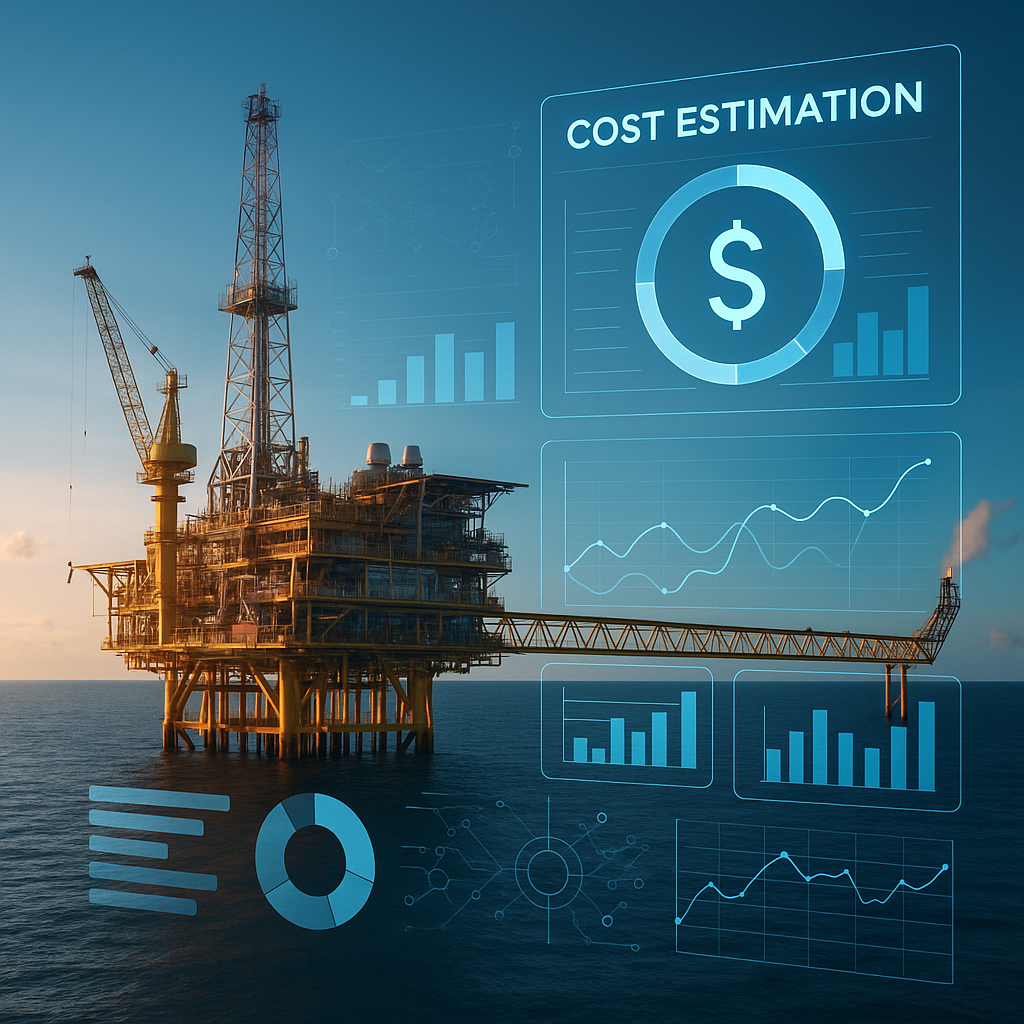
Oil and Gas Cost Estimating Software: Accurate CAPEX/OPEX Starts Here
Oil and gas projects are complex. From exploration to production, every phase is a financial puzzle. Miss a piece—whether it’s a miscalculated equipment cost or overlooked labor hours—and you’re dealing with budget overruns that can cripple profitability. CAPEX (Capital Expenditure) and OPEX (Operational Expenditure) require precise estimating tools to stay on track.
Here’s the brutal truth: spreadsheets aren’t cutting it anymore. They’re slow, error-prone, and disjointed. Modern oil and gas projects need software tailored for the job. Let’s break down how oil and gas cost estimating software—tools like JobNext—can help.
The Problem: Why Traditional Estimating Fails in Oil and Gas
Estimating for oil and gas is a different beast. Why? Because the margin for error is razor-thin. Project scopes range from drilling rigs to refineries, each with unique cost structures. And with fluctuating material prices, labor rates, and equipment utilization, static tools like Excel or disconnected systems don’t stand a chance.
Key Challenges in Traditional Estimating
- Untracked Equipment Costs: A single drilling rig sitting idle for a week can cost millions. If you’re not tracking utilization and cost-per-hour, you’re bleeding cash.
- Underestimated Overheads: Overhead categories like environmental compliance, safety measures, and insurance are often underestimated—or worse—omitted.
- Inaccurate Resource Allocation: Without precise allocation of labor, materials, and subcontractor costs, you’re flying blind.
- Budget Variance Black Holes: The inability to compare actual costs to estimates in real-time means overspending is caught too late.
The fallout? These missteps don’t just hit profitability—they erode trust with stakeholders. Investors, regulators, and project teams rely on accurate estimates to make decisions. When these fail, reputations suffer.
The Solution: Modern Tools for CAPEX and OPEX Estimation
This is where oil and gas cost estimating software comes into play. A tool like JobNext provides a structured, data-driven approach to CAPEX and OPEX estimation. Let’s walk through how it works—and why it works.
1. Accurate Initial Estimates
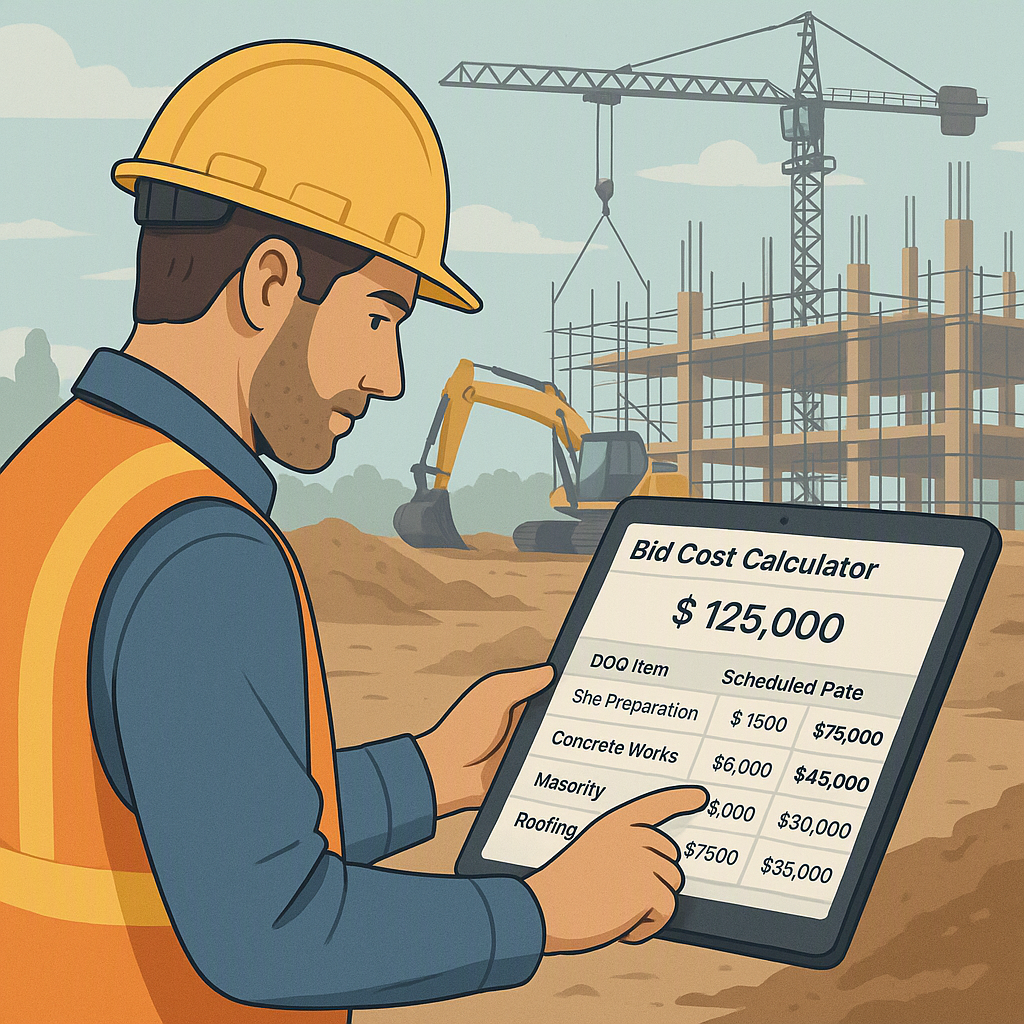
CAPEX often starts with the FEED (Front-End Engineering Design) stage. This is where your first estimates for materials, labor, and equipment are built. JobNext simplifies this with a detailed estimate workflow:
- Break Down Project Scopes: Create an estimate for each project scope, breaking it into clear categories: Labor, Material, Machine, Subcontractor, and Overhead.
- Leverage Historical Data: Use historical data or scheduled rates to populate line items. For instance, if you’ve previously rented a drilling rig for ₹15,000/hour, the system automatically suggests this rate for your new estimate.
- Factor in Waste Percentages: Apply waste percentages (e.g., 5% for materials) to account for real-world inefficiencies like cutting losses or logistics challenges.
- Approval Workflows: Submit the estimate for approval. Once approved, it becomes the official budget. During execution, all actual costs are tracked against this baseline.
Actionable Steps for Better Estimates:
- Analyze Historical Data: Always compare costs from previous projects. If material costs spiked last year, account for potential fluctuations this year.
- Include Contingencies: Add a buffer to each category to cover unforeseen expenses.
- Standardize Categories: Create a consistent template for your estimates to avoid missing critical cost items.
Why it works: Estimates drive everything downstream—from procurement budgets to work order limits. EstimateNext.ai highlights how AI-powered tools enhance preconstruction estimation by reducing manual errors and automating takeoffs. These principles apply directly to oil and gas.
2. Real-Time Budget Tracking
Oil and gas projects often face scope changes. Without real-time tracking, adjusting your budget mid-project is like trying to steer a ship without a rudder. JobNext addresses this:
- Track Spending: Monitor costs against your approved estimate. For example, if the budgeted cost for labor on a specific scope was ₹50 lakhs, and actual costs hit ₹55 lakhs, you’ll get an immediate alert.
- Resource Reconciliation: Resource reconciliation reports compare actual versus budgeted costs for each category, highlighting variances. If machine costs exceed projections, you can identify the issue—whether it’s overuse, higher fuel costs, or unplanned downtime.
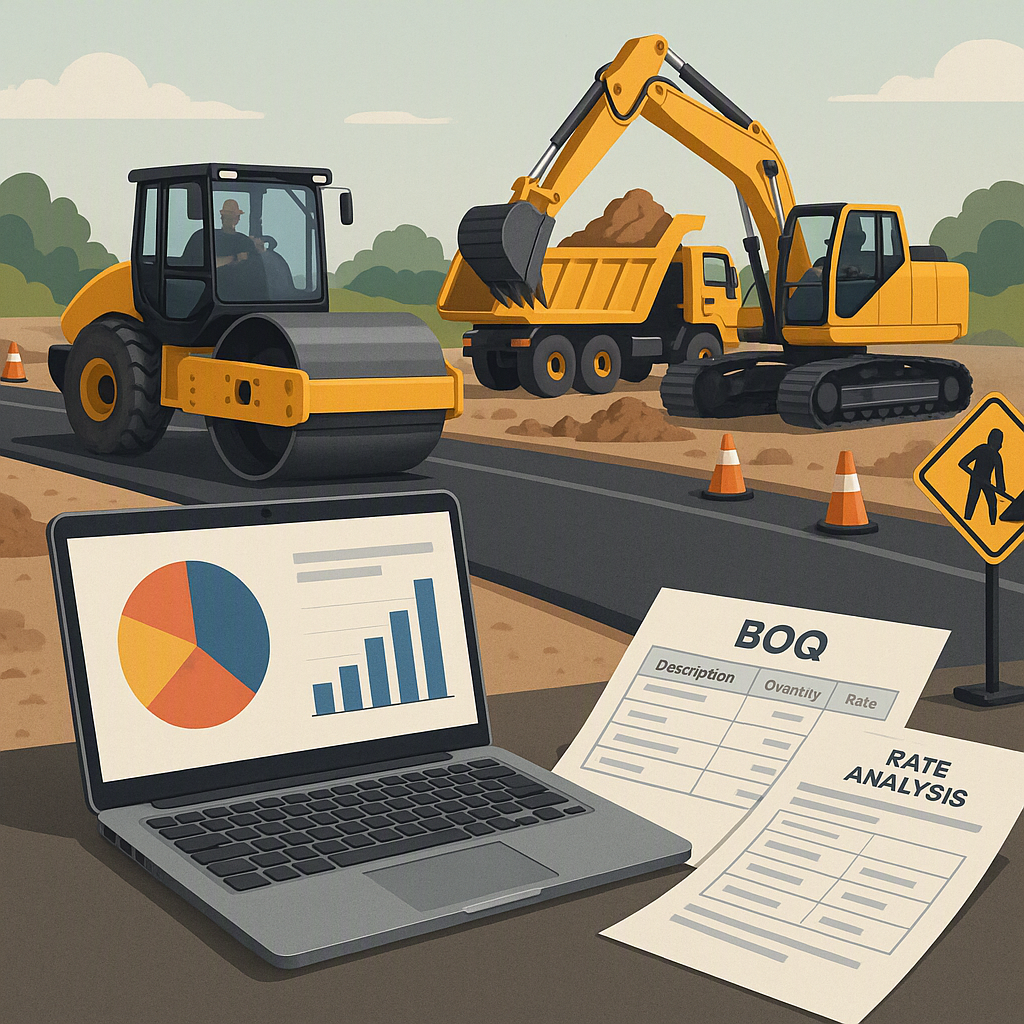
- BOQ Rate Analysis: Analyze multiple cost dimensions for each line item: quoted rate, billing rate, scheduled rate, budgeted rate, and actual cost rate.
Actionable Steps for Budget Tracking:
- Set Automatic Alerts: Use software to flag cost overruns as they happen.
- Regular Reconciliations: Schedule weekly or monthly reconciliations to ensure discrepancies are caught early.
- Use Dashboards: Visual dashboards make it easier to spot trends and identify problem areas.
Why it works: You can’t manage what you don’t measure. Real-time visibility into budget performance ensures you’re not blindsided by unexpected costs.
3. Equipment Cost Allocation and Tracking
Equipment is a major cost driver in oil and gas. Whether it’s drilling machines, compressors, or cranes, poor utilization can wreck your budget. JobNext’s equipment and plant management module solves this:
- Monitor Machine Costs: Track machine cost per hour and fuel consumption in real-time.
- Allocate Costs Across Projects: Split equipment costs across multiple projects using percentage-based distribution. For example, if a rig is shared between two sites, you can allocate its cost 60-40.
- Automate Depreciation: Calculate depreciation and integrate journal entries directly into your General Ledger.
- Track Transfers: Manage equipment transfers between sites with a 7-step approval process to ensure accountability.
Actionable Steps for Equipment Tracking:
- Use Utilization Metrics: Monitor utilization rates to identify underperforming assets.
- Evaluate Rent vs. Buy: Use historical cost data to decide whether to rent or purchase equipment.
- Enforce Accountability: Implement approval processes for equipment movement to prevent misuse.
Why it works: According to JobNext documentation, equipment underutilization is a silent margin killer. By tracking utilization and costs, you can make data-driven decisions—like whether to rent, buy, or idle equipment.
4. Scenario Planning for OPEX
Operational costs in oil and gas are notoriously volatile. Maintenance, fuel, and consumables can fluctuate based on market conditions. JobNext’s scenario planning tools help:
- Run Cost Scenarios: Test multiple cost assumptions during the FEED stage. For example, what happens if fuel prices rise 20% mid-project?
- Validate Assumptions: Use historical data and industry benchmarks to ensure your estimates are realistic.
- Adjust Dynamically: Submit revised budgets for approval as conditions change. Each revision creates an immutable record for accountability.
Actionable Steps for OPEX Planning:
- Factor in Price Volatility: Research trends in fuel, labor, and materials to anticipate fluctuations.
- Use Benchmarks: Compare your assumptions against industry benchmarks to avoid underestimating costs.
- Build Contingency Scenarios: Always prepare for worst-case scenarios.
Why it works: Being prepared for worst-case scenarios keeps your project on track, even when external factors change.
Common Mistakes in Oil and Gas Estimating
- Ignoring Historical Data: Past projects hold valuable insights. Use them.
- Overlooking Indirect Costs: Always account for permitting, compliance, and contingencies.
- Underestimating Risk: Build in buffers for price volatility and unforeseen delays.
- Using Disconnected Systems: Integrated platforms like JobNext eliminate data silos.
FAQs
1. What’s the difference between CAPEX and OPEX?
CAPEX refers to upfront capital costs (e.g., equipment, infrastructure). OPEX covers ongoing operational costs (e.g., fuel, maintenance).
2. How does JobNext help with cost control?
By providing real-time budget tracking, resource reconciliation, and equipment cost allocation.
3. Can I use it for small projects?
Yes. The same tools that streamline large projects also work for smaller budgets.
4. How do I choose between renting and buying equipment?
Evaluate utilization rates, historical costs, and project timelines. If the equipment will be used heavily and across multiple projects, purchasing might be more cost-effective.
5. Can software handle regulatory compliance costs?
Yes. Tools like JobNext allow you to create detailed line items for compliance costs, ensuring nothing is overlooked.
Comparison Table: Traditional Tools vs. JobNext
| Feature | Spreadsheets | JobNext |
|---|---|---|
| Real-Time Tracking | No | Yes |
| Historical Data Integration | Manual | Automated |
| Equipment Cost Allocation | Limited | Advanced |
| Scenario Planning | Manual and Time-Consuming | Dynamic and Automated |
| Error Reduction | High Risk | Low Risk |
If you’re struggling with cost overruns in your oil and gas projects, JobNext can help. Learn more here →
Learn more at EstimateNext