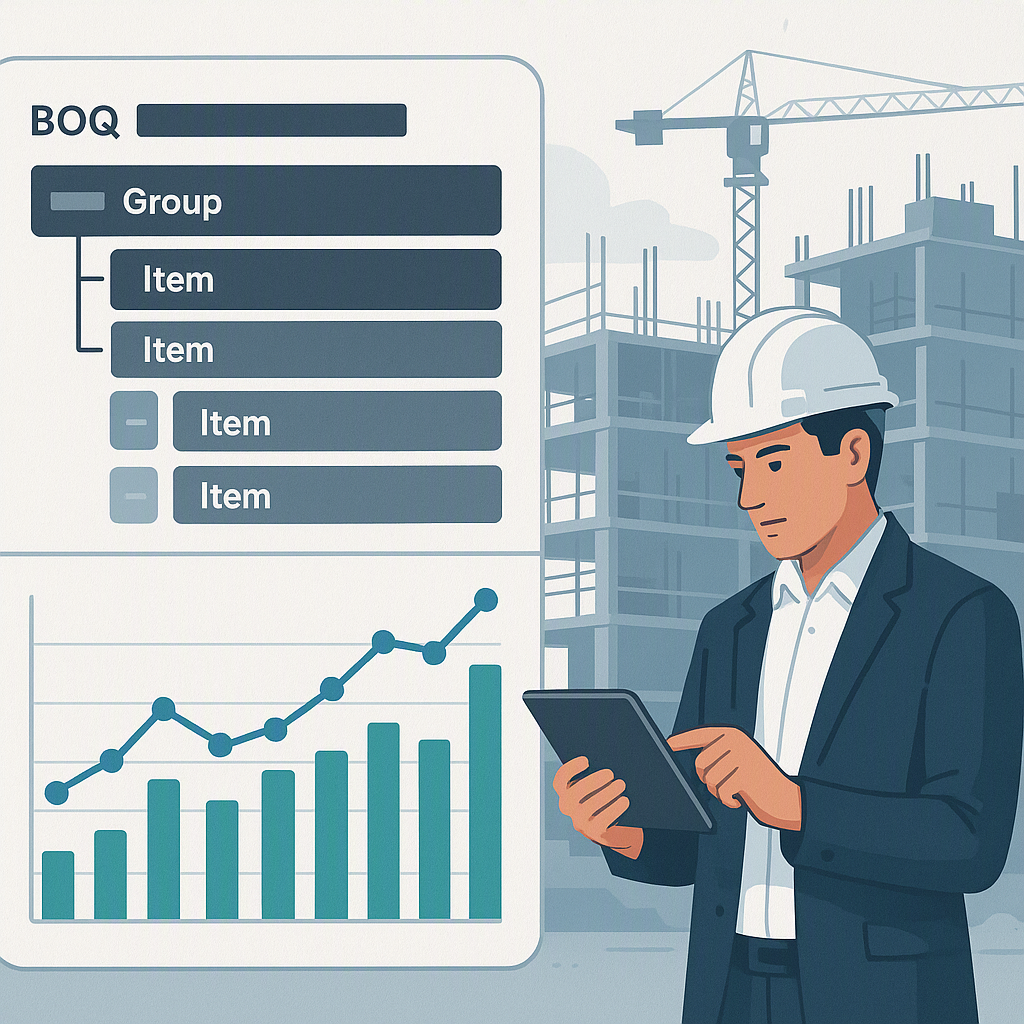
Why the BOQ Is a Contractor’s Lifeline
If you’ve ever underestimated a project’s cost because your Bill of Quantities (BOQ) was a mess, you’re not alone. It happens all the time, and the consequences are brutal: lost margins, disputes with clients, and even project delays.
The Importance of a BOQ
A BOQ is more than just a list of items with estimated costs. It’s the backbone of project planning and execution. Every line item in your BOQ has financial, operational, and contractual implications. When it’s done right, a BOQ ensures:
- Clear Communication: It defines what’s included in the project scope, leaving no room for confusion.
- Accurate Costing: It lays out quantities and rates, helping contractors understand the project’s financial requirements.
- Progress Tracking: A well-structured BOQ can map deliverables and milestones, ensuring that you’re always on track.
- Dispute Prevention: Clarity in your BOQ reduces the risk of disagreements over scope, costs, or deliverables.
But if your BOQ is riddled with mistakes—vague descriptions, outdated rates, or missing details—it can cause chaos. Clients will lose trust, payments will be delayed, and your margins will evaporate.
I learned this the hard way during a client dispute in early 2023. We thought we had the project scoped perfectly. The client thought otherwise. The BOQ we provided was incomplete and vague, leading to conflicting expectations. Resolving the dispute was time-consuming and stressful, and it taught me a valuable lesson: a sloppy BOQ can destroy your reputation and your profits.
So, how do you make sure your BOQ is bulletproof? Here's a detailed guide.
Step-by-Step: Building a BOQ Template That Works
1. Define the Scope Clearly
This is the foundation of your BOQ. Each deliverable must be detailed and explicit. Vague descriptions are the enemy—they lead to misunderstandings, disputes, and untrackable progress.
Actionable Steps:
- Break down each deliverable into smaller components. For example, if you’re quoting for an HVAC system, don’t just write “HVAC installation.” Include items such as:
- Ductwork
- Chillers
- Insulation
- Air handling units
- Use hierarchical organization to group related items under sections and sub-sections. This mimics the client’s structure or your internal execution plan.
- Use tools like JobNext or similar ERP platforms to create and manage hierarchical BOQs, ensuring no deliverable falls through the cracks.
Bonus Tip:
If you’re working with subcontractors, make sure their scope aligns perfectly with your BOQ. Include their deliverables in your master BOQ to avoid gaps or overlaps in scope.
2. Use Units of Measure (UOM) That Match Execution
A BOQ isn’t just a list—it’s a measurement document. Each item needs a clear Unit of Measure (UOM), like square meters for flooring or cubic meters for concrete. Inconsistent or incorrect UOMs create confusion during procurement, execution, and billing.
Actionable Steps:
- Standardize your UOMs for common items across all projects. Reference industry standards, such as those from ISO or local construction authorities, to ensure consistency.
- For custom items, ask clients to provide their preferred UOM format. Import their BOQs into your system directly.
- Platforms like JobNext provide libraries of pre-defined scope items with default UOMs based on industry standards. Leverage these tools to save time and ensure accuracy.
Comparison Example:
| Item | Incorrect UOM | Correct UOM | Impact |
|---|---|---|---|
| Concrete Works | Tons | Cubic meters | Confusion during billing |
| Steel Reinforcement | Meters | Kilograms | Difficulty in procurement |
| Flooring Installation | Units | Square meters | Inaccurate material orders |
3. Include Rates That Reflect Real Costs
Rates are the heart of the BOQ. If they’re outdated, generic, or incorrect, you’re either losing money or pricing yourself out of work. Accurate rates require research, benchmarking, and sometimes negotiation.
Actionable Steps:
- Use historical data from previous projects to benchmark rates. If you’re new to estimating, industry publications or platforms like EstimateNext can help you compare rates.
- Factor in market conditions, labor costs, and material pricing when setting rates. For example:
- Labor costs may vary regionally.
- Material costs fluctuate based on supply chain disruptions.
- Use software tools to automate rate comparisons and ensure accuracy. For example, EstimateNext simplifies rate matching by pulling data from industry benchmarks and historical projects.
Bonus Tip:
Create a habit of updating rates annually or whenever market conditions change drastically. Outdated rates can cause significant financial losses.
4. Account for Stages and Milestones
For phased projects, divide BOQ items into stages or milestones. This helps you track progress and bill clients incrementally.
Actionable Steps:
- Break down large deliverables like “Concrete Works” into stages, such as:
- Foundation (30%)
- Structure (40%)
- Finishing (30%)
- Assign percentage allocations to each stage. Ensure the total allocation adds up to 100%.
- Use project management tools like JobNext to validate percentage allocations automatically.
5. Format for Clarity
A messy BOQ leads to misunderstandings. Use a structured format with consistent columns for item codes, descriptions, UOMs, rates, quantities, and amounts.
Illustrative Example:
| Item Code | Description | UOM | Quantity | Rate (₹) | Amount (₹) |
|---|---|---|---|---|---|
| CW-001 | Concrete Works | Cubic m | 100 | 5,000 | 500,000 |
| CW-002 | Foundation Stage 1 | Cubic m | 30 | 5,000 | 150,000 |
| CW-003 | Structure Stage 2 | Cubic m | 40 | 5,000 | 200,000 |
| CW-004 | Finishing Stage 3 | Cubic m | 30 | 5,000 | 150,000 |
Common Tools to Use:
- Excel templates: Download structured BOQ templates for clarity.
- ERP platforms: Use systems like JobNext for seamless uploads and validations.
Common Mistakes in BOQ Preparation
1. Ignoring Client-Specific Requirements
Not matching the client’s format or terminology can cause delays in approvals and disputes.
2. Overcomplicating the Structure
Including unnecessary details or complex hierarchies confuses the team.
3. Failing to Update Templates
Rates and UOMs change over time. Using outdated templates can lead to inaccurate estimates.
4. Skipping Error Validation
A single typo in quantities or amounts can create massive discrepancies.
FAQ
1. What’s the difference between a BOQ and a scope of work?
A BOQ lists specific items with quantities, UOMs, and rates. A scope of work describes how your team plans to execute those items.
2. Can I reuse one BOQ template for all projects?
Not always. While you can reuse a BOQ template for similar projects, you’ll need to adapt it for custom work, especially the rates and UOMs.
3. How do I handle variations in the BOQ?
Use a system that tracks changes and links them to contracts. Platforms like JobNext allow you to transition new BOQs to a "CONTRACTED" state for billing.
4. How do I prevent disputes over BOQs?
Clarity is key. Use detailed descriptions, accurate rates, and formats that match client preferences.
5. What’s the best way to update BOQ templates?
Download fresh templates from your ERP system whenever possible. Systems like JobNext validate uploads and flag mismatches before they cause issues.
Final Thoughts
Creating a BOQ template isn’t glamorous, but it’s essential for successful construction projects. A well-prepared BOQ can save time, prevent disputes, and protect your margins. If BOQ errors are costing your projects, tools like JobNext can help ensure accuracy, consistency, and progress tracking from start to finish.
Learn more at EstimateNext